
Blender AI: AI-Powered 3D Modeling in Blender
AI tools for Blender 3D artists. Generate models from text, automate workflows, and accelerate your creative process with AI-powered plugins.
Need plan details first? View pricing.
Join 13,400+ artists from companies and universities including







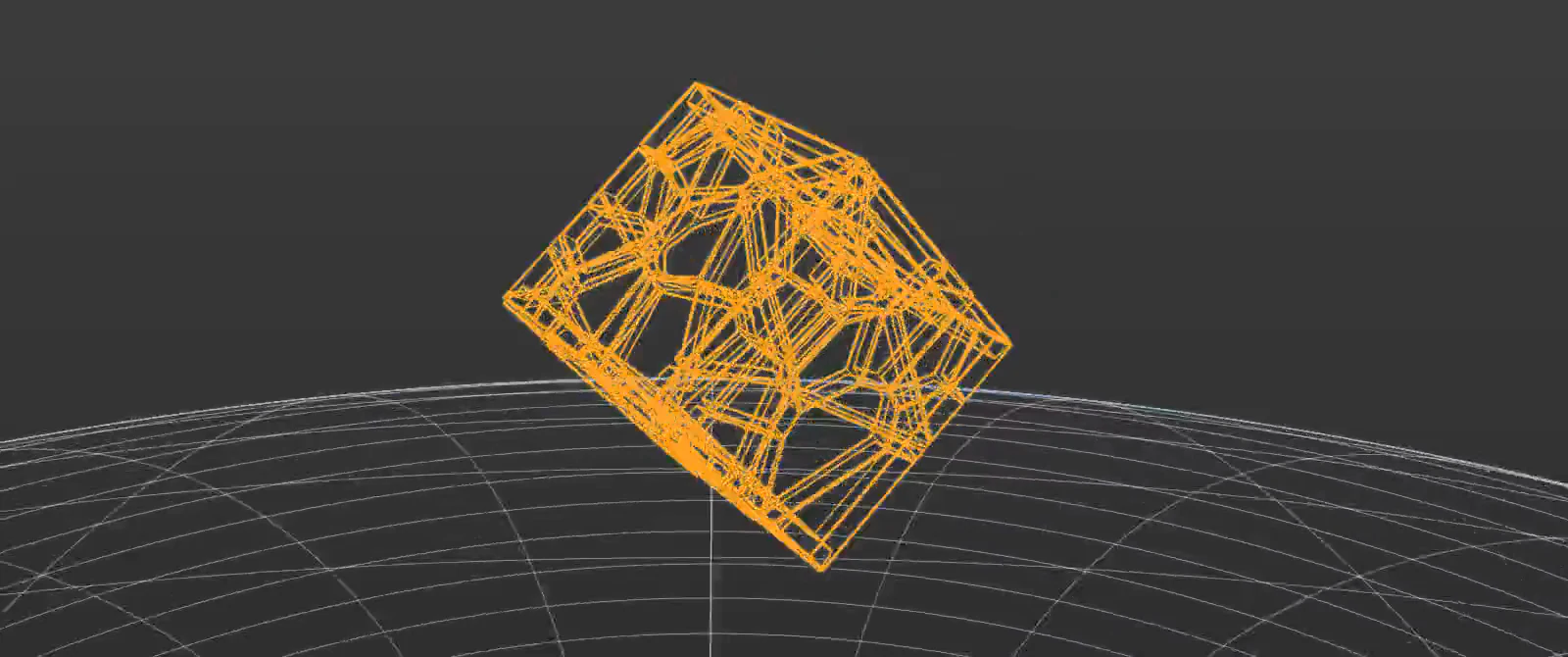
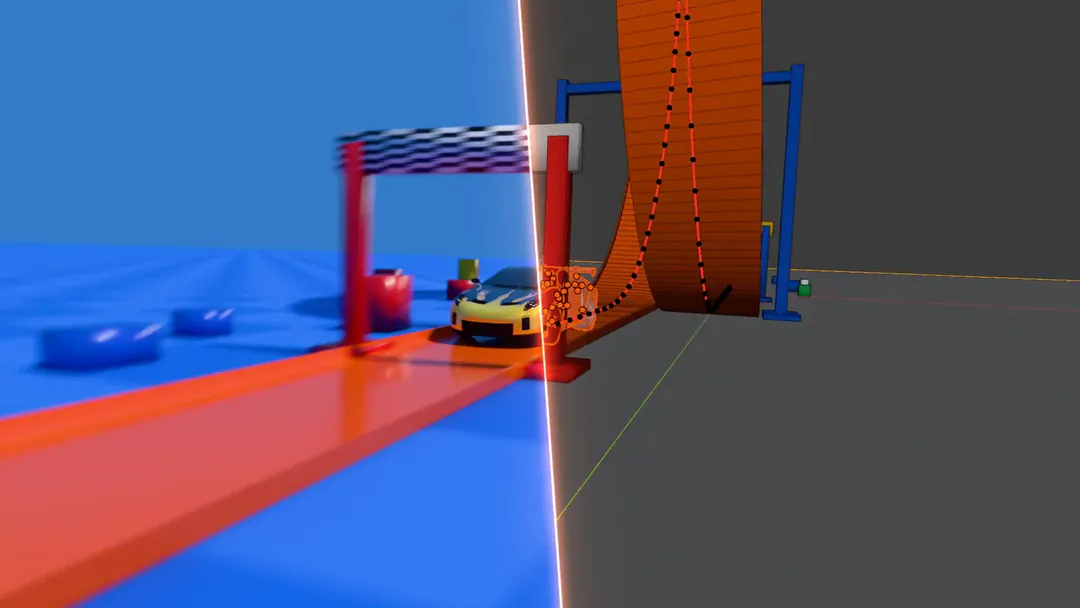
The Entity, the Odd Terrain soldier, a villa, a car chase, the 3D-Agent GT and the AGENT75 keyboard, one after another. The round window shows each one's Blender layer under the picture: its wireframe, her mesh and skeleton, Blender's mesh view or its Blender blockout. Move the window with the pointer, a finger or the arrow keys. Click the picture, or a name, to go to the next piece.
Made with 3D-Agent
Six projects. Look inside each one.
A sci-fi film, a rigged soldier, a villa, a chase from its blockout, a coupe and a keyboard. The window shows each one's real Blender layer, frame for frame. Move it anywhere.
The Product
3D-Agent: Purpose-Built for Blender
The only AI that works inside your Blender workspace.
 Blender render
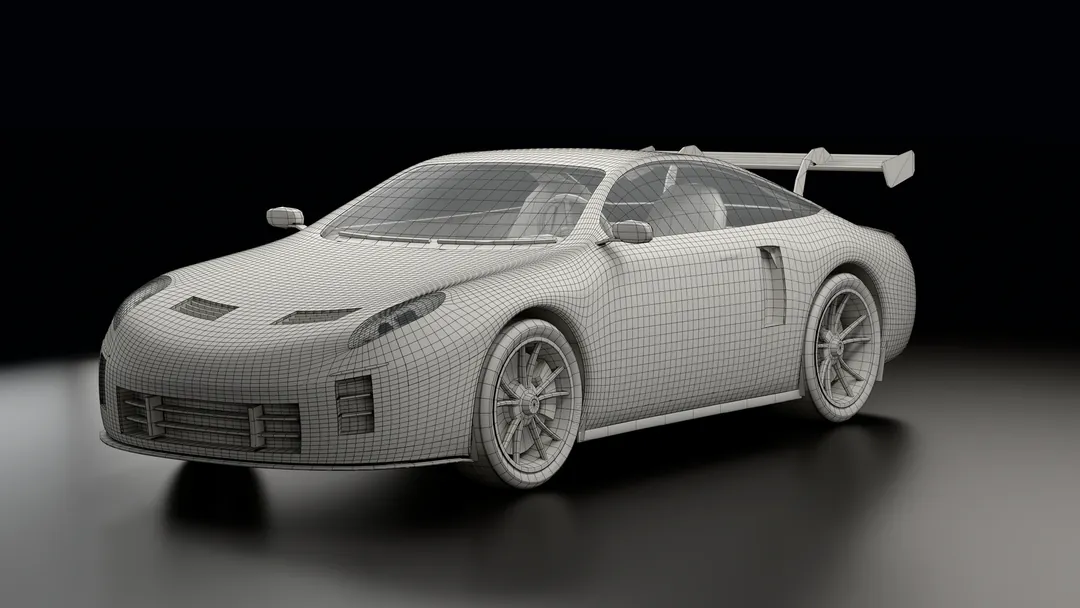 Wireframe
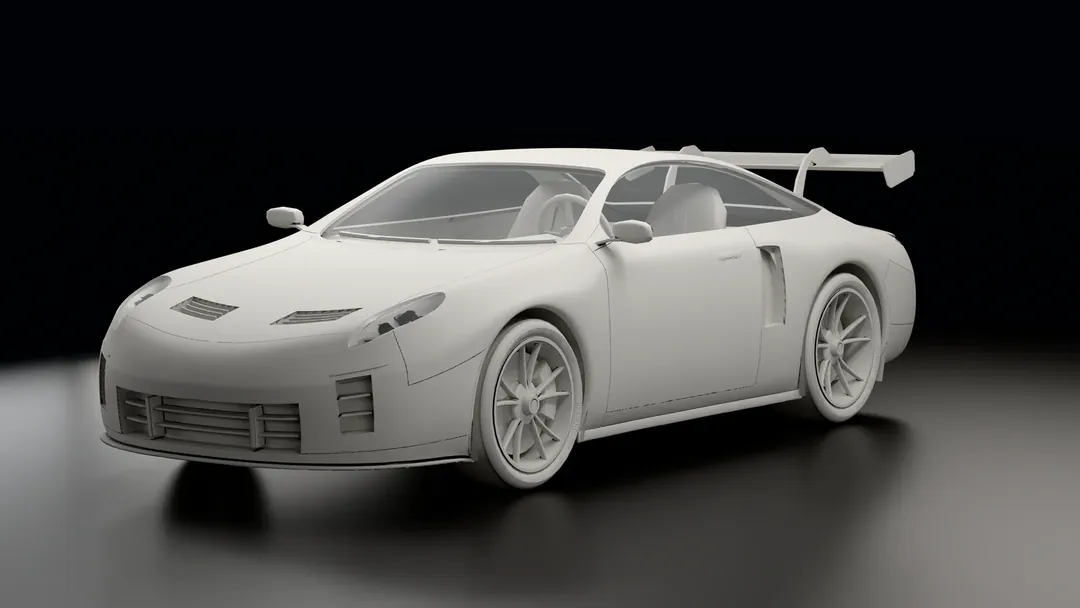 Clay
Clay3D-Agent was built specifically for Blender artists who want AI power without leaving their workflow. Unlike web-based generators that require constant export/import cycles, 3D-Agent operates directly inside Blender.
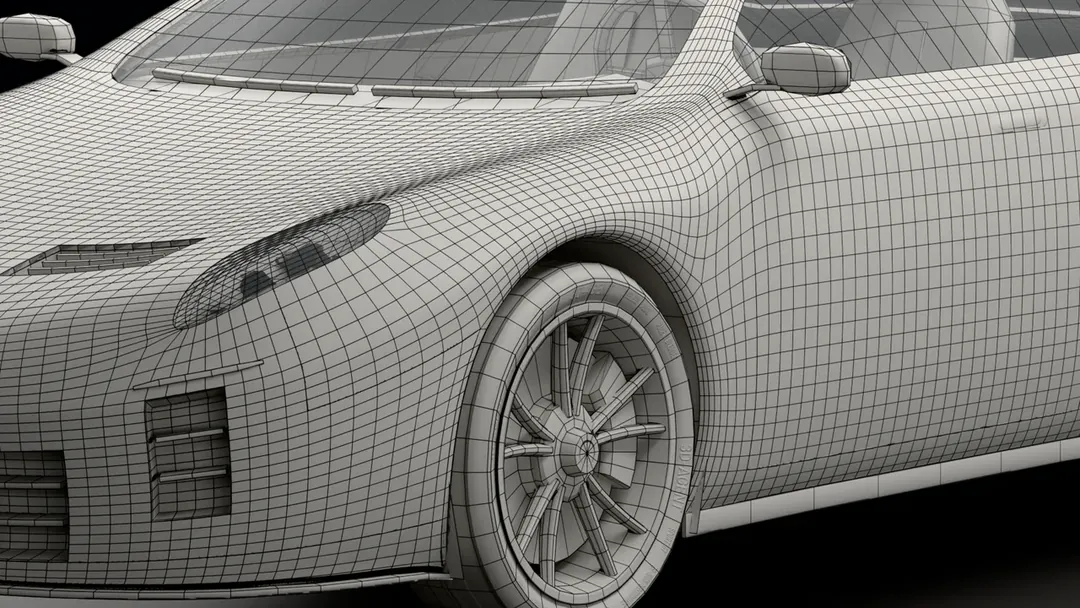
Describe what you want in plain English. 3D-Agent generates the model, places it in your scene, and you're ready to refine. No file juggling, no format conversions, no workflow interruption. Plus, because AI uses Blender's native modeling tools, you get clean topology — not the messy wireframes typical of external AI generators.
Native Blender Integration
Works inside Blender — no external tools or browser tabs.
Clean Topology
Animation-ready geometry using native Blender tools.
Text-to-3D Generation
Describe your model in natural language.
No Add-on Setup
Installs its own Blender extension. No API key.
What is Blender AI?
Blender AI refers to artificial intelligence tools and plugins that extend the open-source Blender 3D suite. They generate models from text, automate texturing and rigging, and let AI assistants like Claude control Blender directly through the Model Context Protocol, compressing hours of manual work into seconds.
Key capabilities
- Text-to-3D generation: describe a model in plain language and have AI build geometry inside Blender.
- AI texturing and materials: produce PBR textures and UV maps automatically from the active mesh.
- Automated rigging and animation: skeletons, retargeting, and keyframe interpolation handled by AI.
- AI assistant inside Blender: a Blender AI can control the app on your behalf for basic and advanced operations, run renders, suggest materials or layout changes, build geometry node networks from a prompt, and execute Blender Python so you stay on creative direction.
How AI works inside Blender today
Blender ships no AI model of its own; its official Lab MCP Server (Blender 5.1 or later) lets outside AI clients control it. Beyond that, AI in Blender lives in third-party addons that hook into Blender's Python API. Some run inference locally, some call hosted models, and a growing group connects Blender to AI assistants like Claude through Model Context Protocol servers so the assistant can read your scene and execute operations directly.
Integration usually takes one of three shapes.
- A panel-based addon adds buttons to the Blender sidebar for text-to-3D, texturing, or rigging.
- A bridge addon syncs scene data to a web tool and re-imports the result as a mesh.
- An MCP-based agent lets a chat assistant run Blender Python on your behalf, control modifier stacks, set up lights, and build geometry node networks from a prompt.
Each shape trades off speed, control, and how much you stay inside Blender.
For artists new to AI in Blender, the practical entry points are text-to-3D for blocking, AI texturing for surface passes, and an MCP agent for the in-app tasks you would otherwise script by hand. AI-generated meshes still need topology review before subdivision or rigging, and rendering remains a Cycles or EEVEE job rather than an AI step today.
Following the Blender Foundation's May 2026 AI usage post, we re-verified the tool list and integration patterns below. Last reviewed October 2026.
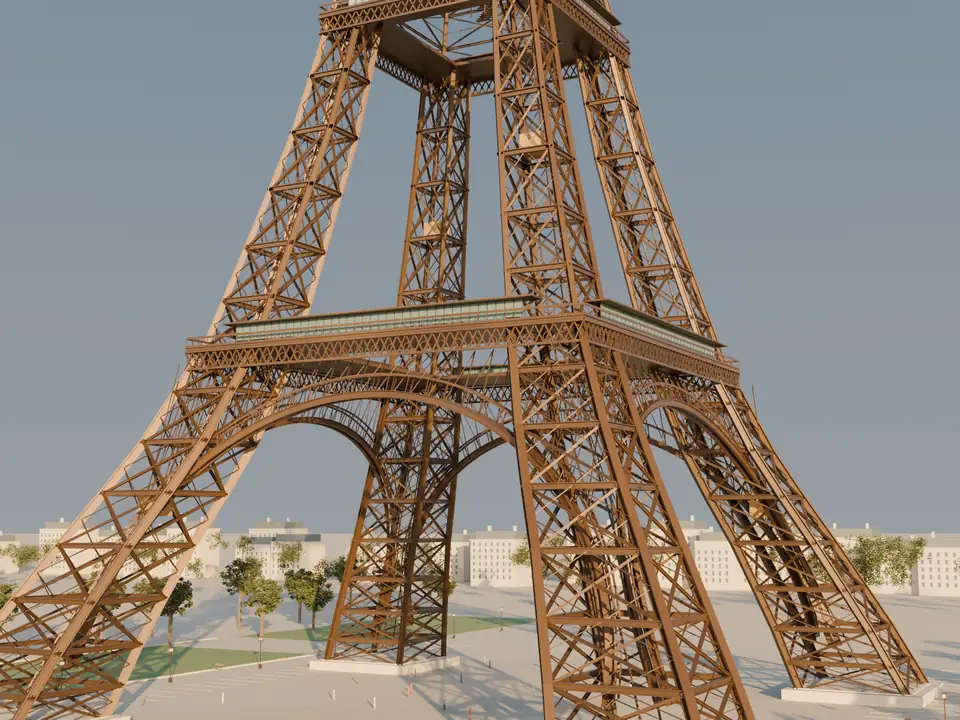
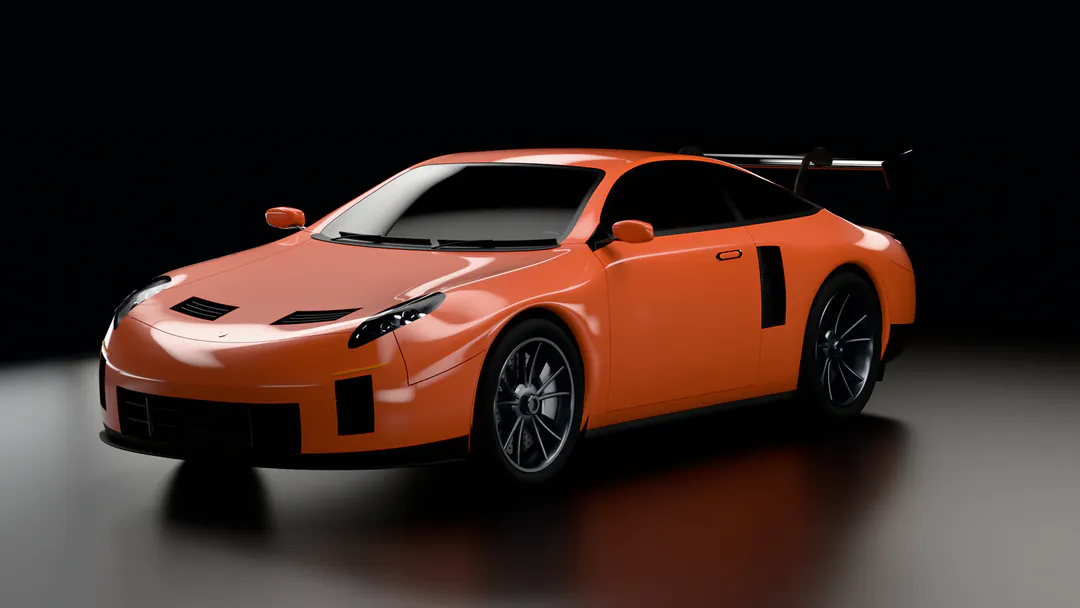
3D-Agent GT · one request
Six renders from one sentence.
In Blender, 3D-Agent built the night street, its lights and the cameras, then rendered all six in 4K. Four of them, up close.


Why Blender AI Matters for 3D Artists
AI isn't replacing 3D artists — it's supercharging them.
Accelerated Prototyping
Generate initial 3D concepts in seconds instead of hours. Perfect for rapid iteration and client presentations.
Lower Barrier to Entry
New artists can create impressive 3D work without years of technical training. AI handles the complexity.
Focus on Creativity
Spend less time on repetitive tasks like UV unwrapping and texturing. More time on creative direction.
Cost Efficiency
Solo developers and small studios can produce AAA-quality assets without massive teams.
Types of AI Tools for Blender
Understanding the landscape of AI-powered Blender tools.
-

Made with 3D-Agent Text-to-3D Generators
Describe what you want in plain language, and AI generates a 3D model. The most transformative category for rapid prototyping.
Examples: 3D-Agent, Meshy.ai, Rodin by Hyper3D
-

Repainted with 3D-Agent AI Texturing & Materials
Generate PBR textures, materials, and UV maps automatically. AI analyzes your mesh and creates appropriate surface details.
Examples: Poly.cam AI Textures, BlenderKit AI, Material Maker
-
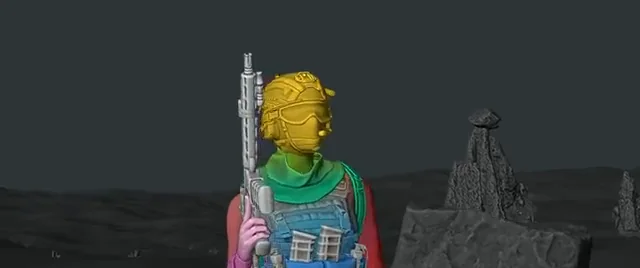
Rigged with 3D-Agent AI-Assisted Animation
Automate rigging, motion capture cleanup, and keyframe interpolation. AI predicts natural movement patterns.
Examples: Rokoko, Mixamo, DeepMotion
-
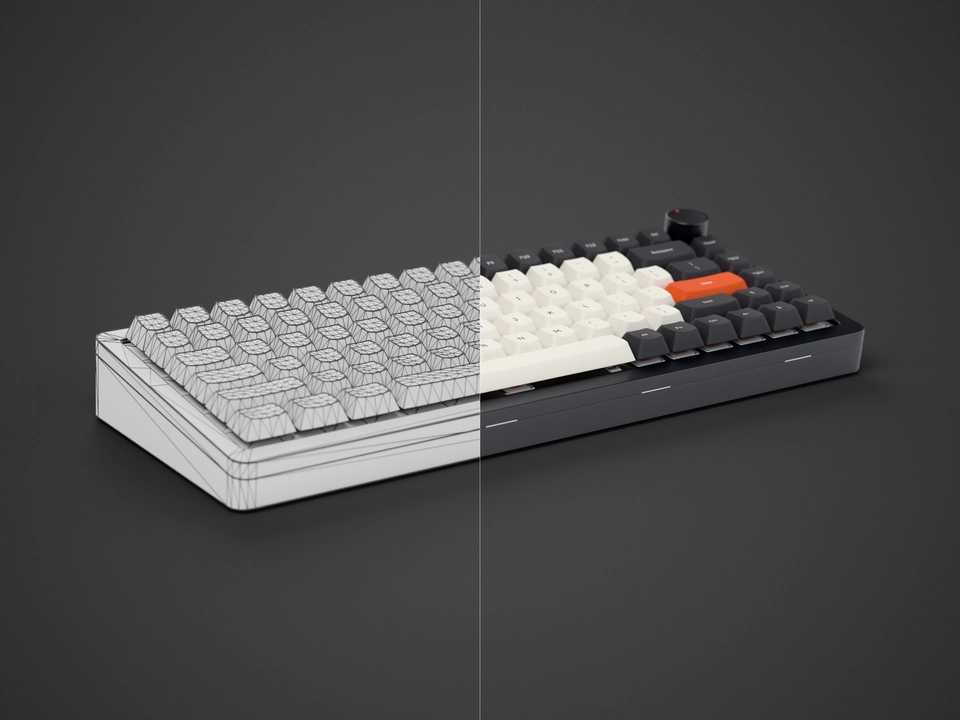
Low poly by 3D-Agent AI Modeling Assistants
Tools that help with retopology, mesh optimization, and procedural generation. AI suggests or automates modeling decisions.
Examples: Instant Meshes, QuadRemesher, Geometry Nodes + AI
-
MCP Server Integrations
Model Context Protocol (MCP) allows AI assistants like Claude to directly control Blender. The foundation for conversational 3D creation.
Examples: Blender Lab MCP Server, Claude Blender connector, blender-mcp (open source)
How Blender AI Tools Compare
A high-level look at how four popular Blender AI tools handle the same workflows.
| Feature | 3D-Agent | Meshy.ai | Poly.cam | Rodin |
|---|---|---|---|---|
| Where it runs | Desktop app that works on your open Blender scene | Web app with export and import | Web and mobile with export | API and web with export |
| Generation style | Text prompts and reference images | Text, image, and video frames | Photogrammetry plus AI passes | Text and image prompts |
| Topology output | Clean, animation-ready meshes using Blender native tools | Variable, often needs retopology | Photoscan mesh, density varies by capture | Production grade across most prompts |
| Pricing model | Paid plans include monthly prompts | Free tier and Pro plan from 20 USD per month | Free tier and Pro plan from 15 USD per month | Pay per generation |
Feature3D-AgentMeshy.aiPoly.camRodin
3D-Agent
- Where it runs
- Desktop app that works on your open Blender scene
- Generation style
- Text prompts and reference images
- Topology output
- Clean, animation-ready meshes using Blender native tools
- Pricing model
- Paid plans include monthly prompts
Meshy.ai
- Where it runs
- Web app with export and import
- Generation style
- Text, image, and video frames
- Topology output
- Variable, often needs retopology
- Pricing model
- Free tier and Pro plan from 20 USD per month
Poly.cam
- Where it runs
- Web and mobile with export
- Generation style
- Photogrammetry plus AI passes
- Topology output
- Photoscan mesh, density varies by capture
- Pricing model
- Free tier and Pro plan from 15 USD per month
Rodin
- Where it runs
- API and web with export
- Generation style
- Text and image prompts
- Topology output
- Production grade across most prompts
- Pricing model
- Pay per generation
Choosing an addon to install? For plugin rankings and buying decisions, see our deeper comparisons: Best Blender AI plugins and Blender AI tools head-to-head.
Need plan details first? View pricing.
Limitations of Blender AI today
AI in Blender is powerful but not unlimited. Here is what most tools still struggle with so you can plan around it.
- AI-generated meshes often need topology cleanup before animation or subdivision work.
- Output style varies across tools; getting a specific art direction usually requires multiple passes.
- Most AI tools need an internet connection; fully offline pipelines are still rare.
- Complex Blender features like geometry nodes and custom modifier stacks remain manual today.
3D-Agent GT · one project
From the first prompt to a live car.
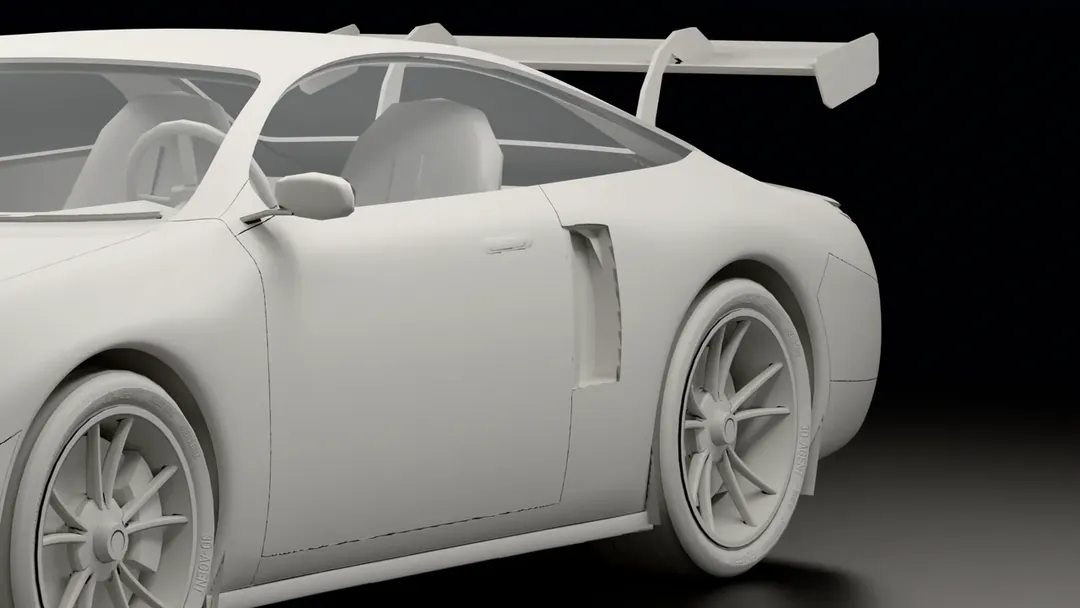
The message that started the 3D-Agent GT, as it was typed. In Blender, 3D-Agent built the car, then a game-ready copy with its parts named, so its doors, bonnet and boot open.
make a porsche style sport car animation like for a game, make in Blender!
01The ask
The first message of the project, word for word.
Baked textures · 3 of 3
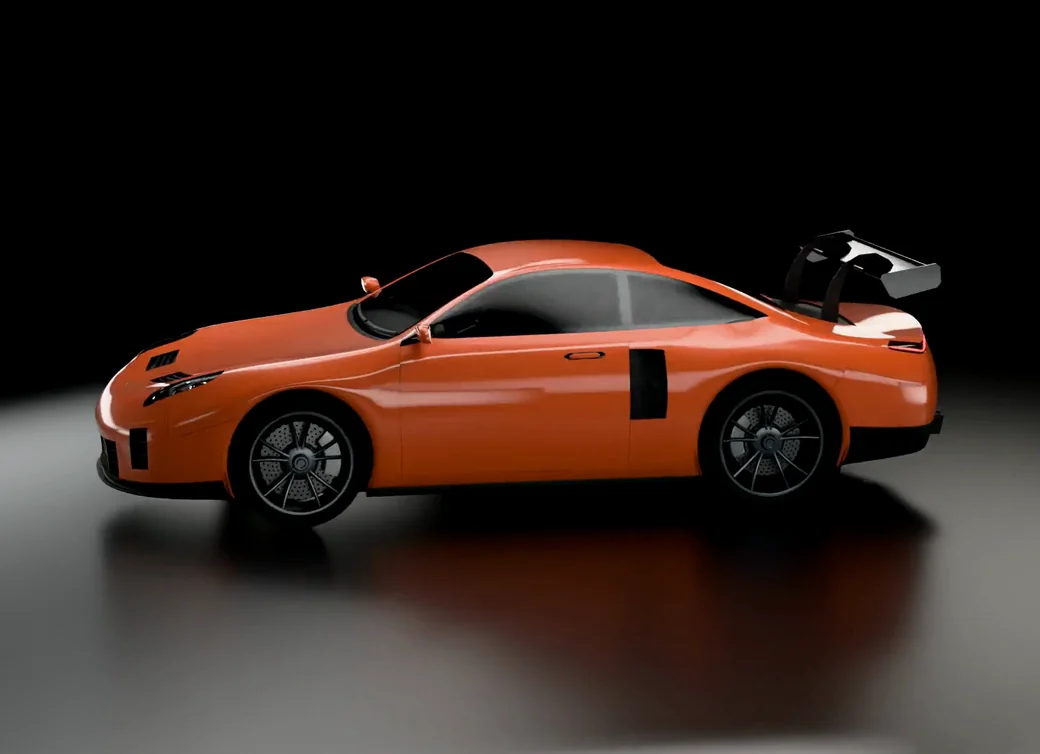
![The 3D-Agent GT in Blender, side-on from one camera: the game-ready copy rendered with its baked textures, orange with a black wing]() 02
02Built in Blender
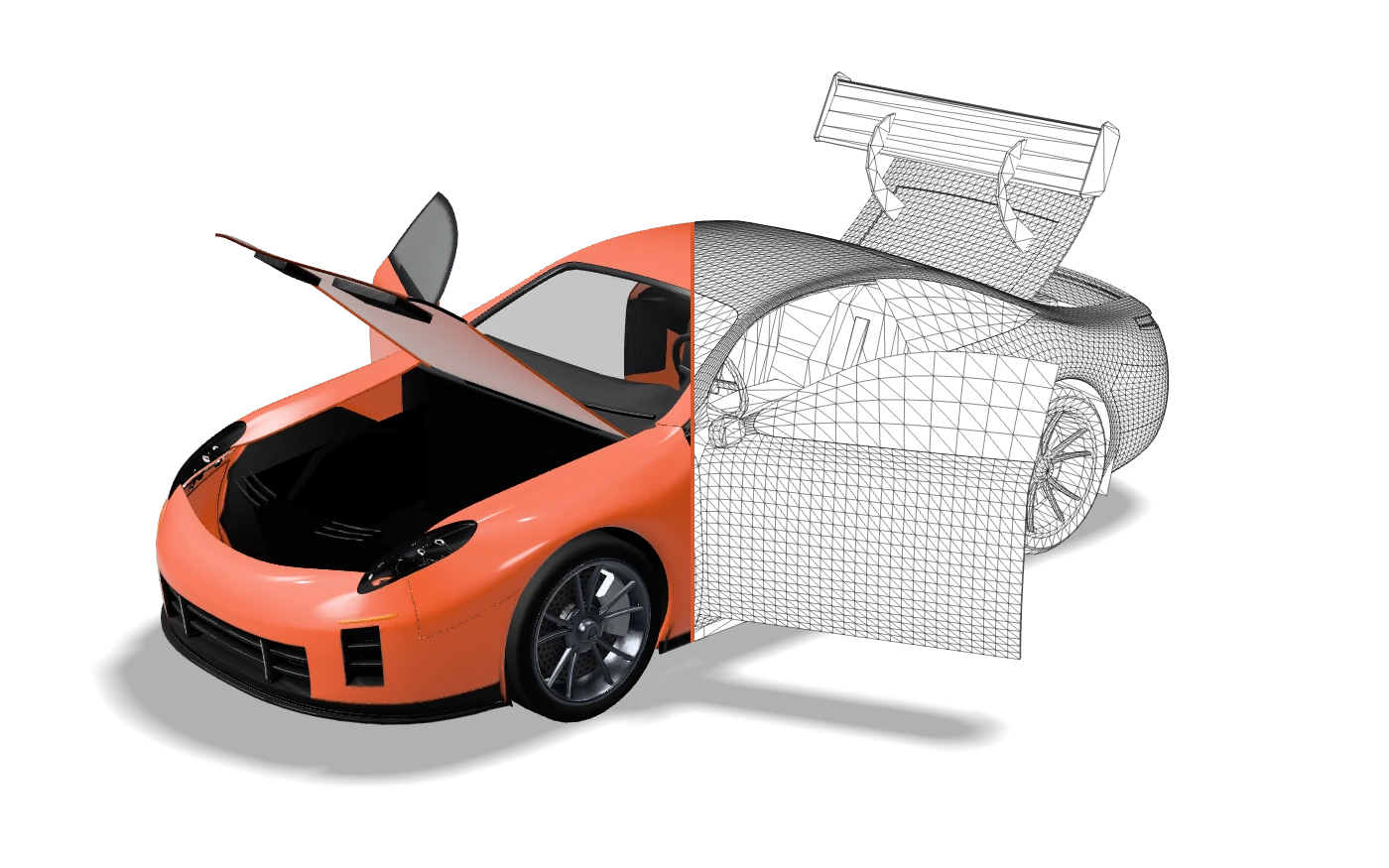
3D-Agent built the coupe in Blender, then a game-ready copy: 759,374 triangles down to 50,064.
![The game-ready 3D-Agent GT as exported from Blender, LOD0 of coupe-lod0.glb, seen from the front left and split down its middle by a thin orange seam: the left half rendered in orange, the right half drawn as the mesh's own triangle wireframe]()
Clean topology · 50,064 triangles coupe-lod0.glb 03A model you can use
The game-ready car, live: 51 named parts, so its doors, bonnet and boot open.
Getting Started with Blender AI
Your first steps into AI-powered 3D creation.
Choose Your Tool
Start with 3D-Agent for native Blender integration, or try Meshy.ai for quick web-based generation. 3D-Agent is paid; Meshy.ai has a no-cost option.
Install & Configure
Many Blender AI tools install as add-ons. 3D-Agent is a desktop app that sets up its own Blender extension, with no MCP setup or API key.
Experiment with Prompts
AI responds to natural language. Be specific: "a weathered wooden barrel with iron bands" beats "barrel".
Iterate & Refine
AI generates the base. You refine in Blender using your existing skills. Best results come from human + AI collaboration.
Frequently Asked Questions
Can AI control Blender?
Yes. There are three ways. Blender's official Lab MCP Server (Blender 5.1 or later) lets an AI client such as Claude or Cursor call Blender operations. Claude's Blender connector (Claude for Creative Work) does the same from Claude. Or a dedicated agent app such as 3D-Agent (3d-agent.com) works on your open scene in Blender 4.2 or later with no MCP setup and no API key.
Is there a Blender AI?
There is no official "Blender AI" product from the Blender Foundation. However, the term "Blender AI" commonly refers to third-party AI tools and plugins that integrate with Blender. Popular options include 3D-Agent (an AI agent that works on your open Blender scene), Meshy.ai (web-based generation), Dream Textures (AI texturing), and BlenderKit (AI-powered asset search). Other tools in the broader Blender AI space include BlenderGPT, MyArchitectAI for architecture-focused output, and Toggle3D for e-commerce 3D.
Does Blender have AI now?
Blender ships no AI model of its own, but Blender Lab publishes an official MCP Server (Blender 5.1 or later) that lets AI clients control Blender. Beyond that, AI comes from add-ons and apps: 3D-Agent is an agent that works on your open scene, and Dream Textures adds AI texturing.
How to use AI in Blender?
To use AI in Blender, pick a tool for the job: 3D-Agent for an agent that models, edits and fixes your open scene from plain-English prompts, or single-purpose add-ons like Dream Textures for texturing. With 3D-Agent there is no add-on to install by hand and no API key: install the desktop app, open Blender 4.2+, and describe what you want.
Can you use AI to make 3D models?
Yes. AI can create base 3D models from text prompts, either directly in Blender (for example with 3D-Agent) or through web tools that export to Blender. For tool-by-tool comparisons and buying decisions, see /blender-ai/plugin and /blender-ai/tools, then use this pillar guide for broader workflow context.
What is Blender AI?
Blender AI refers to artificial intelligence tools and plugins that enhance Blender 3D modeling workflows. These include text-to-3D generators like 3D-Agent, AI texturing tools like Dream Textures, and automated assistants that help artists create 3D content faster without replacing human creativity.
What is the best AI plugin for Blender?
It depends on the job. For an AI agent that builds and edits your open Blender scene from plain-English prompts, 3D-Agent. For texturing only, Dream Textures. See the side-by-side rankings on /blender-ai/plugin and every tool type compared on /blender-ai/tools.
Is Blender AI free?
Many Blender AI tools offer no-cost options. 3D-Agent is paid, with monthly prompts included in paid plans. Dream Textures is completely free and open source. BlenderKit and Meshy.ai also have limited no-cost access. Blender itself is always free — only some AI plugins require paid subscriptions.
What is Blender MCP?
Blender MCP connects an AI client such as Claude to Blender through the Model Context Protocol: an MCP server exposes Blender operations as tools the AI can call. Options include Blender's official Lab MCP Server, Claude's Blender connector and the open-source blender-mcp. 3D-Agent is not built on MCP; it has its own agent. On the Ultra plan it also runs an MCP server, so Claude, Cursor or Codex can hand it tasks. Full comparison: 3d-agent.com/blender-mcp.
How do I install AI tools in Blender?
Most AI tools install as standard Blender addons. Download the .zip file, go to Edit → Preferences → Add-ons → Install, select the file, and enable the addon. 3D-Agent is different: install the desktop app and it sets up its Blender extension automatically.
Can AI replace 3D artists?
No. AI accelerates workflows but cannot replace human creativity and artistic direction. The best results come from artists using AI as a tool — generating base models quickly that humans then refine, art-direct, and polish to production quality.
Get Blender AI tips & updates
Workflow tips, new tools, and AI prompts for Blender artists. No spam.
Explore More Blender AI Topics

Best Blender AI Plugins
Detailed comparison of every AI plugin available for Blender.

Blender AI Tools Comparison
Head-to-head comparison of 3D-Agent, Meshy, Poly.cam, and more.

AI Animation in Blender
How to use AI for rigging, motion capture, and animation.
AI 3D Modeling in Blender
Beginner's guide to AI-assisted modeling workflows.

AI Texture Generator for Blender
PBR materials and fully textured 3D models from plain-English prompts.
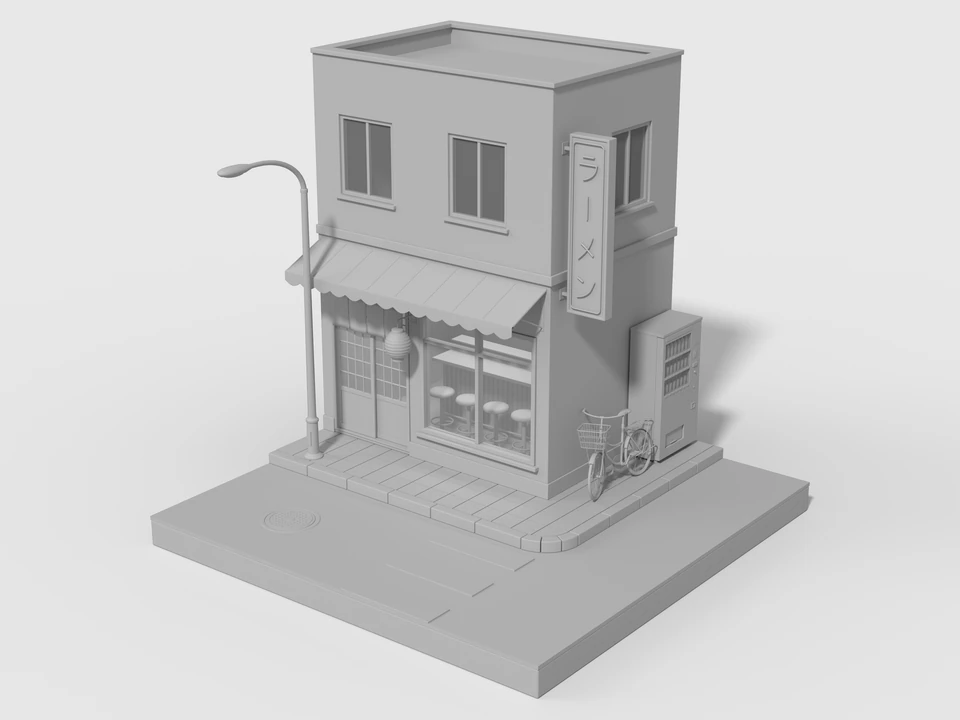
How to Use AI in Blender
Step-by-step setup and prompt workflow for practical execution.

Blender for 3D Printing
Repair STL files, make meshes manifold and export for your slicer.

Blender for CAD
Precision modeling in millimeters, where Blender stops, and Blender vs Fusion 360.

Blender for Architecture
Modeling from floorplans, interior design and photorealistic rendering.
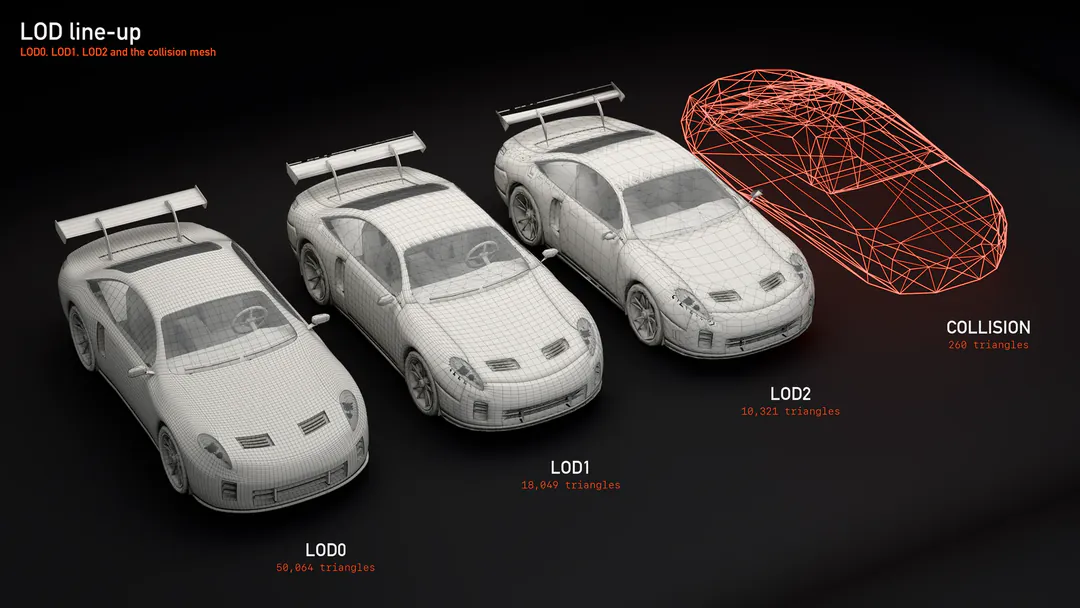
Blender to Unity, Unreal and Godot
The export checklist and FBX or GLB settings for each game engine.

Blender MCP Guide
Understanding Model Context Protocol in Blender and how 3D-Agent works with MCP clients.
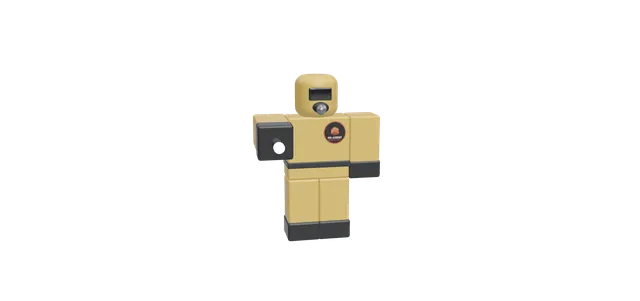
Roblox 3D Models with AI
Generate clean, game-ready Roblox models from a prompt inside Blender, then export to Studio.
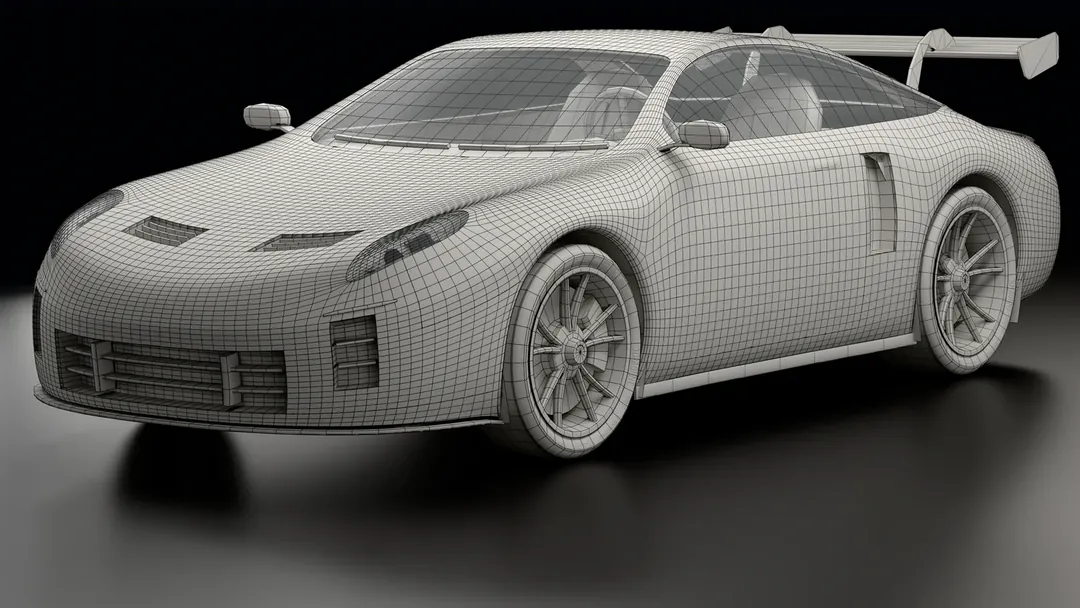
Blender Retopology with AI
Reduce polygons and keep the detail: retopology, decimate and normal baking.

AI 3D Model Generator
Describe the model, watch Blender build it, then keep refining.
Start Creating with Blender AI Today
Join thousands of Blender artists who've accelerated their workflow with AI. Download 3D-Agent and choose a paid plan when you need prompts.
- Generate 3D models from text in seconds
- Works directly inside Blender
- No complex setup or dependencies
- Paid plans include monthly prompts
Looking for Blender MCP specifically? Read our Blender MCP guide →