3D-Agent for architectural concept work
AI for Architects: Build and Revise 3D Concepts
Describe a scoped architectural concept in the 3D-Agent desktop app. It carries out the request in your open Blender scene, where you can inspect the work and direct the next revision.
- Blender 4.2+
- macOS or Windows
- Paid plan for prompts

Architectural build sequence
Join 10,500+ artists from companies and universities including













The loop
Concept, inspect, revise, present
One round of concept work, and where the app sits in it. Blender holds the scene the whole way through.
- 01
Concept
Write a scoped request in the desktop app: the volume, the layout elements, the openings you want placed.
- 02
Inspect
The work happens in your open Blender scene, so you check it in the viewport rather than in a preview you cannot select.
- 03
Revise
Reply with the correction. Objects, layout elements, materials, lighting and cameras can all be addressed in a scoped change.
- 04
Present
Everything stays an ordinary Blender object, so you finish, light, render and export it with the tools you already use.
Example instruction
Write it the way you would brief a modeller
Scoped requests are easier to check than open ones. Name the dimensions, the openings and the camera, then read the result back against what you asked for.
- Dimensions and openings belong in the request, so there is something specific to check the result against.
- Camera and lighting are scoped changes too, and can be asked for in the same conversation.
- Anything that is wrong is corrected by replying, or by taking over in Blender yourself.
An example of how to phrase a request
Model a single-storey studio volume, 9 m by 6 m, 3.2 m internal height. Put a 2.4 m opening centred on the south elevation and a 1.2 m window on the east. Add a camera at eye height on the approach path, framing the entrance.
A real scene revision
Change the scene you already have
The same control loop also applies when the scene is already built: direct a change, inspect the result in Blender, then ask for the next revision.
- The scene was open in Blender before the instruction was written.
- The change lands in that same file, as objects you can still select and edit.
- A follow-up instruction is how the next revision happens.

The workflow
Three steps, and Blender keeps the file
There is no export and re-import step, and no separate viewer. The app talks to Blender, and the scene you inspect is the scene that changed.
- 01
Describe the work
Open 3D-Agent next to Blender and write the request in plain language, the way you would brief someone who already knows the software.
- 02
Watch Blender carry it out
The app turns the request into Blender operations and runs them in the scene you have open, so you can follow what changes in the viewport.
- 03
Correct it in conversation
Reply with what should change. The scene is still an ordinary Blender file, so you can also take over by hand at any point.
What a scoped change can address
The result is scene objects, not a picture of a building
Concept work is judged by what you can change after you see it. Because the work happens through Blender, what you get back is geometry, materials, lights and cameras in your file, and every one of them is still selectable and editable.
That is what makes a second and third pass possible. You are not regenerating an image and hoping the change survives; you are editing a scene, either by asking for the change or by making it yourself.
- Objects and layout elements, addressed one scoped change at a time
- Materials on the surfaces you name
- Lighting setups, and the camera the concept is read from
- Anything you would rather do by hand, done by hand in the same file
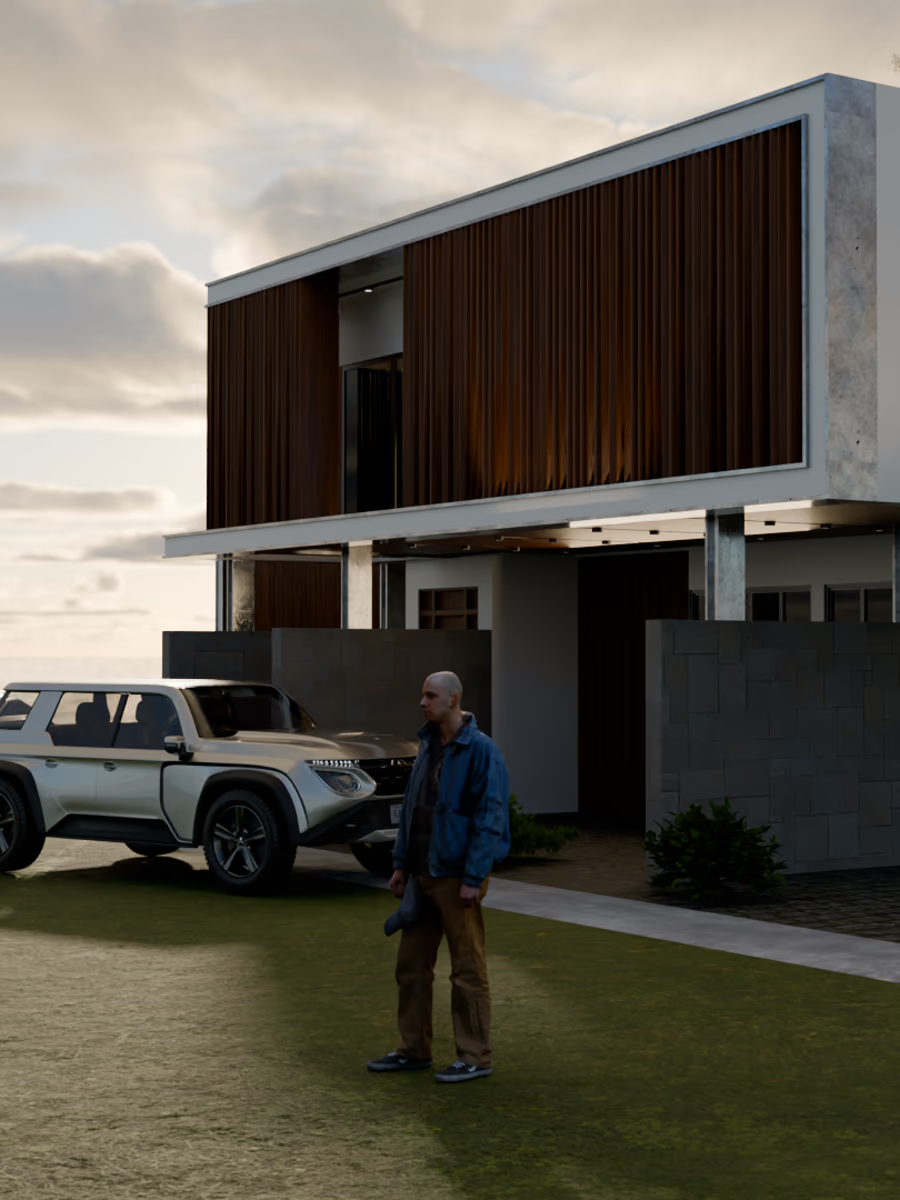
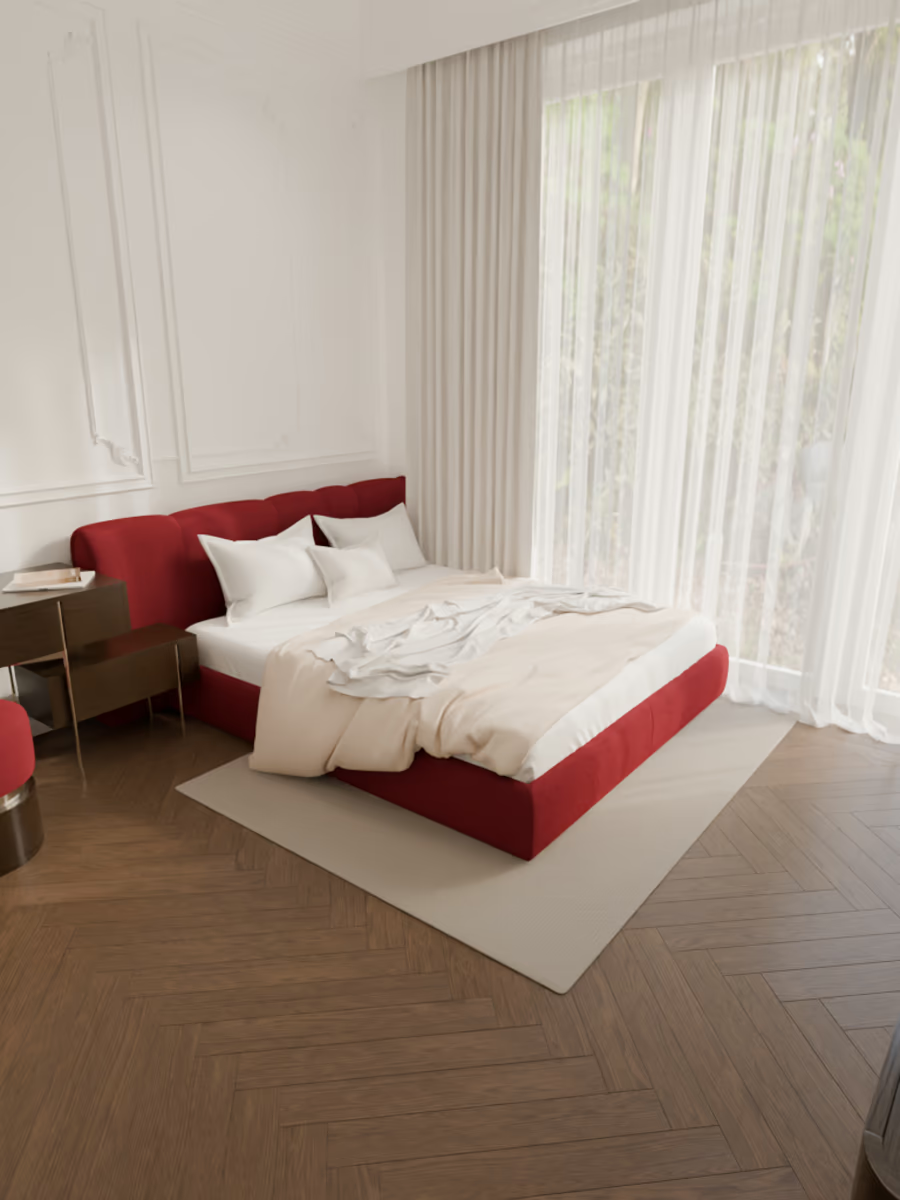
Built for iteration
Start with a concept. Finish with a scene you control.
3D-Agent keeps the architectural concept loop inside Blender, from the first written brief to the corrections you make after inspecting the scene.
Build in the scene you already have
Start from an empty file or continue an existing Blender scene. The work lands where you are already looking.
Keep every result editable
Geometry, materials, lights and cameras remain ordinary Blender objects you can select, adjust and export.
Direct the next revision
Reply with a scoped correction, inspect the change in the viewport, or take over by hand in the same file.
Simple, transparent pricing
3D-Agent pricing plans built for real production workflows. Download the app and pick the plan that matches your prompt volume, step depth, and sub-agent needs — with faster generation and priority support as you scale.
Basic
Start creating in 3D with AI.
- 100 prompts / month
- Shared pool speed
- Standard quality
- Not included: Extra-high thinking
- Not included: No subagents
- Not included: Email support
- Commercial license
Pro
2×usageFaster, deeper, more.
- 200 prompts / month
- Standard speed
- High quality
- Extra-high thinking
- 2 subagents
- Email support
- Commercial license
Ultra
8×usageTop speed, depth & volume.
- 800 prompts / month
- Priority speed
- Best quality
- Extra-high thinking
- 4 subagents
- Priority email support
- Commercial license
Questions architects ask first
What can I ask it to do on an architectural concept?
+
Can it work on a Blender scene I have already started?
+
Do I get editable geometry, or a locked mesh?
+
Can I specify dimensions and openings in the request?
+
Where does 3D-Agent fit in an architectural workflow?
+
What do I need to run it?
+
Put the next concept round inside your Blender scene
Download the desktop app for macOS or Windows, open it next to Blender 4.2 or later, and describe the concept you want built.