
Built for Roblox creators
Make Roblox Models with AI
Web generators hand you a dense, broken mesh you retopologize by hand. 3D-Agent builds clean, low-poly, game-ready models inside Blender, then exports FBX or OBJ straight to Roblox Studio.
Join 13,400+ artists from companies and universities including
Game-ready, not AI soup
Spin the model. This is the clean, low-poly geometry Roblox runs best with: editable, riggable, and light enough for mobile. Not the dense, broken meshes that lag a place.
- Clean, quad-dominant topology
- Low-poly friendly for mobile performance
- Editable and rig-ready in Blender
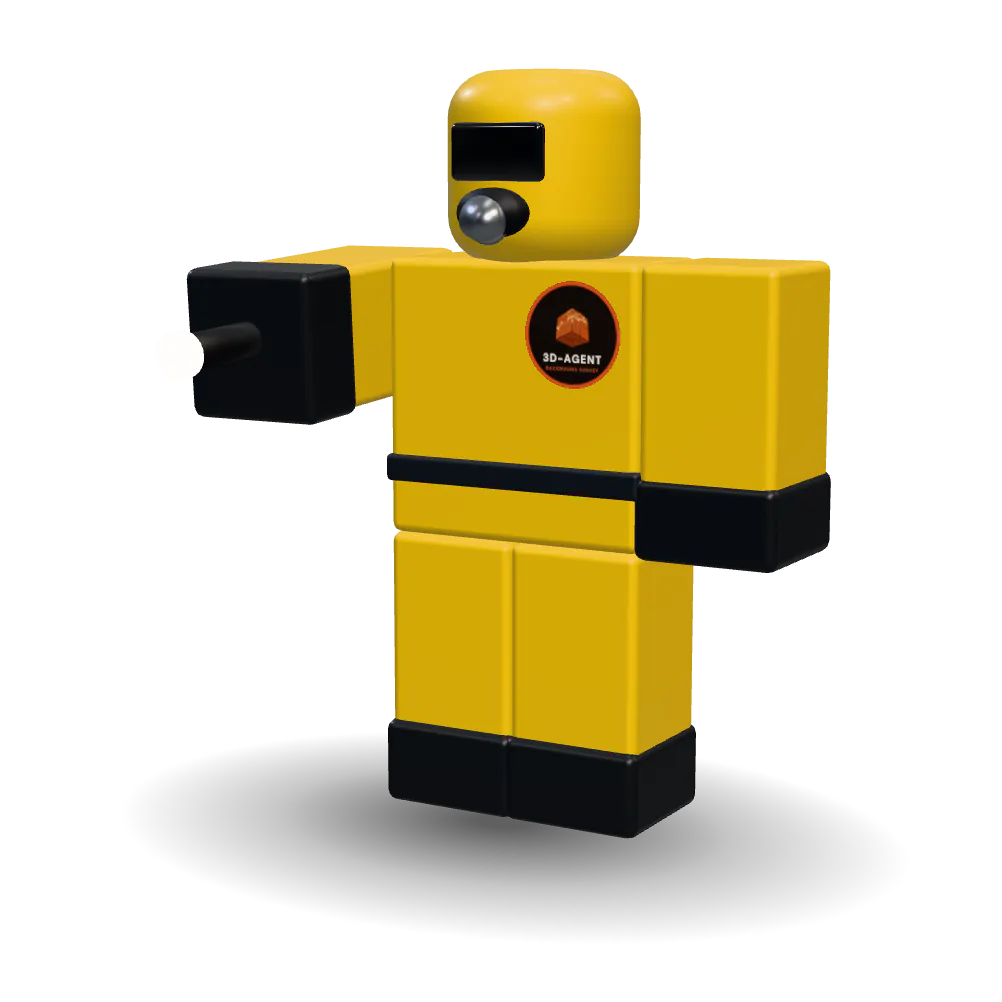
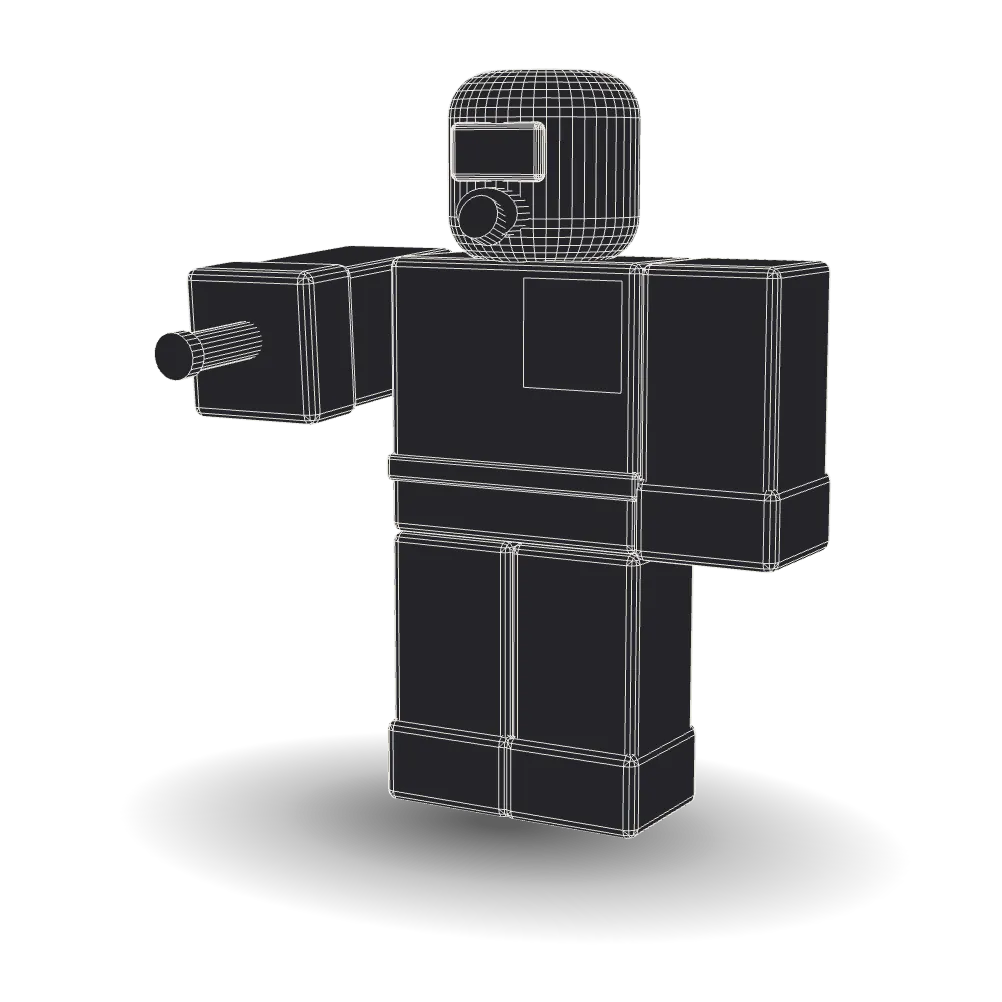
Spin to inspect. Drag on desktop, auto-rotates on mobile.
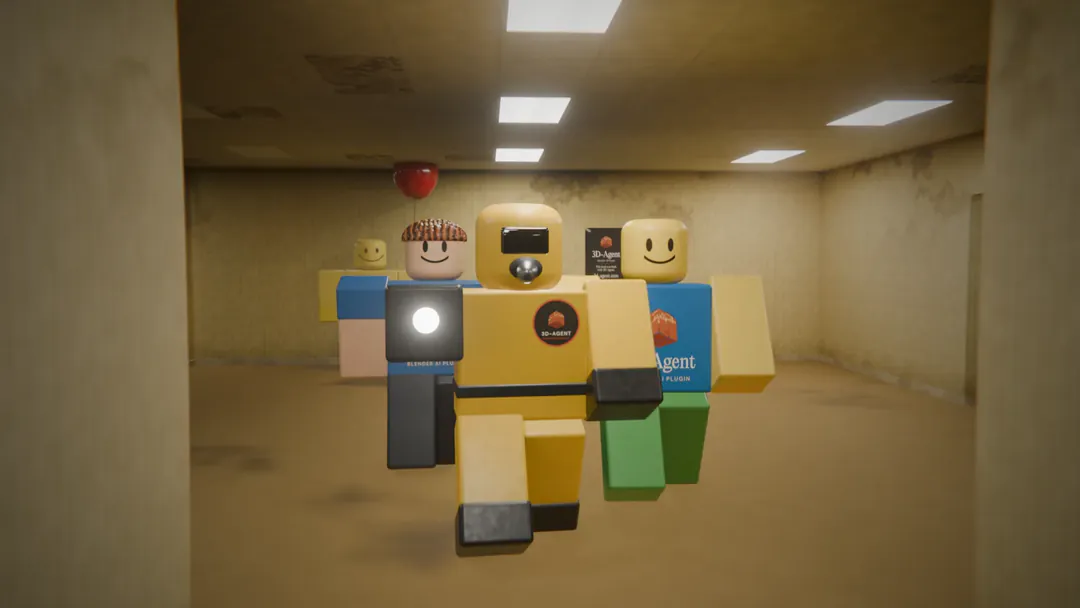 Backrooms · final frame
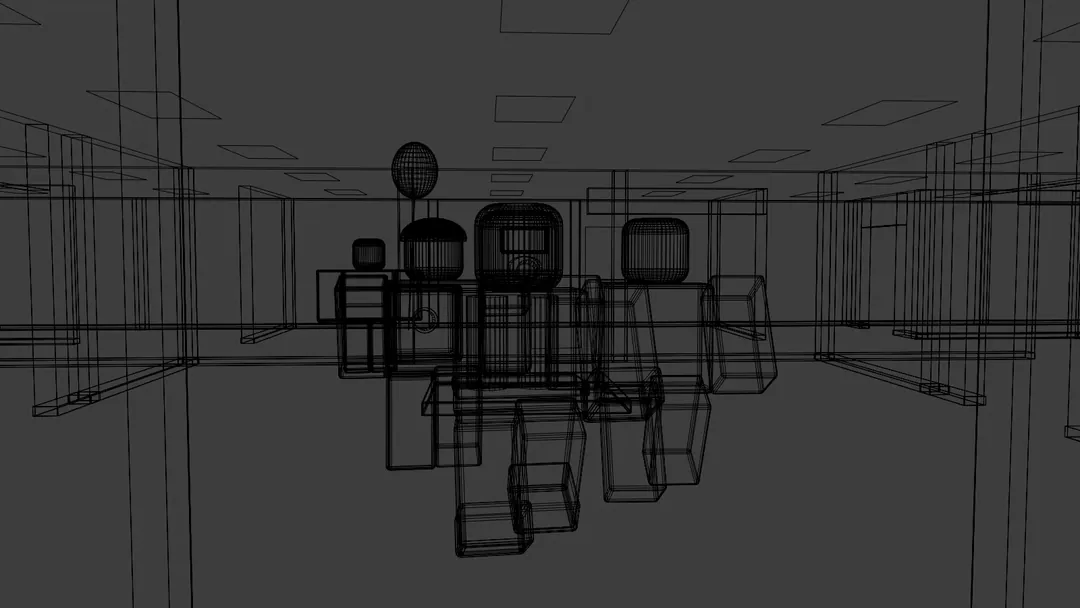 Wireframe
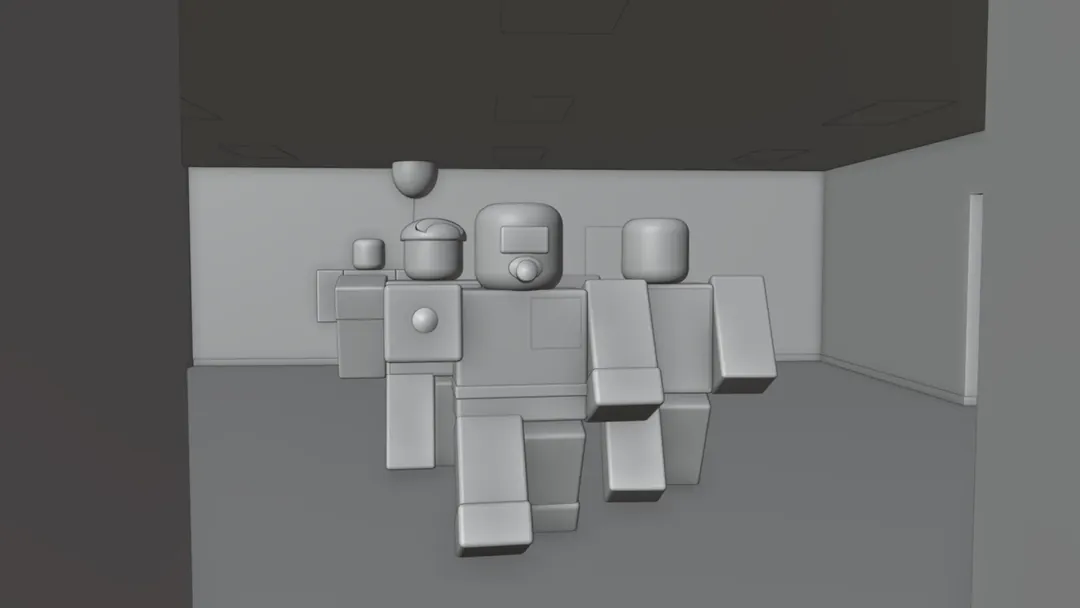 Solid view
How to make Roblox 3D models with AI
To make a Roblox 3D model with AI, describe the asset in plain text and 3D-Agent generates a clean, low-poly, game-ready mesh inside Blender, then exports FBX or OBJ into the Roblox Studio 3D Importer. No manual modeling is required, and you own and can edit every model.
From prompt to Roblox Studio
Four steps, no manual modeling.
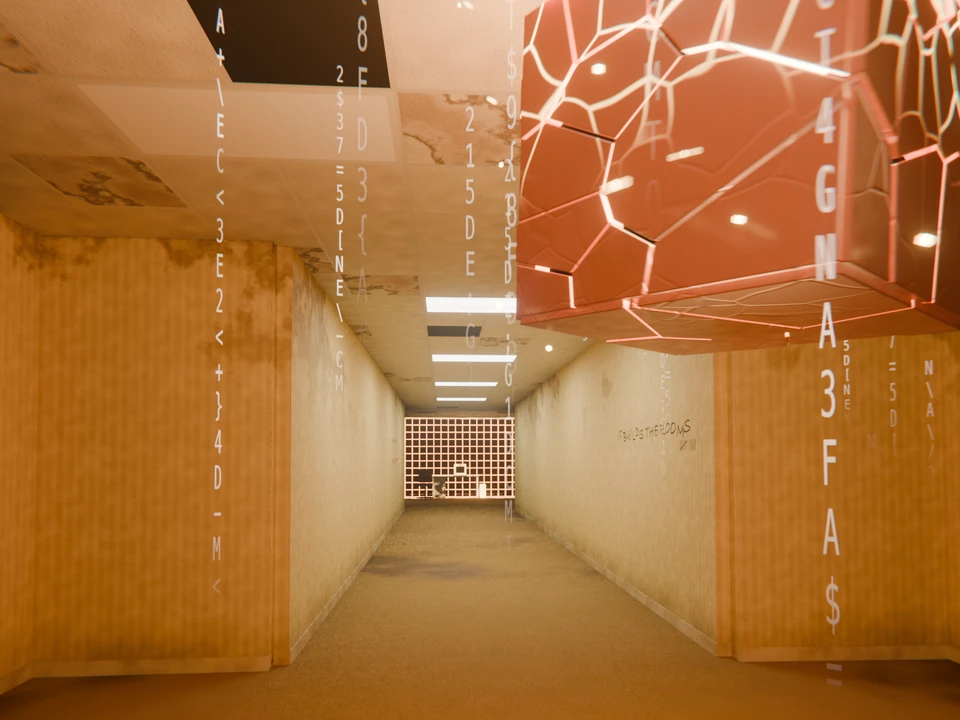
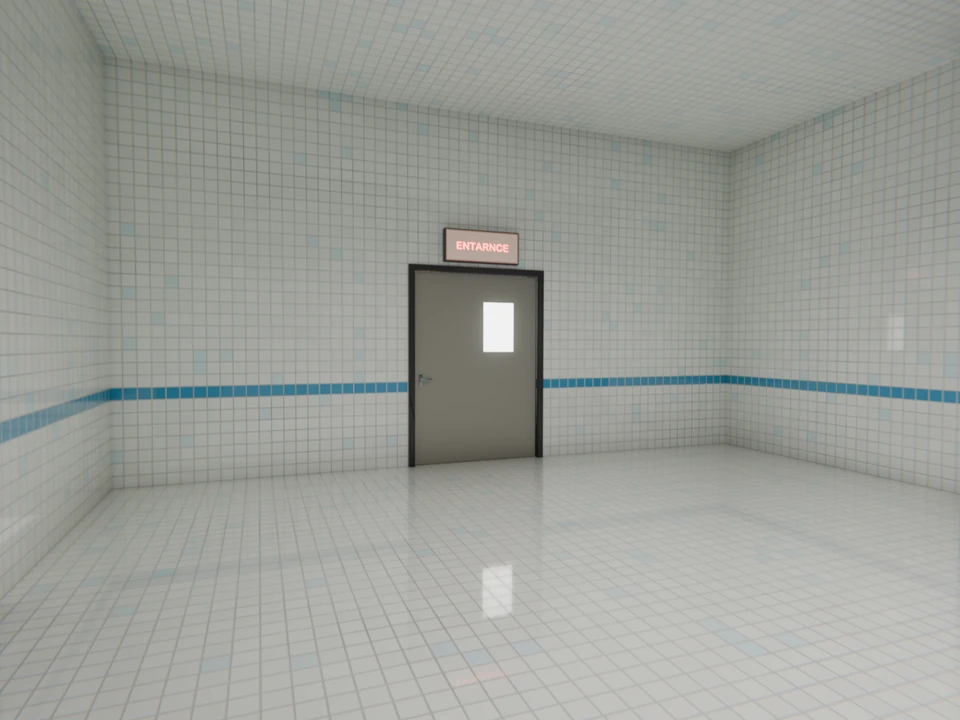
01
Describe the asset
Type what you need in plain English, like "a low-poly market stall with a striped awning."
02
Generate in Blender
3D-Agent builds the model with Blender native tools, so the topology stays clean and editable.
03
Refine and iterate
Adjust scale, swap materials, or ask for variations with another message. You keep the mesh.
04
Export to Roblox Studio
Export FBX or OBJ and import with the Studio 3D Importer. It arrives game-ready, sized for your place.
It lands in Roblox Studio
Export FBX or OBJ and import with the Studio 3D Importer. No broken scale, no blown mesh limits.
FBX and OBJ export
Both formats the Studio 3D Importer reads, with textures kept alongside the mesh.
Correct scale
Models export at a sane size, so you are not fighting 500-stud giants on import.
Within mesh limits
Low-poly-friendly output helps you stay under Roblox triangle budgets and keep frame rates up.
Editable topology
Quad-dominant geometry you can rig and tweak, not a dense mesh that breaks in-engine.
Works inside Roblox Studio too
Connect to Roblox Studio
Connect 3D-Agent to Roblox Studio to inspect projects, edit scripts, insert assets, run playtests, read console output and capture the viewport.
Repair and publish with the Roblox plugin
Inspect and repair a scene, work with attachments and rigs, and publish through Open Cloud.
How AI tools compare for Roblox
A quick look at how the popular options take a Roblox asset from prompt to a model inside Studio.
| Feature | 3D-Agent | Meshy.ai | Rodin | Manual |
|---|---|---|---|---|
| Where it runs | Desktop app that works on your open Blender scene | Web app, export and import | API and web, export | Blender, modeled by hand |
| Path into Studio | Export FBX or OBJ to Studio | Download, then import | Download, then import | Export FBX or OBJ to Studio |
| Topology for games | Clean, low-poly friendly | Variable, often needs cleanup | Production grade | Whatever you build |
| Editable after | Yes, native Blender file | Re-import to edit | Re-import to edit | Yes |
| Pricing | Paid plans include prompts | Free tier; Pro from 20 USD/mo | Pay per generation | Free, costs your time |
Feature3D-AgentMeshy.aiRodinManual
3D-Agent
- Where it runs
- Desktop app that works on your open Blender scene
- Path into Studio
- Export FBX or OBJ to Studio
- Topology for games
- Clean, low-poly friendly
- Editable after
- Yes, native Blender file
- Pricing
- Paid plans include prompts
Meshy.ai
- Where it runs
- Web app, export and import
- Path into Studio
- Download, then import
- Topology for games
- Variable, often needs cleanup
- Editable after
- Re-import to edit
- Pricing
- Free tier; Pro from 20 USD/mo
Rodin
- Where it runs
- API and web, export
- Path into Studio
- Download, then import
- Topology for games
- Production grade
- Editable after
- Re-import to edit
- Pricing
- Pay per generation
Manual
- Where it runs
- Blender, modeled by hand
- Path into Studio
- Export FBX or OBJ to Studio
- Topology for games
- Whatever you build
- Editable after
- Yes
- Pricing
- Free, costs your time
For step-by-step guides, follow the cluster: Blender to Roblox export and importing models into Roblox Studio.
Topology Fix
Fix your topology in minutes.
Import any AI-generated mesh into Blender. Ask 3D-Agent to rebuild the topology — add more quads, reduce vertices, fix non-manifold edges. What used to take hours now takes minutes.
- "Fix the topology" or "reduce to 10k vertices"
- Converts n-gons and triangles to clean quads
- Production-ready for game engines and renderers
Inspect the mesh yourself
Before
Raw AI-generated mesh
After
3D-Agent fixed topology
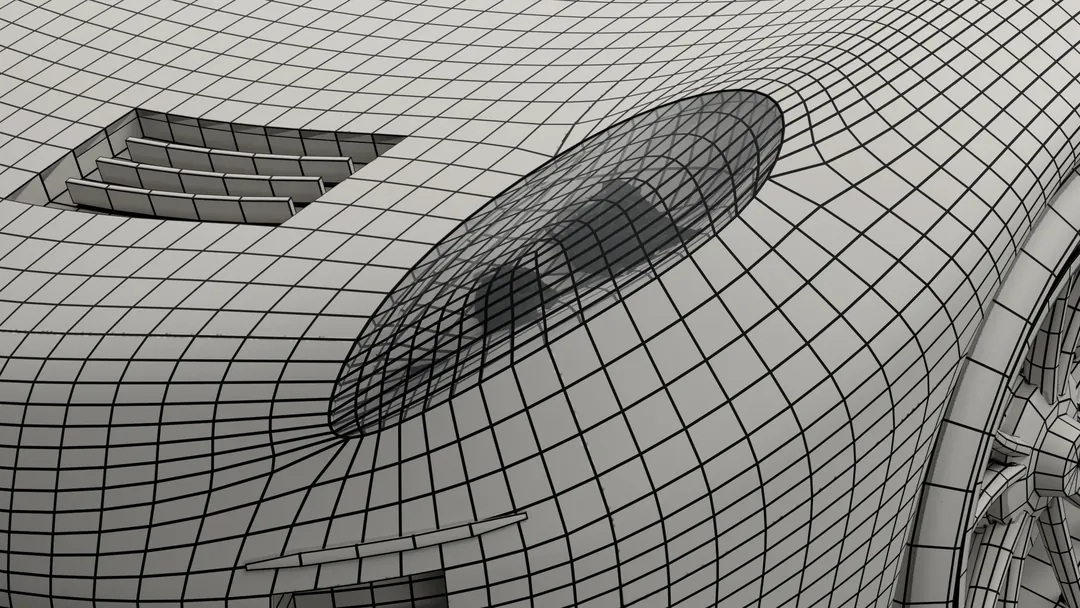
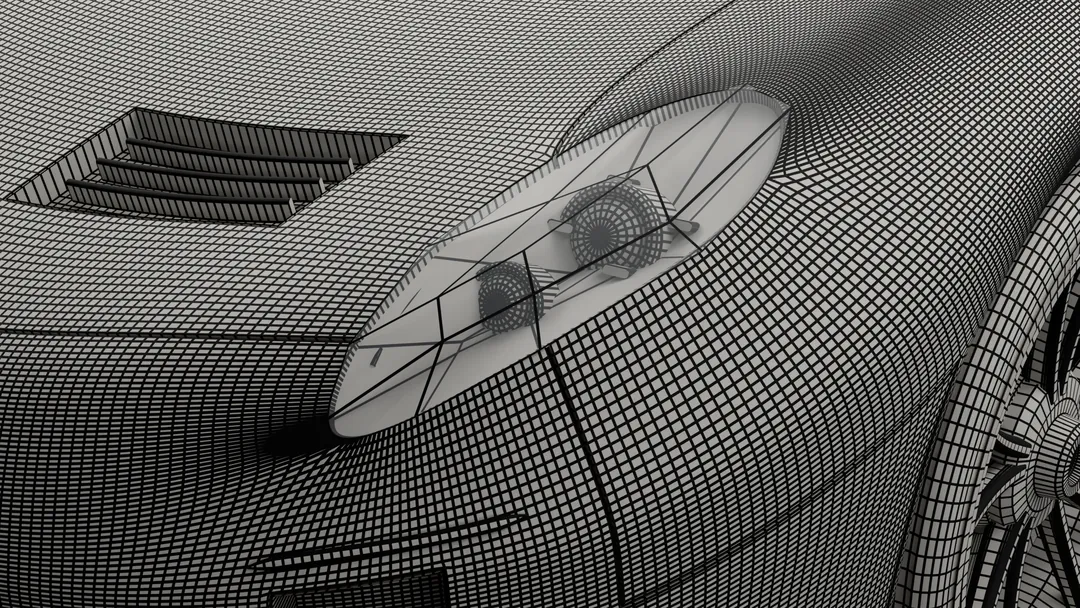 First build · 759,374 triangles
Wireframe
Clean quads
Your file. Your asset. Your call.
You own every mesh
Generated assets are yours to edit, reuse, ship, and sell. No locked library, no rented models.
Blender-native, not a black box
Work in the industry-standard 3D tool, not a one-shot web app. You keep full control of the source file.
Paid plans for generation
Download the app and choose a paid plan when you are ready to generate.
Not a one-shot generator. A full Blender agent.
Past generating assets, 3D-Agent writes and runs Blender Python for you. Batch-place props, rig a character, or automate a repetitive build, all from a prompt. It is an in-Blender agent, not a one-shot black box like the web tools.
- Writes Blender Python from a text prompt
- Full script preview before anything runs
- Lighting, modifiers, keyframes, and batch operations
What artists are saying
Real feedback from our Discord community
Santa 3D Artist “It's a great bot, helped me make models a lot faster.”
regulus 3D Modeler “Just dropping in to say this has saved me a ton of time. I 3D model tools for bullet reloading, and this has been an absolute lifesaver!”
ghostpoly Indie Game Developer “Used to spend forever blocking out props for my game. Now I just describe what I need and get a solid base mesh in seconds. Honestly a game changer for prototyping.”
archivis Architectural Visualizer “Generated a concept model for a client while we were still on the call lol. They were impressed. This thing pays for itself.”
topowizard 3D Artist “Ok the topology is actually clean?? Other AI tools give you a messy blob but this gives you quads you can actually work with. Sold.”
renderella Freelance 3D Artist “I bill by the project not the hour so this literally doubled my output. Taking on more clients without burning out, can't complain.”
Frequently Asked Questions
Can you use AI to make Roblox models?
Yes. AI tools generate 3D models from text prompts that you then export into Roblox Studio. 3D-Agent runs inside Blender, builds the model with clean topology, and exports FBX or OBJ that the Roblox Studio 3D Importer reads. You own the asset and can edit it like any other mesh.
What is the best AI for Roblox 3D models?
It depends on your workflow. 3D-Agent generates Roblox-ready assets inside Blender with clean, editable topology, while web tools like Meshy.ai and Rodin generate models you download and import. If you want an industry-standard pipeline and meshes you can rig and tweak, a Blender-native tool is the stronger fit.
How do I get a 3D model into Roblox Studio?
Export the model as FBX or OBJ, then use the Roblox Studio 3D Importer to bring it in. Keep textures next to the mesh, check the scale, and stay within Roblox mesh limits. Our Roblox Studio guide walks through the importer settings and common fixes step by step.
Will the mesh import clean, at the right scale and under mesh limits?
3D-Agent generates low-poly-friendly, quad-dominant geometry sized for Roblox, so models import at a sane scale and help you stay under triangle budgets. You keep the Blender file, so if a hero asset needs a cleanup pass you can do it before export.
Do I own the models, and can I sell them?
Yes. Models you generate are yours to edit, reuse, ship, and sell. Exporting them into your own Roblox project is a standard creator workflow. You are responsible for following Roblox community standards and terms for anything you publish.
Do I need to know Blender to make Roblox models with AI?
No. You describe the asset in plain text and 3D-Agent generates it inside Blender for you. Blender runs on PC and Mac and is free. Experience helps when you want to refine a mesh, but the prompt-to-Studio workflow is built so you can create and export without manual modeling.
Is 3D-Agent free for Roblox creators?
No. 3D-Agent is paid, and paid plans include monthly prompts for generating models. Blender itself is free and open source.
Start making Roblox models with AI
Download 3D-Agent, choose a paid plan, and generate your first game-ready asset in minutes.
- Paid plans include monthly prompts
- No modeling skill required
- Clean, game-ready topology
- You own and can sell what you make
See plans and pricing.
Roblox and Roblox Studio are trademarks of Roblox Corporation. 3D-Agent is an independent tool and is not affiliated with or endorsed by Roblox Corporation.