Blender to Roblox workflow
Blender to Roblox
Yes, you can use Blender for Roblox. Model or generate the asset in Blender, export FBX or OBJ, and import it with the Roblox Studio 3D Importer. This is the export workflow, with the scale, material, and mesh-limit fixes that trip most people up.
Join 13,400+ artists from companies and universities including
Can you use Blender for Roblox?
Yes. Blender is free and works for Roblox. You model or generate an asset in Blender, export it as FBX or OBJ with textures, then bring it into Roblox Studio with the 3D Importer. Keep the scale in studs, watch the mesh limit, and the model arrives game-ready.
Why Blender instead of Studio parts
Studio parts and unions are fine for blocky builds. Blender is where you get custom shapes, clean low-poly meshes, and real UV textures, and it stays free.
Custom geometry, not just blocks
Model organic shapes, props, and detailed builds that parts and CSG unions cannot produce cleanly.
Lighter than dense unions
A clean low-poly mesh often renders lighter in-engine than a heavy stack of unioned parts, which helps frame rates.
Free and industry-standard
Blender is free and open source on PC and Mac, the same tool studios use, so the skills carry past Roblox.
Generate, do not hand-model
3D-Agent builds the mesh inside Blender from a prompt, so you skip the modeling and go straight to export.
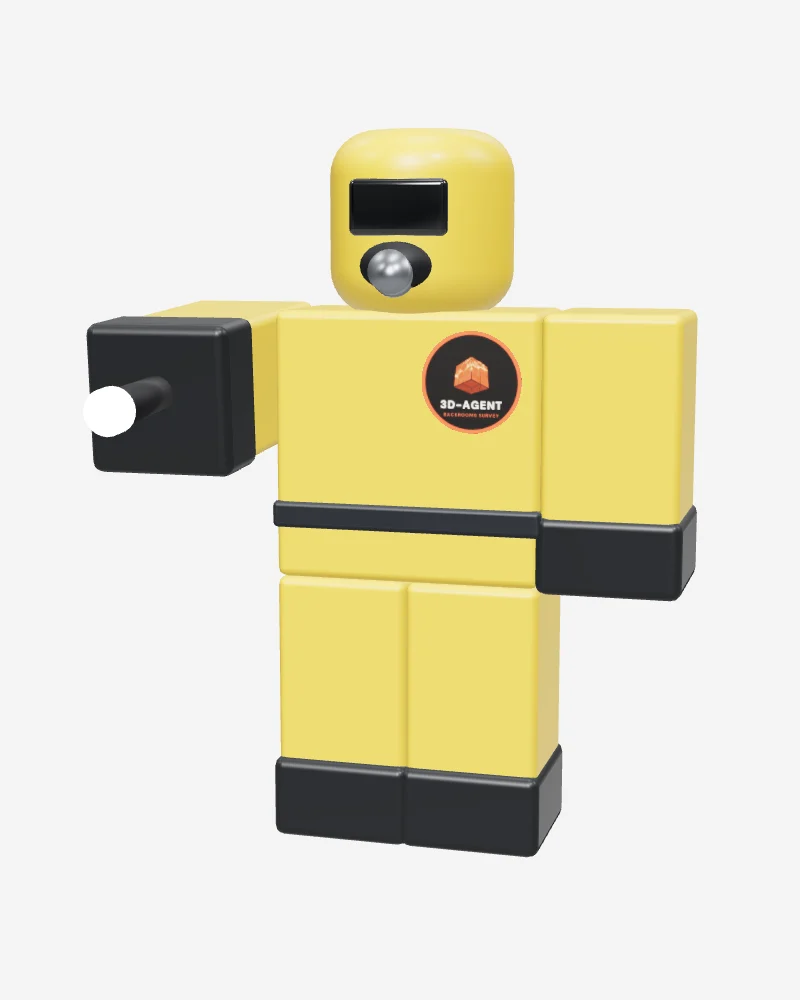
Clean enough to survive the export
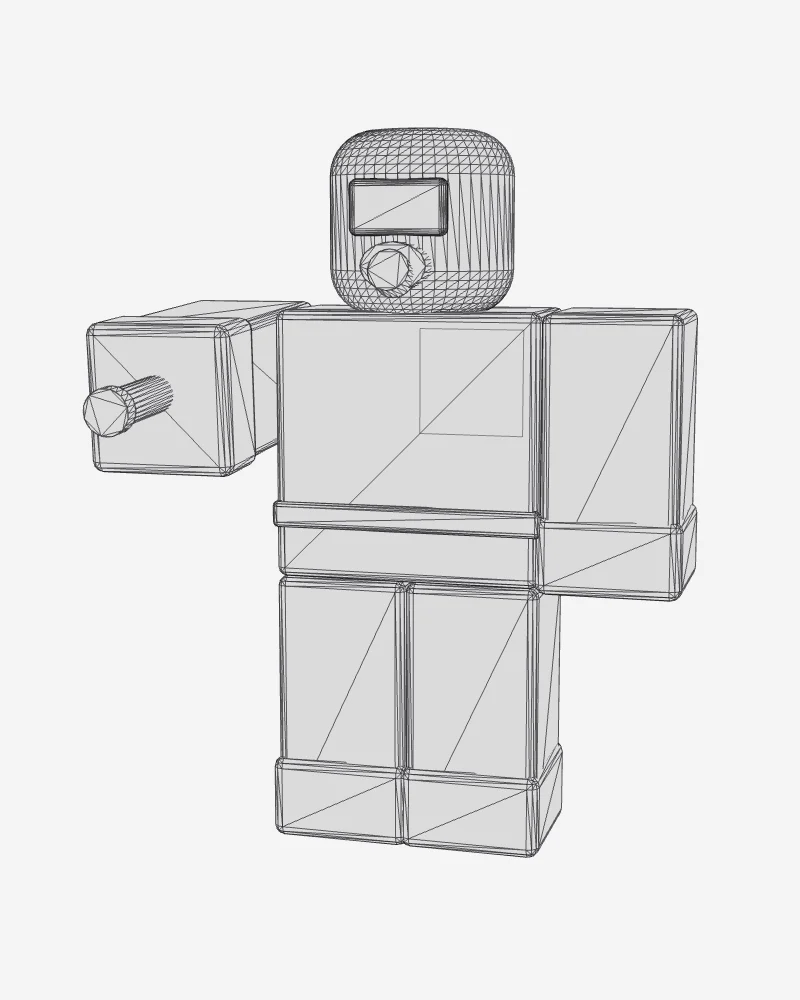
Drag to inspect a low-poly, game-ready mesh. This is the clean, editable topology that imports into Roblox Studio without breaking, flipping, or blowing the triangle budget.
- Low-poly, quad-friendly geometry
- Sane scale and clean normals
- FBX or OBJ, ready for the Studio 3D Importer
How to export a Blender model to Roblox Studio
Five steps from a Blender scene to a model inside your Roblox place.
Set the scale and origin in Blender
Roblox reads one Blender meter as one stud, so build at a sensible real-world size and set the unit scale to 1.0. Place the origin at the base of the model and apply transforms so the object exports clean.
Tip: In Blender, use Object then Apply then All Transforms before you export to bake in rotation and scale.
Check normals and clean the mesh
Recalculate normals so faces point outward, or the model imports with dark or invisible surfaces. Remove loose vertices and stray faces, and keep the geometry low-poly and quad-dominant where you can.
Tip: Turn on face orientation in Blender to spot flipped (red) normals before they reach Studio.
Unwrap UVs and assign materials
A model needs a UV map for textures to land correctly in Roblox. Unwrap the mesh, assign your materials, and keep the texture image files next to the model so they export alongside it.
Tip: Pack or note your texture files; Roblox imports the mesh, and you reapply or upload textures in Studio.
Export as FBX or OBJ
Use File then Export and choose FBX or OBJ, the two formats the Roblox Studio 3D Importer reads. For FBX, set the scale to apply and limit the export to selected objects so you only ship the asset you want.
Tip: FBX carries more data and is the safer default for textured meshes; OBJ is fine for simple static props.
Import with the Roblox Studio 3D Importer
In Roblox Studio open the 3D Importer, pick your FBX or OBJ, and preview the result. Confirm the scale against a baseplate, check the triangle count against Roblox mesh limits, then insert the MeshPart into your place.
Tip: For the full importer settings and deeper mesh-limit fixes, follow our import-into-Studio guide.
Common Blender to Roblox export problems (and fixes)
The four failures that send most exports back to Blender, and how to clear each one.
Problem: The model imports far too big or far too small.
Fix: Set Blender unit scale to 1.0, build to real-world size (one meter equals one stud), and apply all transforms before export. On FBX export, enable apply scalings so Studio reads the size you intended.
Problem: Surfaces look dark, see-through, or inside-out in Studio.
Fix: Flipped normals. In Blender, select the mesh, enter edit mode, select all, then Mesh then Normals then Recalculate Outside. Use face orientation overlay to confirm every face reads blue, not red.
Problem: The mesh imports with no textures or the wrong material.
Fix: Roblox imports geometry, not your full Blender shader. Unwrap UVs first, keep texture image files alongside the export, and reapply textures or upload them as a SurfaceAppearance in Studio after import.
Problem: The importer rejects the model for too many triangles.
Fix: You are over the Roblox per-mesh limit (currently 21,000 triangles). Add a Decimate modifier in Blender or retopologize to a lower poly count, or split a large build into several MeshParts that each stay under the cap.
Need the importer settings and deeper mesh fixes? Follow importing models into Roblox Studio.
What artists are saying
Real feedback from our Discord community
Santa 3D Artist “It's a great bot, helped me make models a lot faster.”
regulus 3D Modeler “Just dropping in to say this has saved me a ton of time. I 3D model tools for bullet reloading, and this has been an absolute lifesaver!”
ghostpoly Indie Game Developer “Used to spend forever blocking out props for my game. Now I just describe what I need and get a solid base mesh in seconds. Honestly a game changer for prototyping.”
archivis Architectural Visualizer “Generated a concept model for a client while we were still on the call lol. They were impressed. This thing pays for itself.”
topowizard 3D Artist “Ok the topology is actually clean?? Other AI tools give you a messy blob but this gives you quads you can actually work with. Sold.”
renderella Freelance 3D Artist “I bill by the project not the hour so this literally doubled my output. Taking on more clients without burning out, can't complain.”
Frequently Asked Questions
Can you use Blender for Roblox?
Yes. Blender is one of the most common tools for making Roblox assets. You model or generate a mesh in Blender, export it as FBX or OBJ, and import it into Roblox Studio with the 3D Importer. Blender is free, so the only thing to manage is a clean export with the right scale, normals, and textures.
Is Blender free to use for Roblox?
Yes. Blender is free and open source on Windows and Mac, with no license cost for Roblox or commercial work. 3D-Agent is paid, and paid plans include monthly generation prompts when you need them.
How do I export a Blender model to Roblox Studio?
Set the scale and origin in Blender and apply transforms, recalculate normals, unwrap UVs and assign materials, then use File then Export to save an FBX or OBJ. In Roblox Studio, open the 3D Importer, select that file, check the scale and triangle count, and insert the MeshPart into your place.
Should I export Roblox assets as FBX or OBJ?
Both formats work with the Roblox Studio 3D Importer. FBX carries more data and handles textured or rigged meshes better, so it is the safer default. OBJ is fine for simple static props. If a textured model imports oddly as OBJ, re-export it as FBX with scalings applied.
Why does my Blender model import at the wrong size in Roblox?
Roblox treats one Blender meter as one stud, so a model built at the wrong unit scale lands as a giant or a speck. Set Blender unit scale to 1.0, build to real-world dimensions, apply all transforms, and enable apply scalings on FBX export so Studio reads the size you meant.
What is the triangle limit for a Roblox mesh?
A single Roblox MeshPart is currently capped at 21,000 triangles. If the importer rejects your model, lower the poly count in Blender with a Decimate modifier or retopology, or split a large build into several MeshParts that each stay under the limit. Low-poly meshes also run better on mobile.
Do I need to know Blender to get a model into Roblox?
Not for the modeling. With 3D-Agent you describe the asset in plain text and it builds the mesh inside Blender for you, then you export FBX or OBJ to Studio. Knowing Blender helps when you want to tweak a UV or clean a normal by hand, but the prompt-to-export path does not require manual modeling.
Skip the modeling, keep the Blender pipeline
Download 3D-Agent, choose a paid plan, and generate a Roblox-ready mesh in Blender that exports clean to Studio.
- Paid plans include monthly prompts
- Clean, export-ready topology
- Correct scale for Roblox studs
- You own and can sell what you make
See plans and pricing.
Roblox and Roblox Studio are trademarks of Roblox Corporation. Blender is a trademark of the Blender Foundation. 3D-Agent is an independent tool and is not affiliated with or endorsed by either.