Tutorials
Tutorial: build a rainy Tokyo ramen shop at night
You’ll build a ramen shop diorama in Blender, then turn it into a rainy night scene and a cinematic close-up, one layer per prompt. Every image on this page is a real result of these prompts in 3D-Agent.
First, connect 3D-Agent to Blender.
Save a new file
In Blender, open a new file and save it as
ramen-shop.blend. A saved file gives your checkpoints a name.Build the shop
Name the place, the style and every prop you want to see:
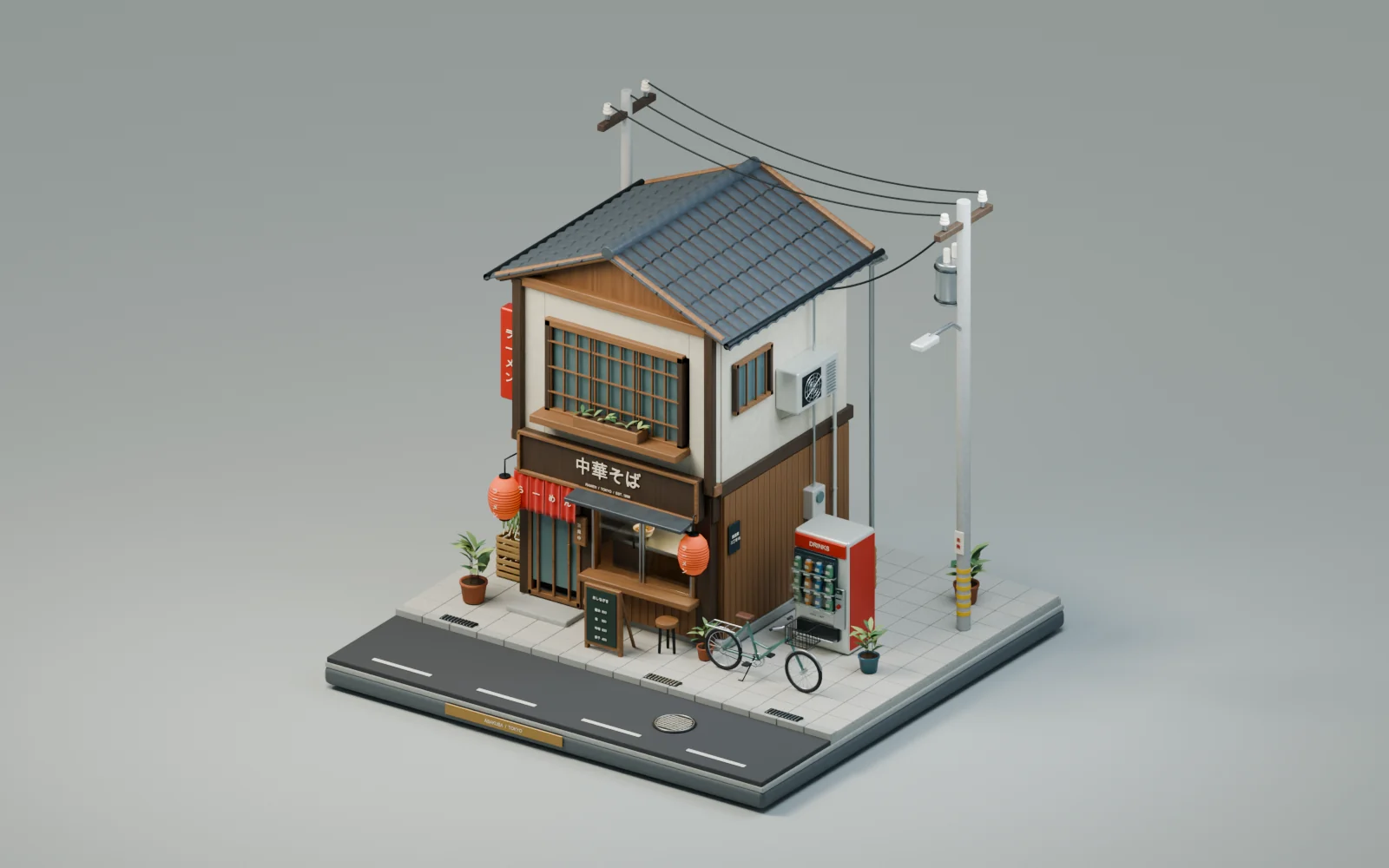
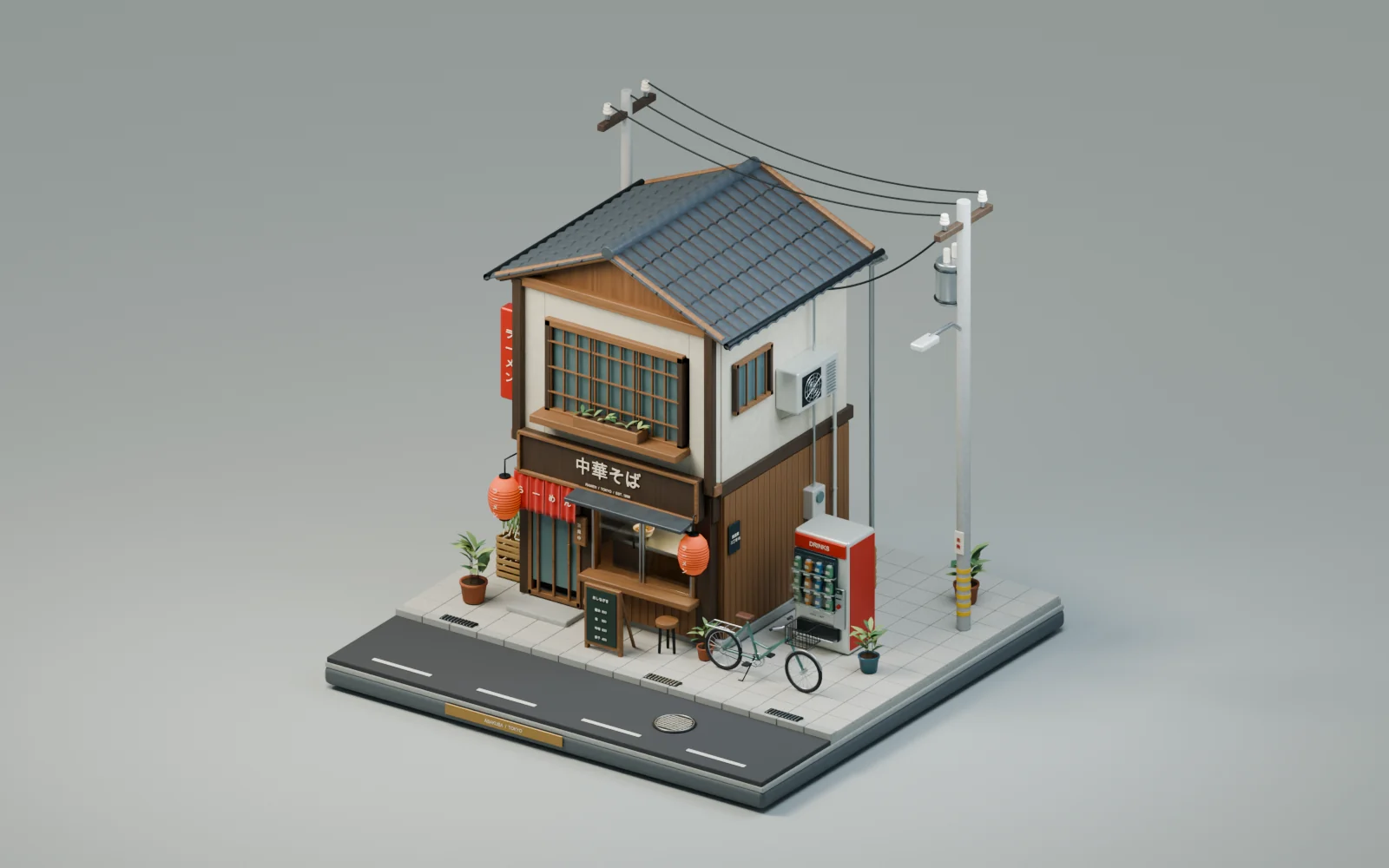
Build a small diorama of a Tokyo ramen shop on a square base: a narrow two-storey wooden shopfront with a red noren curtain over the door, paper lanterns, a menu board, a sliding glass window into the kitchen, a drinks vending machine, a bicycle, stacked crates, potted plants, an air-conditioning unit, overhead power lines on a pole, and a short stretch of street in front. Stylized but detailed, with realistic materials. Render it in soft daylight from a three-quarter view.
In our run, 3D-Agent built a 3.5 m wide shop on an 8 m base, with a tiled roof, Japanese signage, and stock pots and ramen bowls behind the kitchen window. It found reversed faces on the vending machine glass in its first render and fixed them before the final one.
Turn on the night
Keep the camera and change the light:
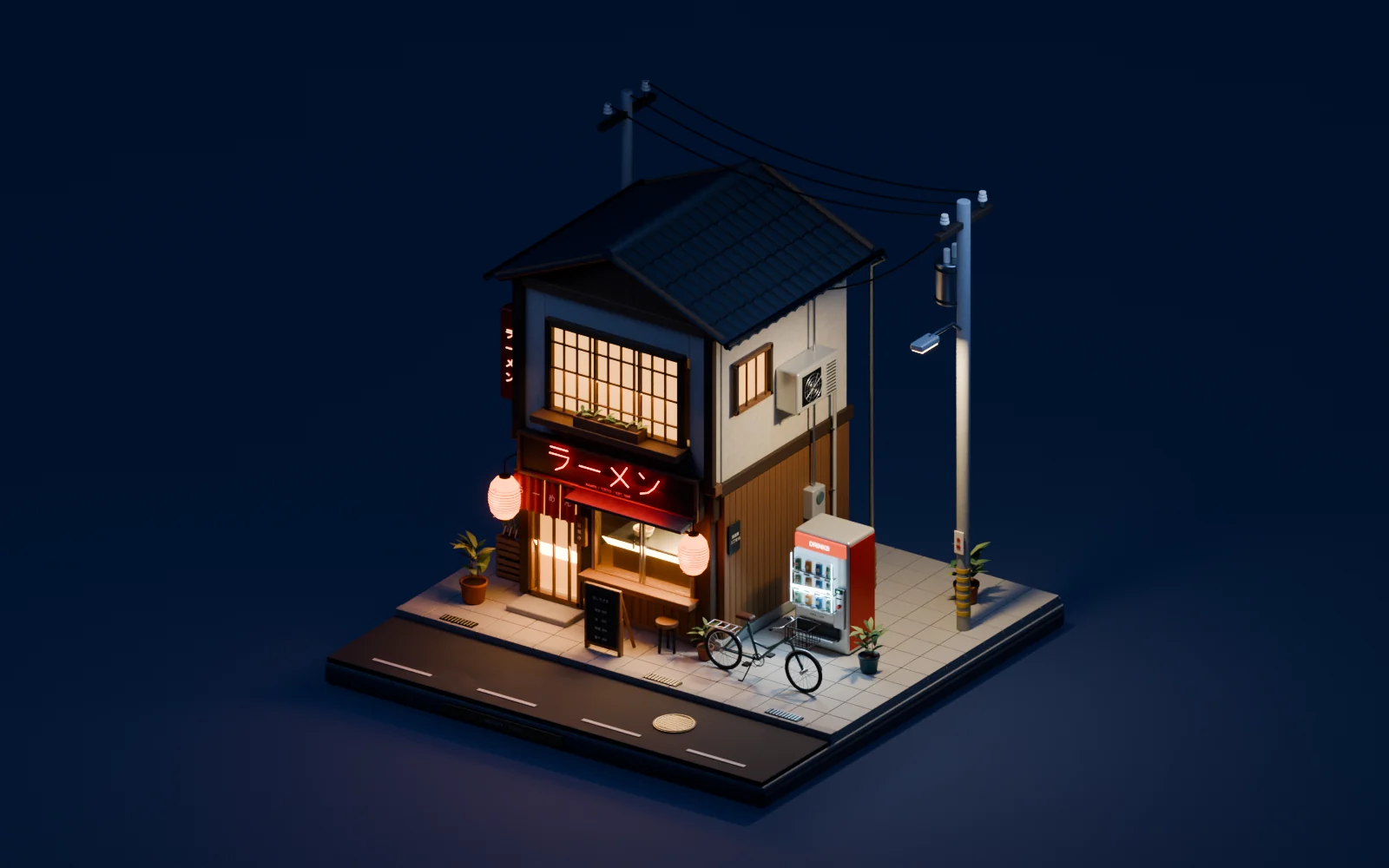
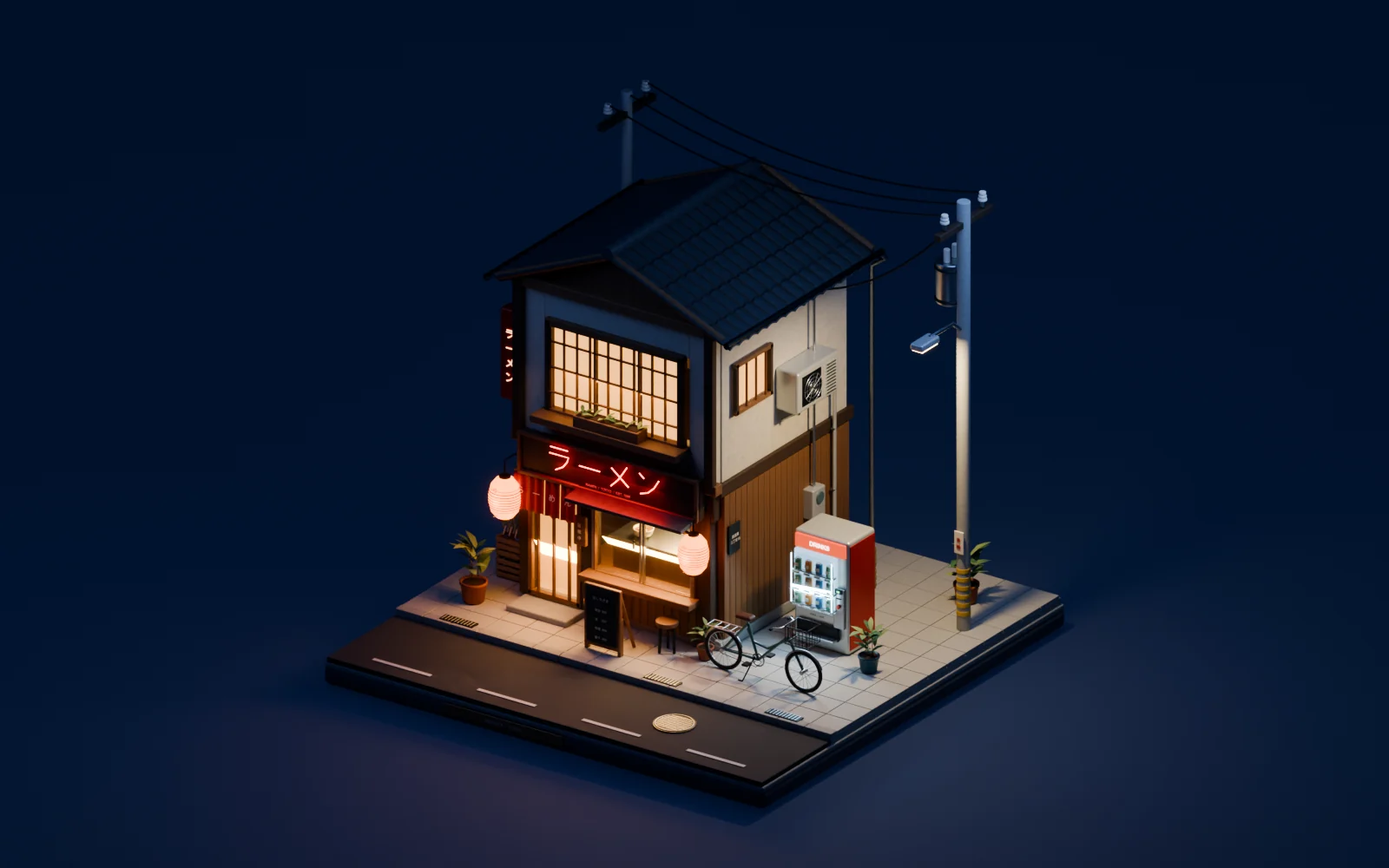
Make it night: warm light glowing from inside the shop and the kitchen window, the paper lanterns lit, a red neon ラーメン sign on the front, the vending machine glowing, a street lamp on the pole, and a deep blue night sky.
Make it rain
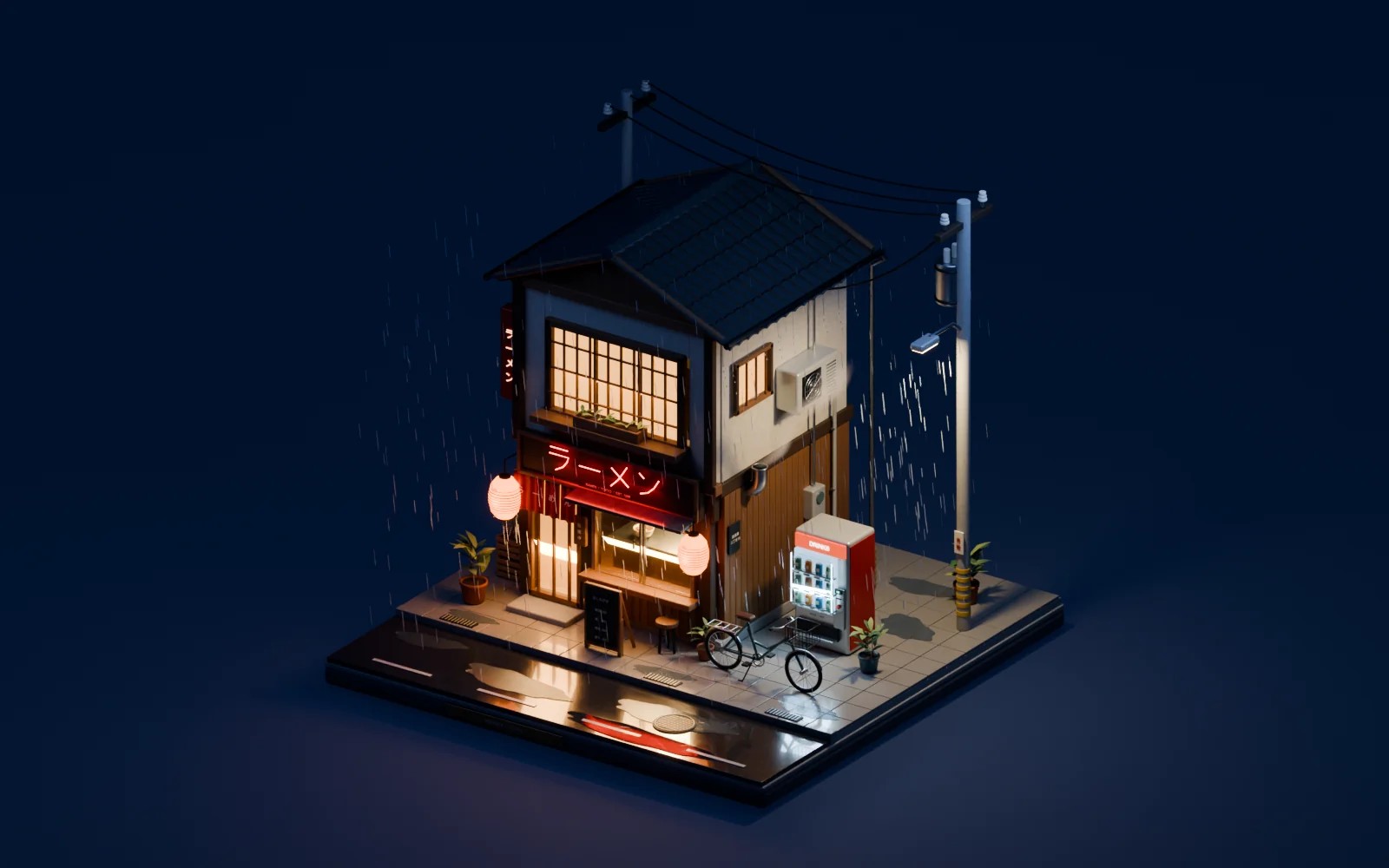
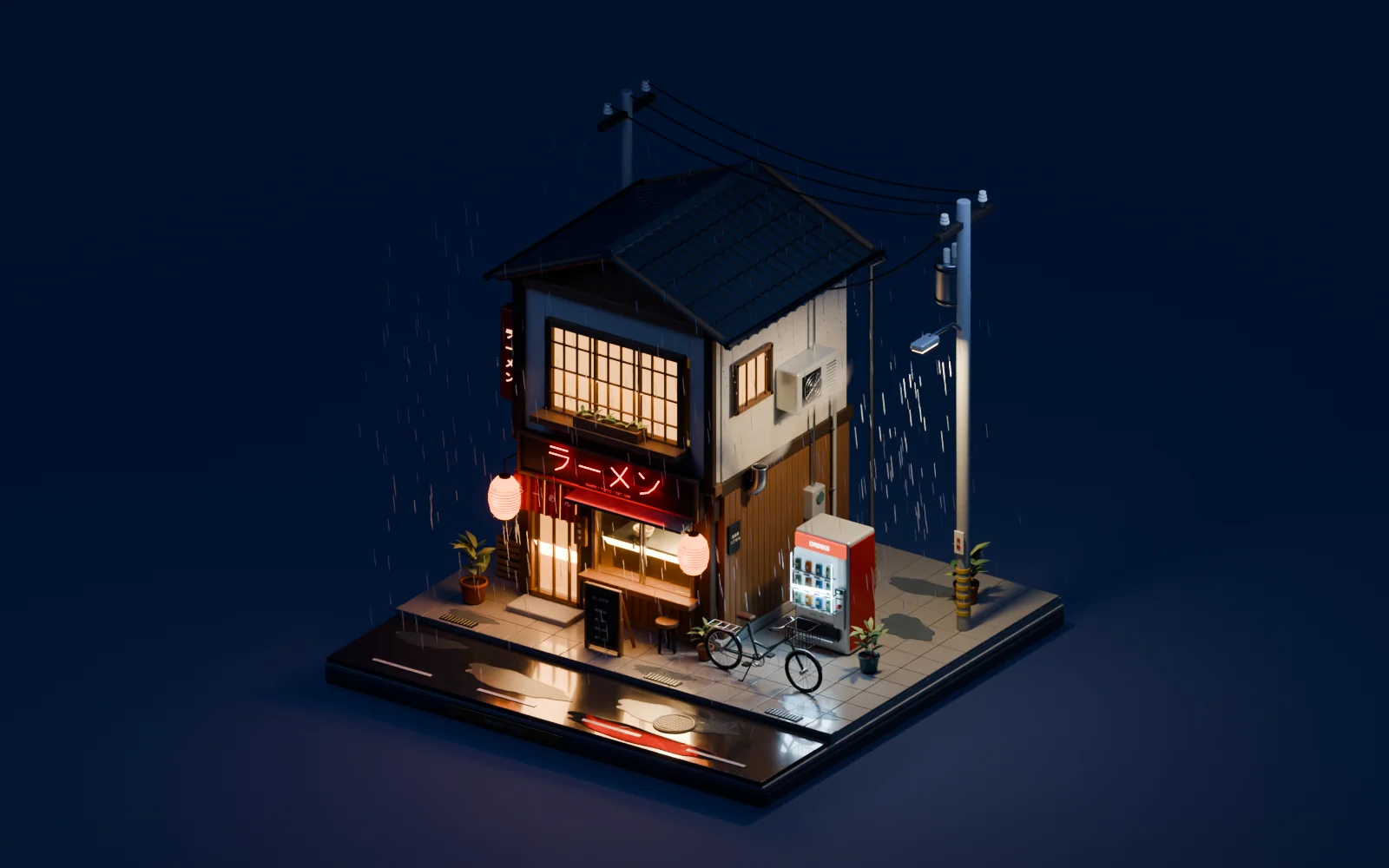
Add rain: a wet street and pavement with puddles that reflect the neon and the warm windows, raindrops streaking through the light, drips from the roof edge, and steam rising from the kitchen vent.
Shoot a film still
Add a second camera, so the diorama view stays as it is:
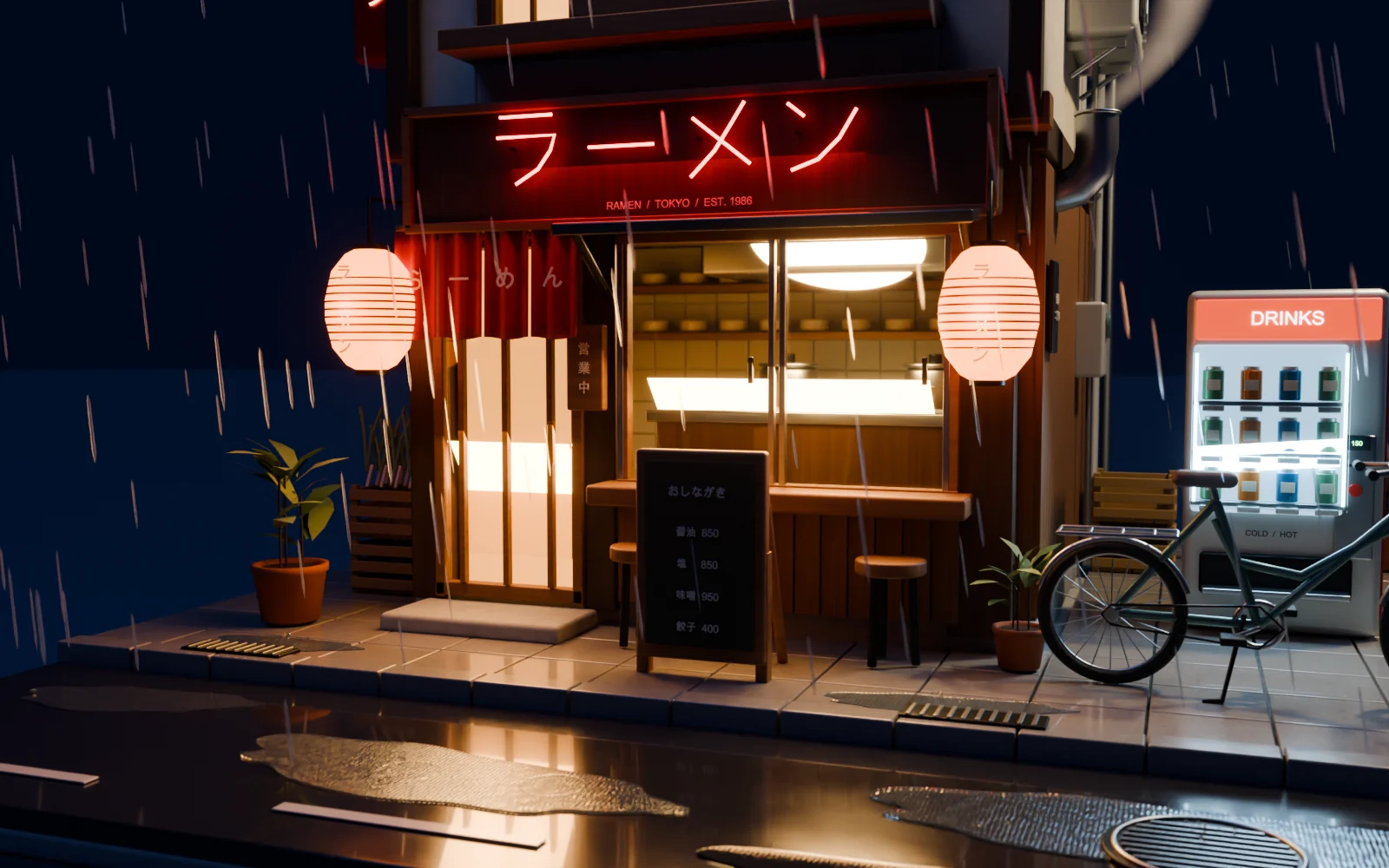
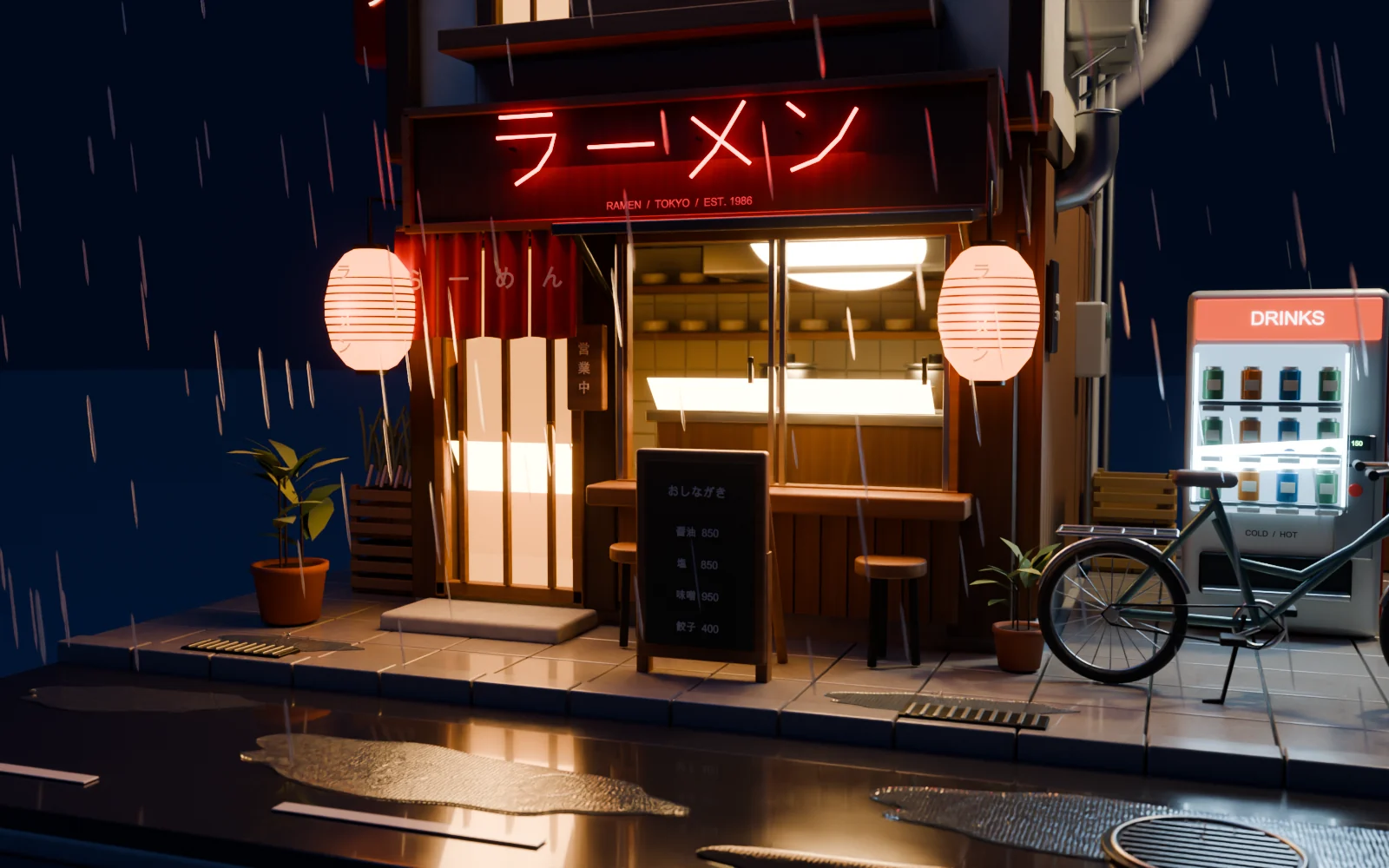
Frame it like a film still: a low camera across the street at a passer-by’s eye level, a 35 mm lens, focus on the noren and the neon sign, a shallow depth of field so the rain in front blurs, and the puddle reflections in the foreground.
In our run, 3D-Agent placed the camera 1.65 m above the street with a 35 mm lens at f/1.2. That’s the image at the top of this page.
Tips
- Change one layer per prompt: the building, then the light, then the weather, then the camera. Each prompt saves its own checkpoint, so you can go back to the dry or the daylight version.
- Say what to keep, like Keep the same camera, so each render lines up with the last.
- Look closely at close-ups. In our run, rain streaks crossed the neon’s long-vowel mark (ー) in the film still, so the sign looked like ラ十メン. One follow-up that named the problem fixed it: The long-vowel mark has a vertical stroke through it, so it looks like ラ十メン. Fix it so the sign reads ラーメン.
- For more on lighting and cameras, see Renders.