Plans and account
Billing
Payments are final, but you can cancel any time and keep access until the end of the period you paid for.
This page is a summary. The Refund Policy and Terms and Conditions are the binding versions.
Who you pay
The seller depends on how you pay. It’s named at checkout and on your receipt.
| Payment method | Seller | Who handles refunds |
|---|---|---|
| Card and most other methods (Stripe) | Drexfy Tecnologies LTDA | 3D-Agent |
| Alipay and other China-local methods (Paddle) | Paddle, as merchant of record | Paddle |
Drexfy Tecnologies LTDA is the company behind 3D-Agent. That’s the name on your card statement. It isn’t a mistake or fraud.
Payment methods
Pay by card, Apple Pay or Google Pay. In China, you can also pay with Alipay and other local methods through Paddle.
There are no discount codes and no top-ups. For more prompts, upgrade your plan. See Plans and limits.
To pay with crypto, open a ticket in Discord.
To pay another way, such as PayPal, or if your card keeps getting declined, open a ticket. You can also ask there about a custom plan for large volumes.
To change your card, go to Profile in the web dashboard .
Pay for your first plan
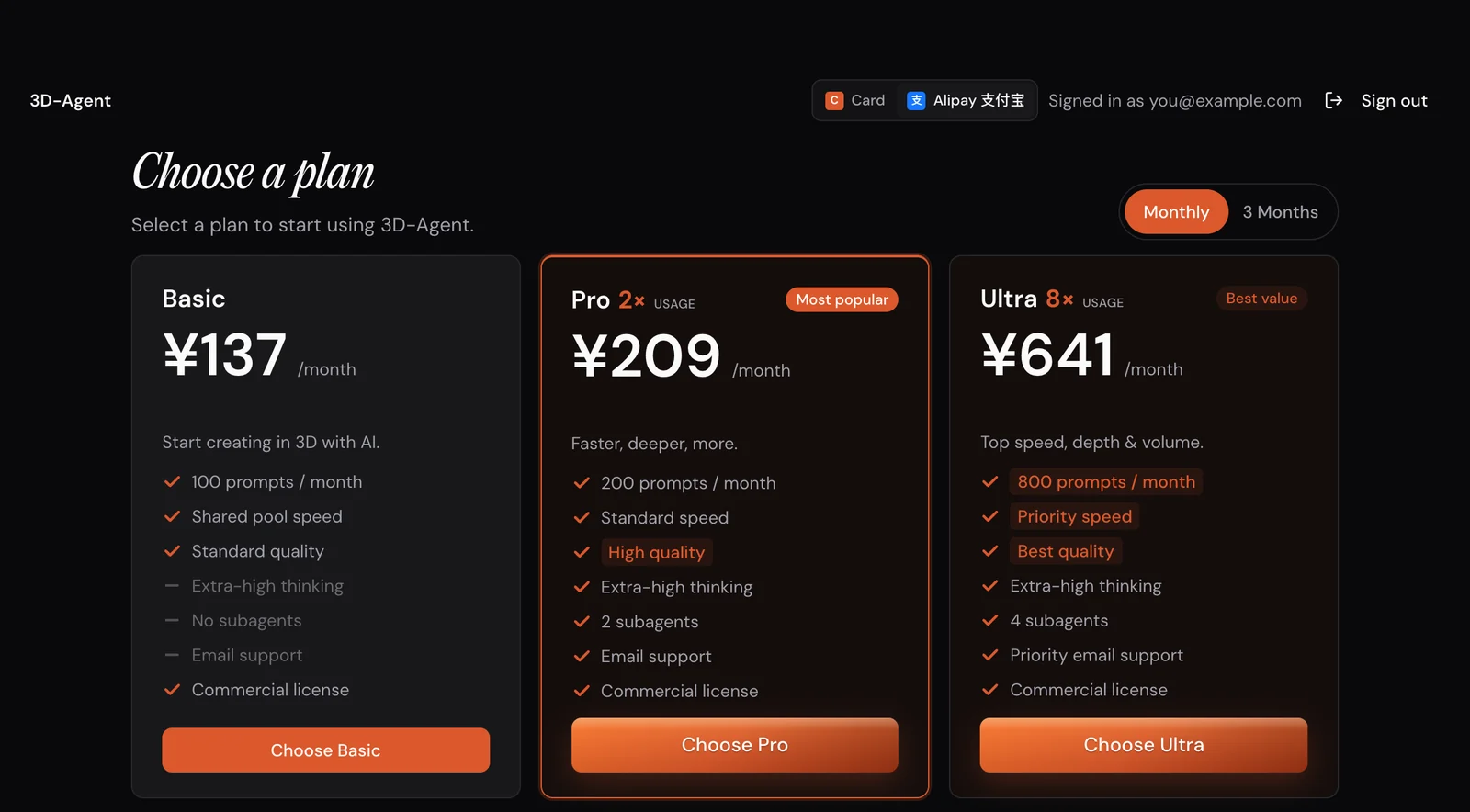
When you sign in without a plan, 3D-Agent shows Choose a plan. Open the way you want to pay.
Pay by card, Apple Pay or Google Pay
- At the top right of Choose a plan, keep Card selected.
- Pick Monthly or Annual.
- Click Choose Basic, Choose Pro or Choose Ultra.
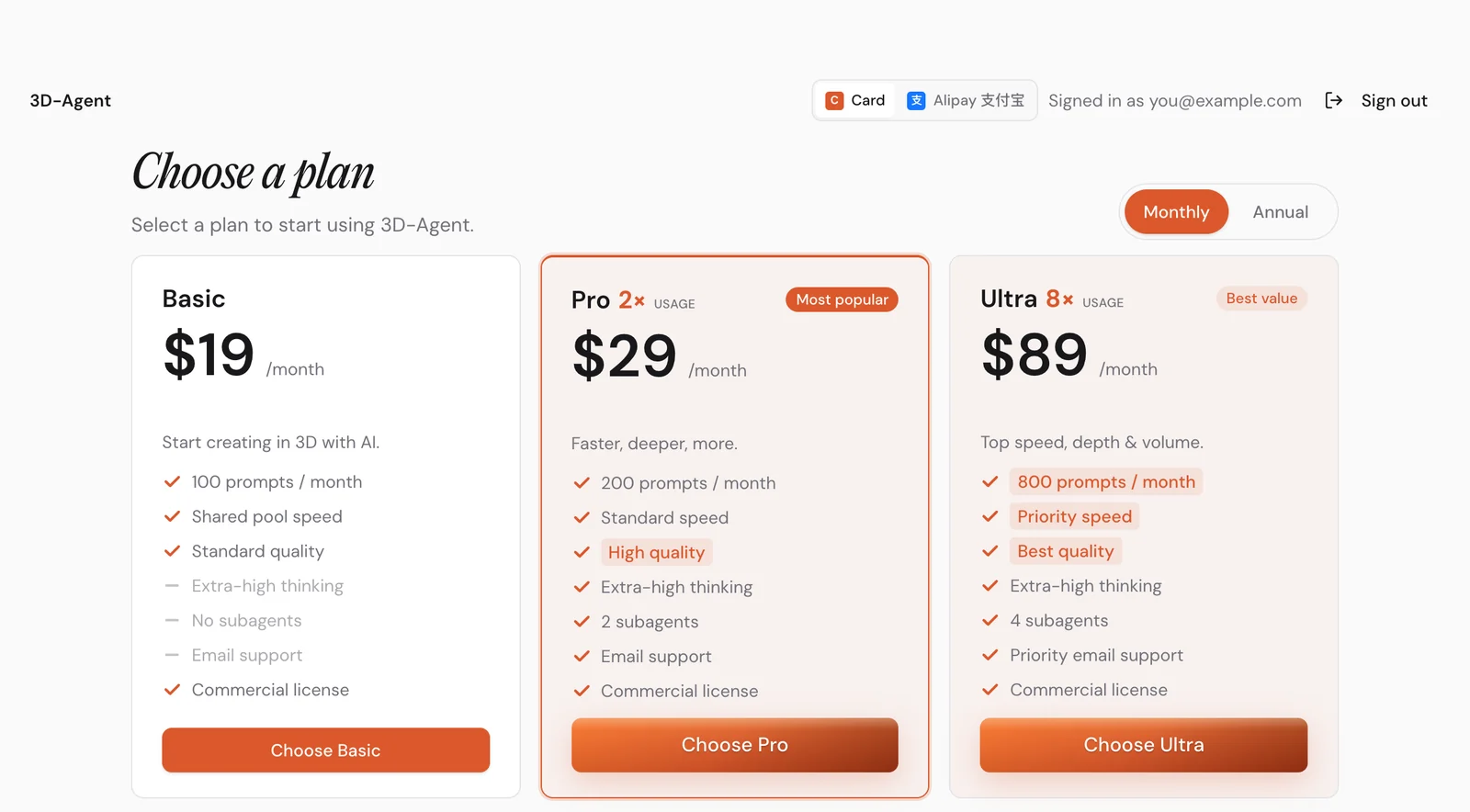
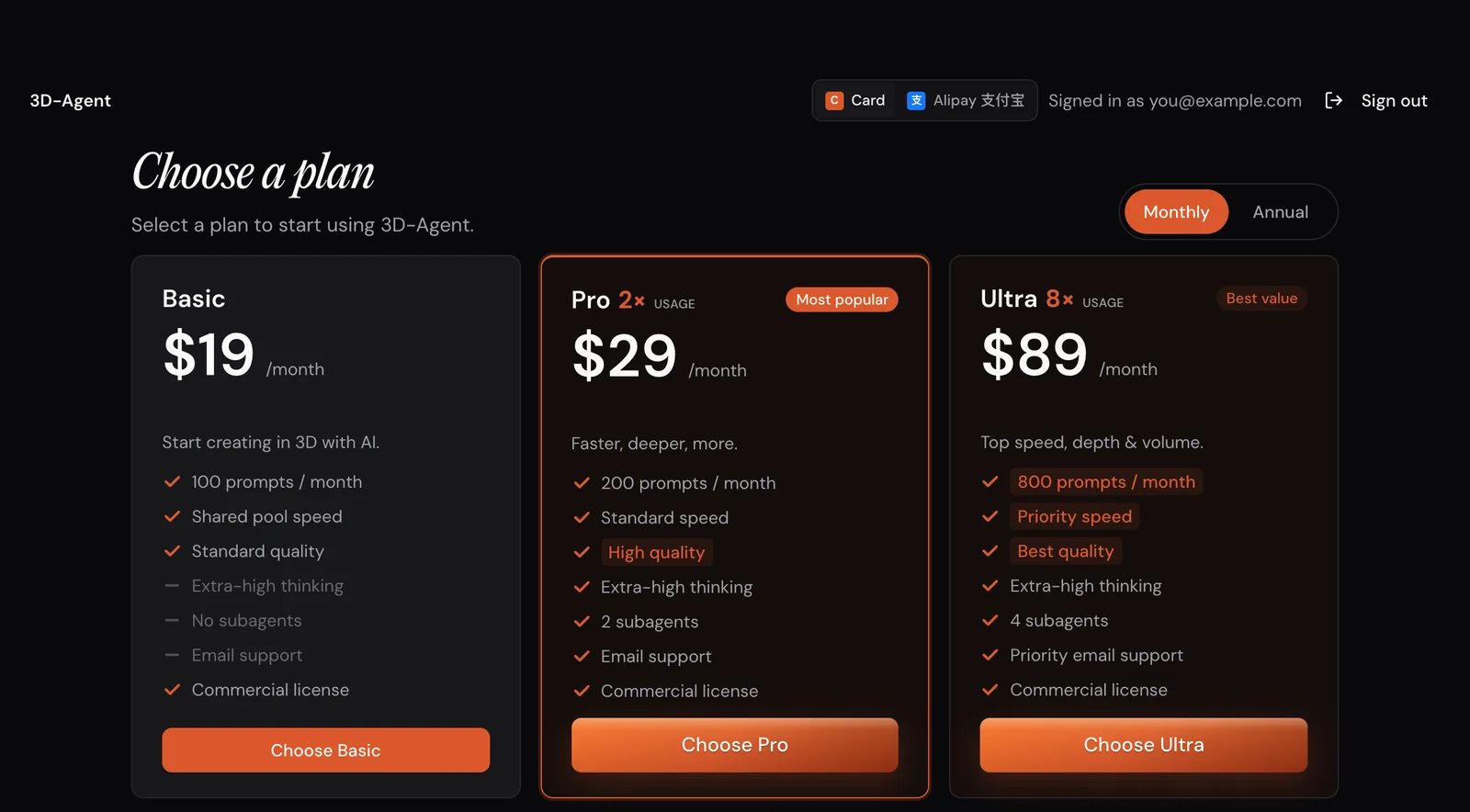
Checkout opens on Stripe in your browser. Pay with a card or a wallet like Apple Pay, then click Subscribe. You can also switch to annual billing there.
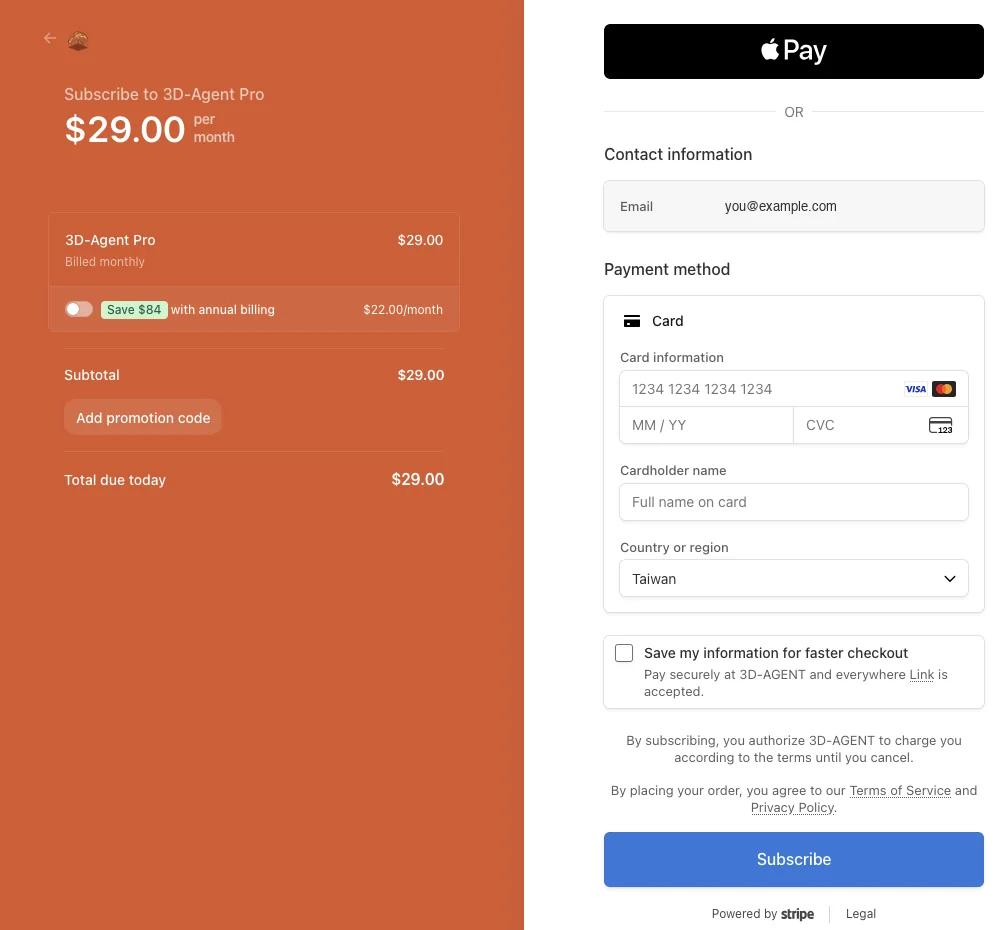
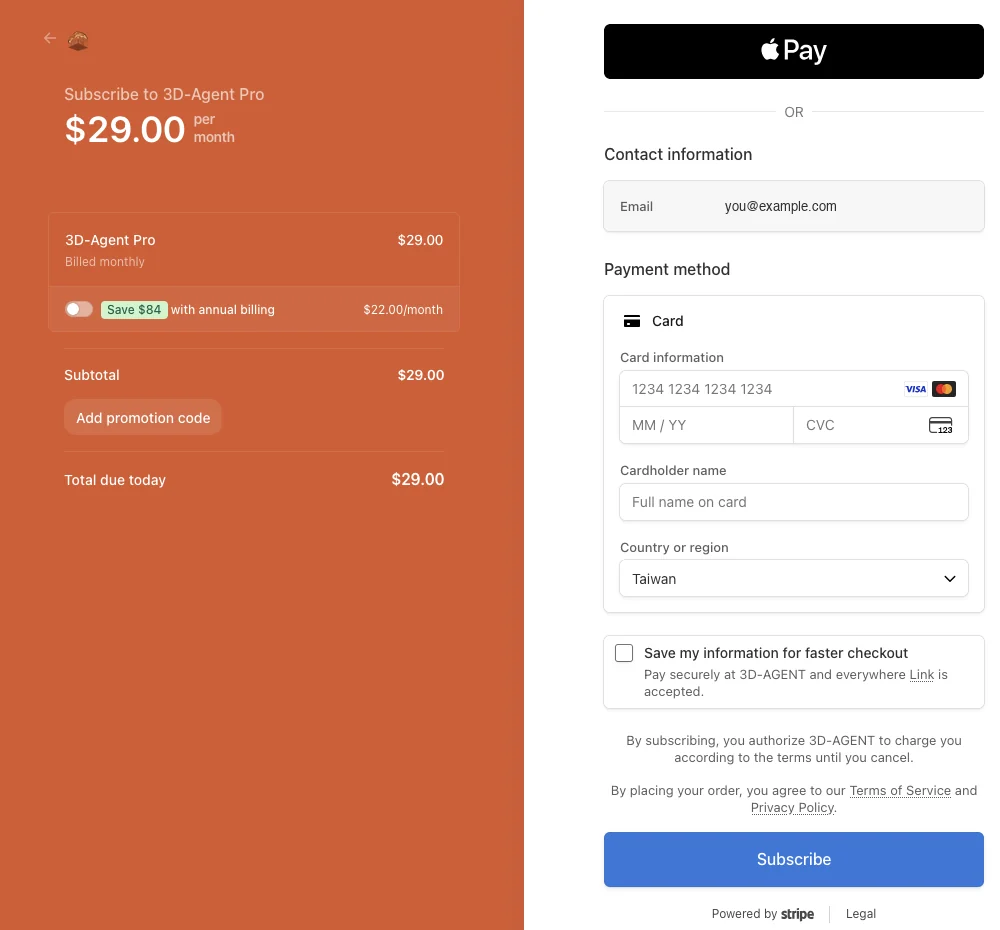
Go back to 3D-Agent. It unlocks when your payment arrives.
While checkout is open, the app shows Checkout opened in your browser; complete it there to unlock. If the browser didn’t open, copy the link or click Open again. If you paid and the app is still locked, click I’ve completed payment.


Pay with Alipay 支付宝 (Chinese citizens only)
- At the top right of Choose a plan, click Alipay 支付宝.
- Pick Monthly or 3 Months. Prices are estimated in yuan; the final price appears at checkout.
- Click Choose Basic, Choose Pro or Choose Ultra.
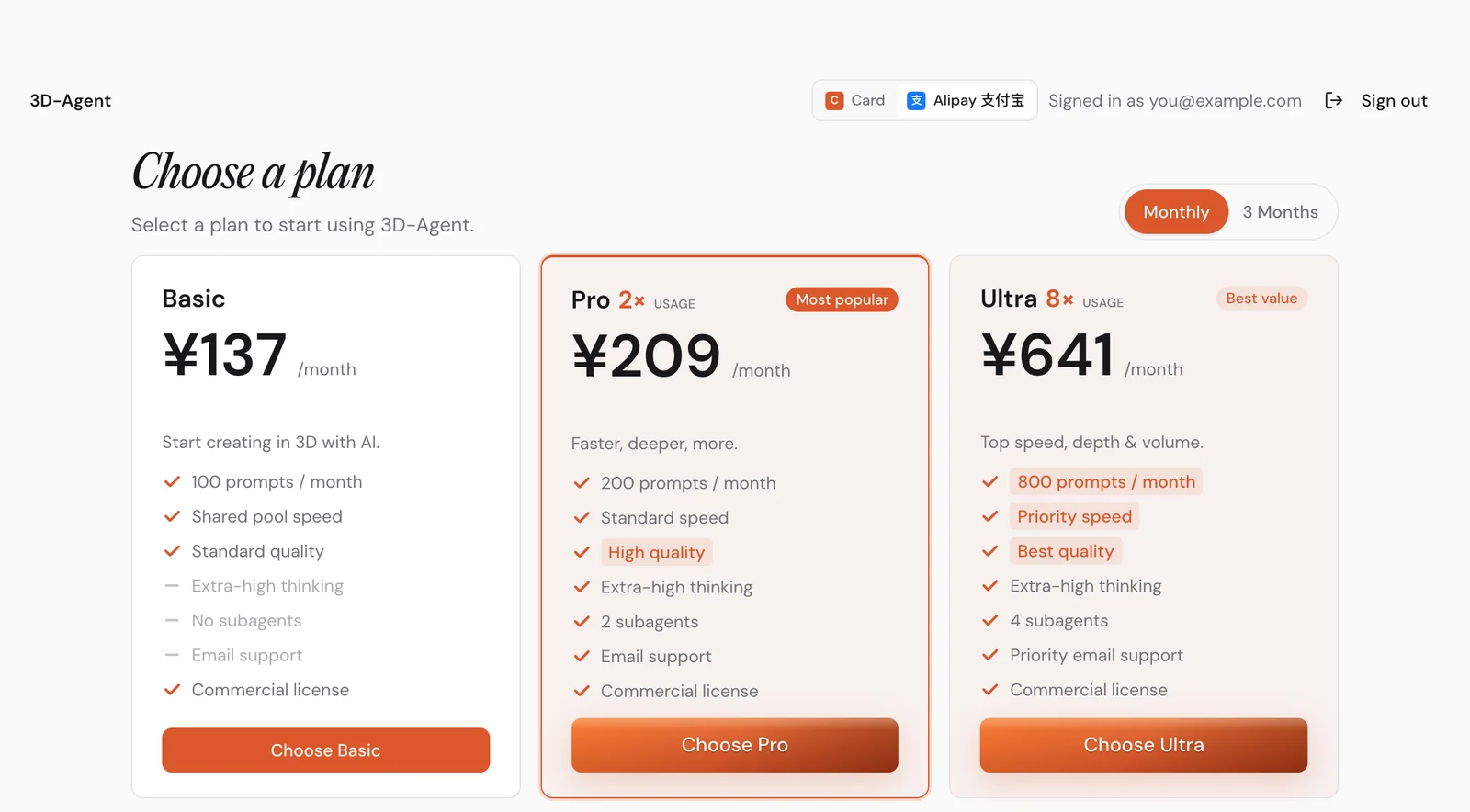
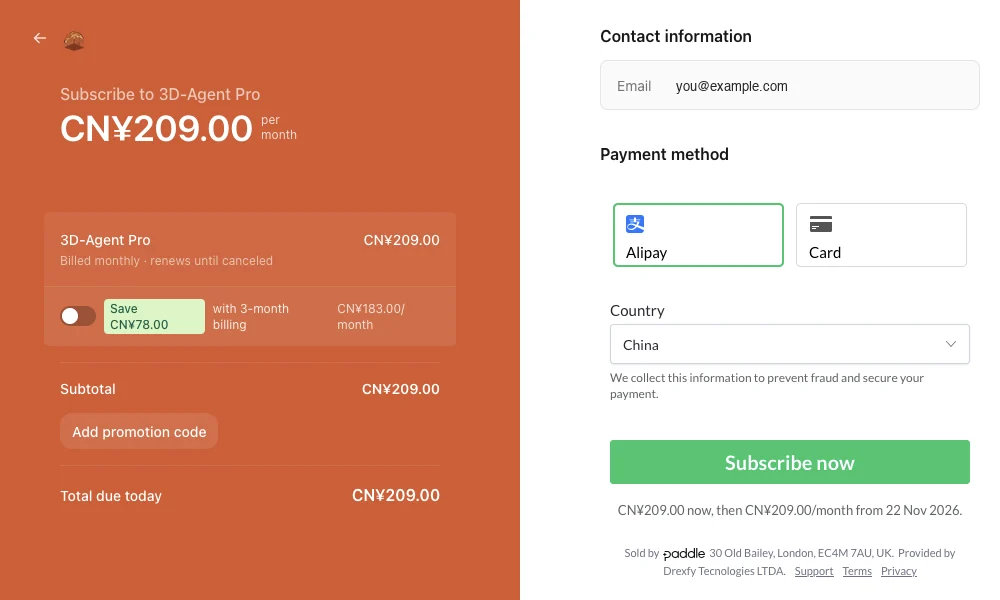
Checkout opens on Paddle in your browser.
- Keep Alipay selected under Payment method and check the Country.
- Click Subscribe now. You can also switch to 3-month billing there.
Alipay asks you to confirm. Scan the QR code with the Alipay app on your phone, signed in to your Alipay account.
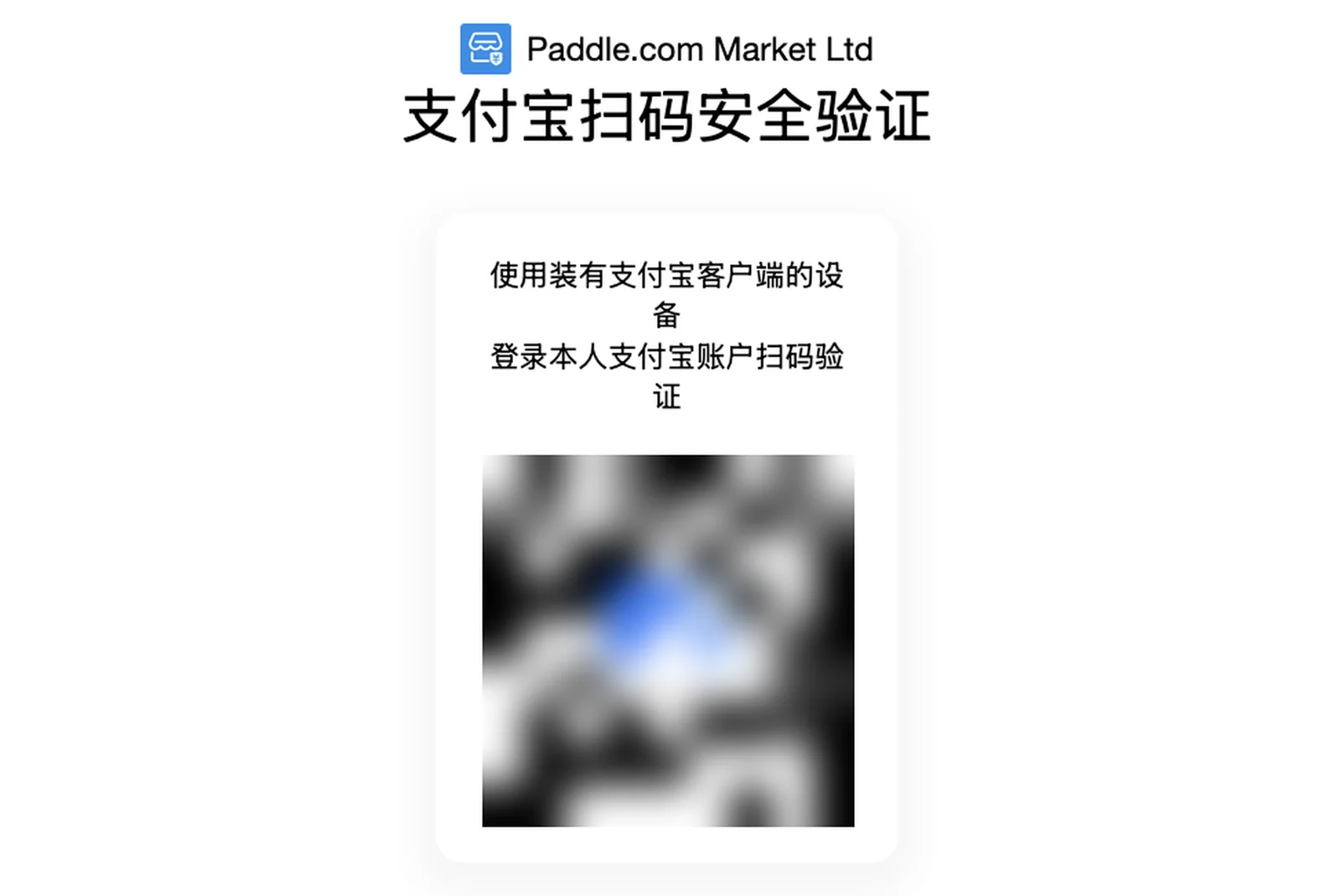
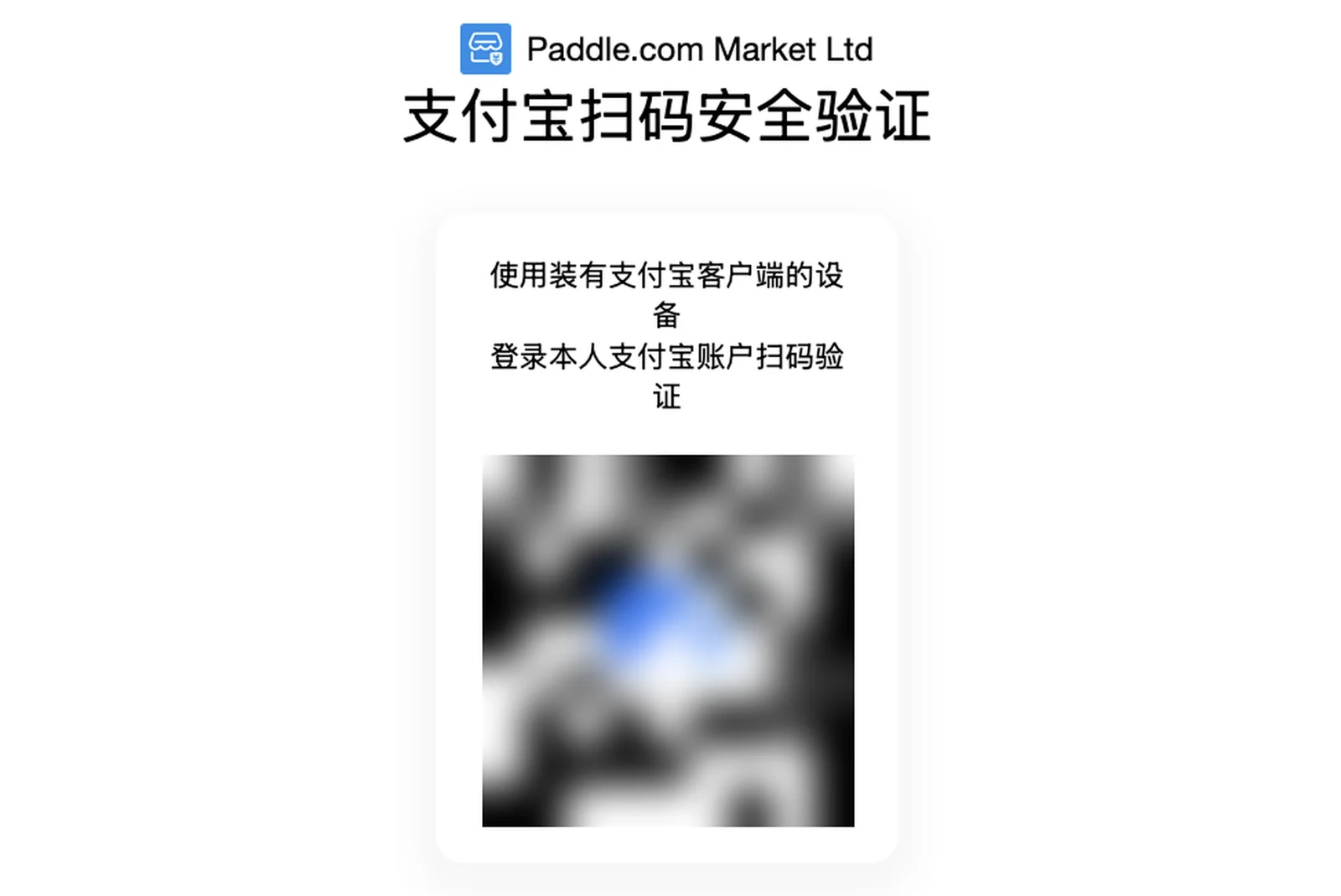
Go back to 3D-Agent. It unlocks when your payment arrives. If the browser didn’t open, copy the link in the app or click Open again. If you paid and the app is still locked, click I’ve completed payment.
Upgrade or change your plan
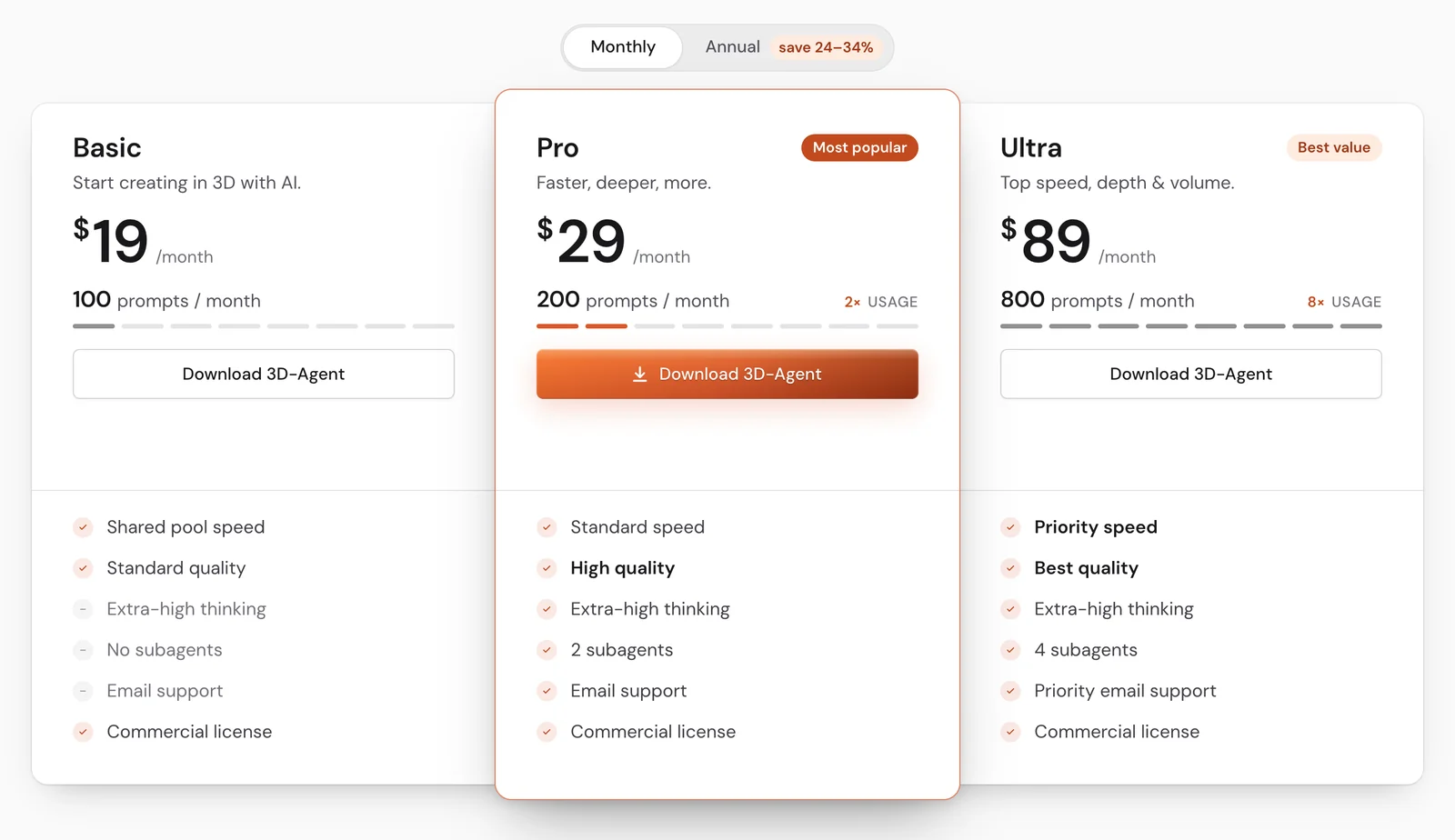
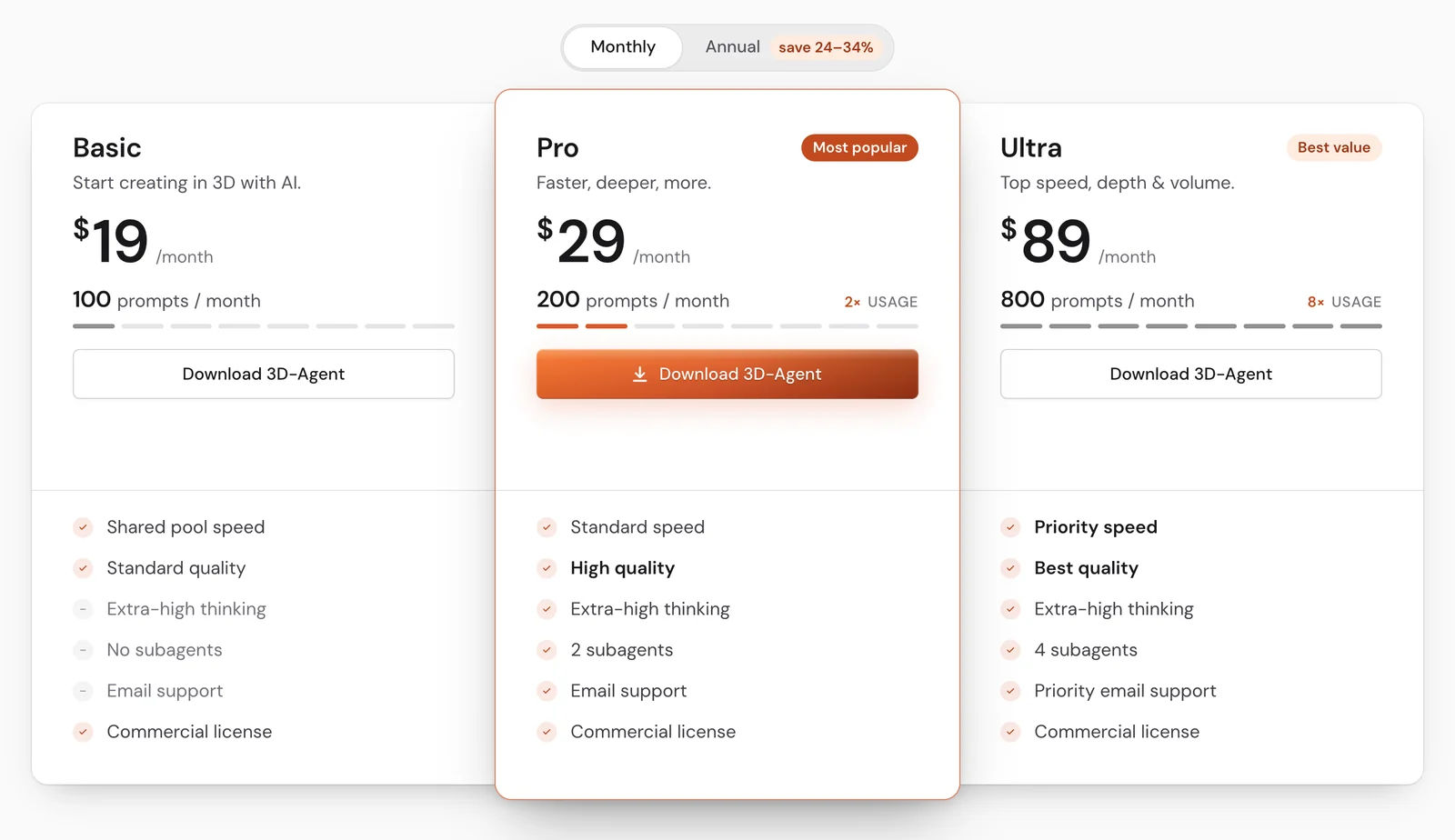
Open Settings → Account and click Upgrade next to Upgrade plan. From there you can compare plans, upgrade or manage your subscription.
The plans are the same as on 3d-agent.com/pricing :
Cancel your subscription
- Future charges stop.
- You keep full access until the end of the period you paid for.
- There’s no cancellation fee.
- The current period isn’t refunded.
Refunds
Subscriptions aren’t refundable. That includes unused time, unused prompts, partial billing periods and renewals you didn’t cancel in time.
You always get a refund when:
- You were charged more than once for the same billing period.
- You were charged for a plan you didn’t authorize.
- You were charged after cancelling, or the amount doesn’t match the plan you chose.
- The service never reached your account and couldn’t be fixed within a reasonable time.
Blender or your computer crashing, freezing or slowing down during heavy work you asked for doesn’t count as a service that was never delivered.
If the payment for your current billing period is fully refunded, or your bank or card issuer charges it back, your plan ends right away.
Mandatory consumer law still applies. Consumers in Brazil can withdraw within 7 days of purchase.
See the Refund Policy for the full rules.