Tutorials
Tutorial: make a motion reference
You’ll build a grey mannequin in Blender, animate it walking and waving, and render a 5-second MP4. Use the clip as the Motion reference in a @video message, so Seedance 2.5 follows that movement. Every image and the clip on this page are real results of these prompts in 3D-Agent.
A motion reference is a short clip that shows the movement you want. Seedance can’t use clips of real people, so a mannequin you animate in Blender is a good source.
First, connect 3D-Agent to Blender.
Start with a clean scene
In Blender, open a new file and save it as
motion-reference.blend. A saved file gives your checkpoints a name, and the video lands next to it.Build the set and the mannequin
Ask for plain shapes and a camera that frames the whole body:
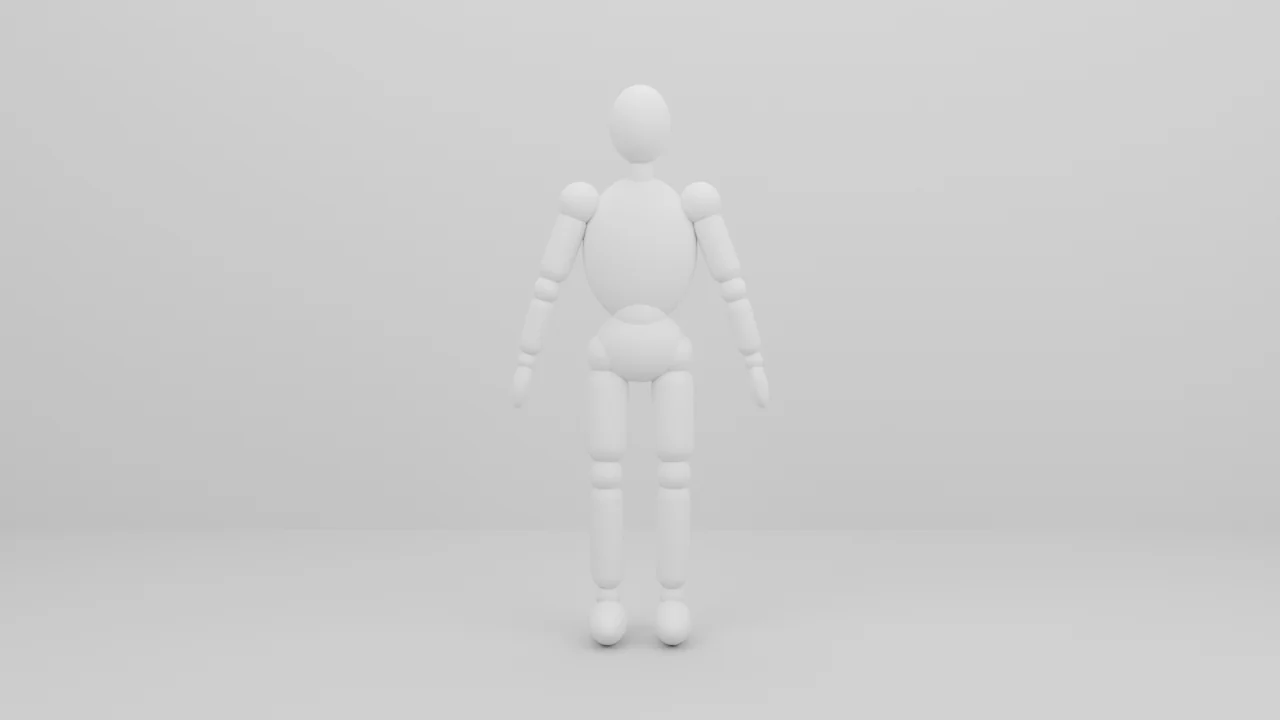
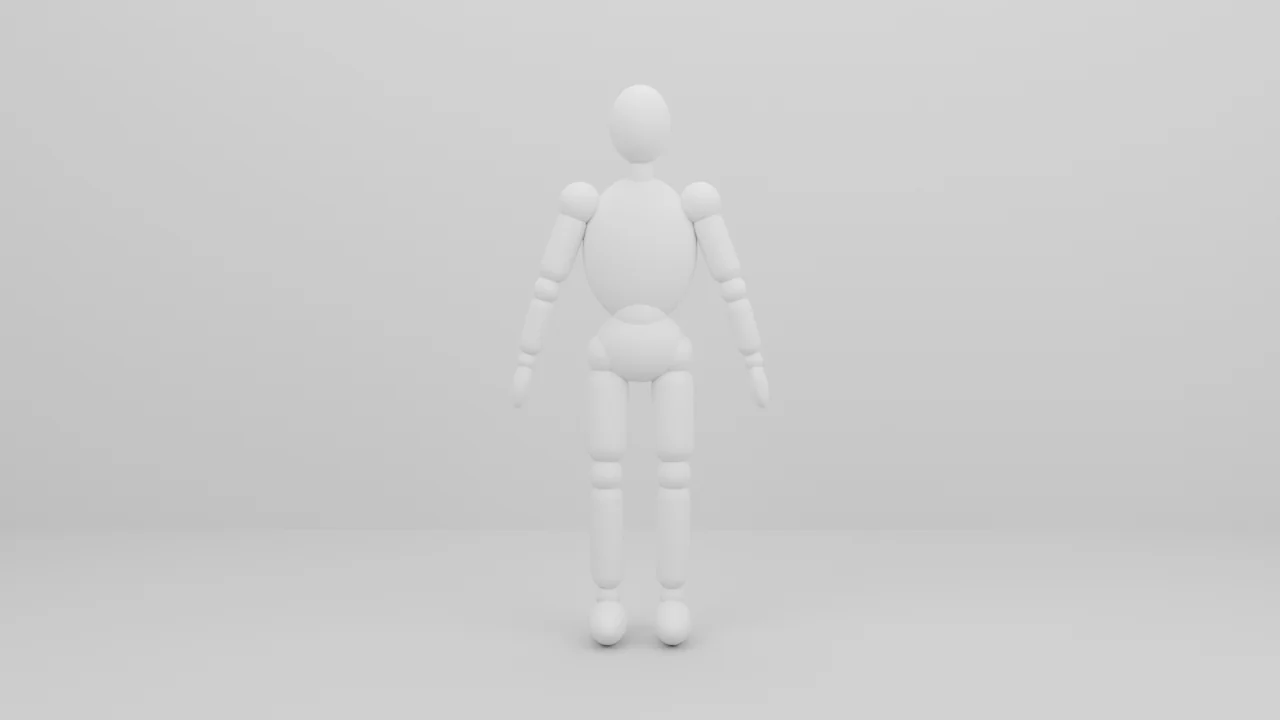
Build a simple grey-box set for a video motion reference: a flat floor, a plain backdrop wall behind, and a jointed mannequin about 1.8 m tall made of simple rounded shapes (head, torso, upper and lower arms and legs, hands, feet) in one neutral light-grey material, standing at the back of the floor facing the camera. Name it Mannequin. Add a camera at eye level framing the mannequin full-body in 16:9 (1280×720), with soft, even lighting. Set the scene to 24 fps. Make the mannequin posable.
In our run, 3D-Agent rigged the mannequin, tested a raised-arm and a bent-leg pose, then rendered the camera view.
Animate the movement
Say what happens, how long it takes and where the camera goes:
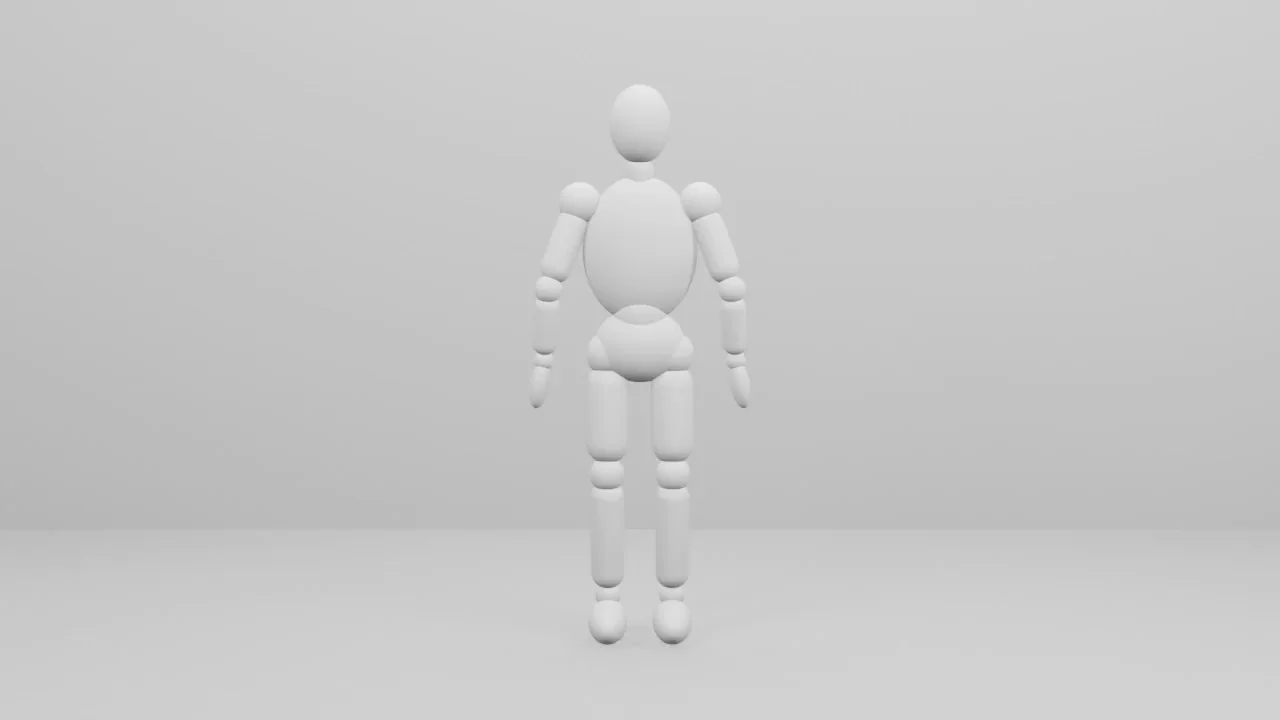
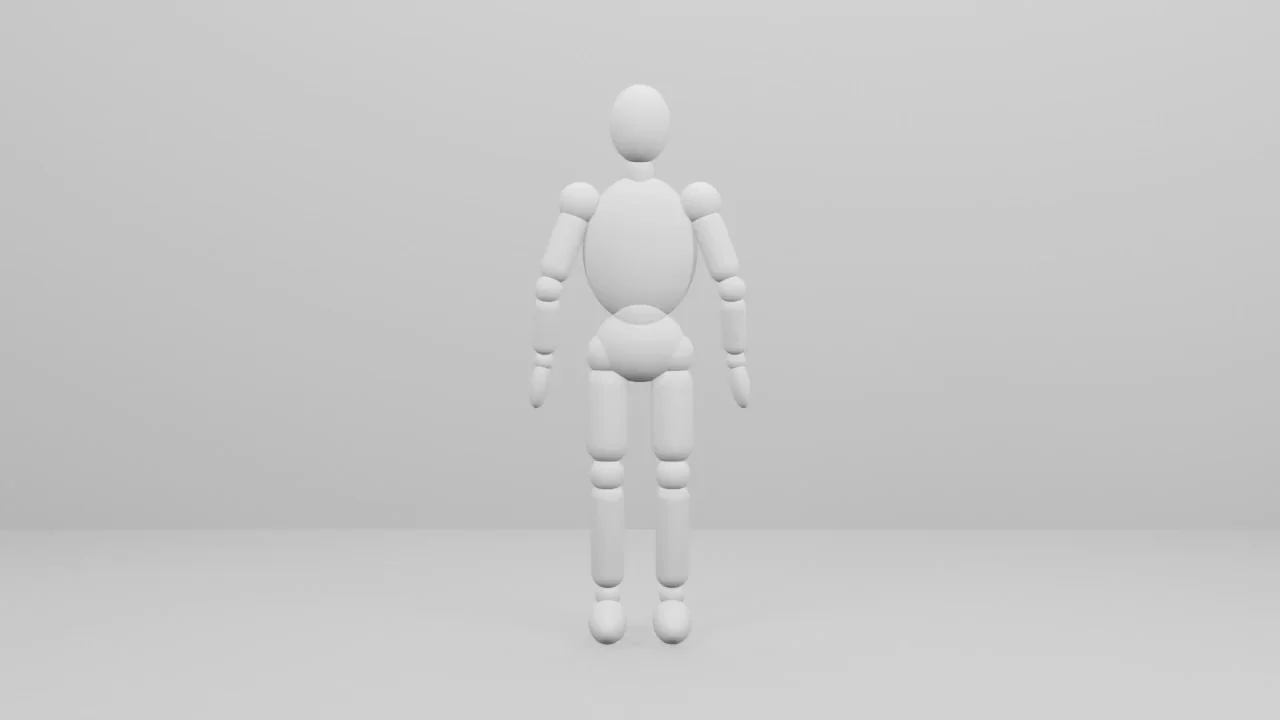
Animate the Mannequin over 5 seconds (frames 1 to 120 at 24 fps): it walks toward the camera for about 3 seconds with a natural walk cycle (arms swinging opposite to the legs, feet planted on the floor without sliding), stops, then raises its right hand and waves twice. Have the camera dolly back slowly while it walks so the full body stays in frame the whole time.
In our run, the mannequin walked about 2.1 m before it stopped, and 3D-Agent checked every frame for feet sliding or going through the floor.
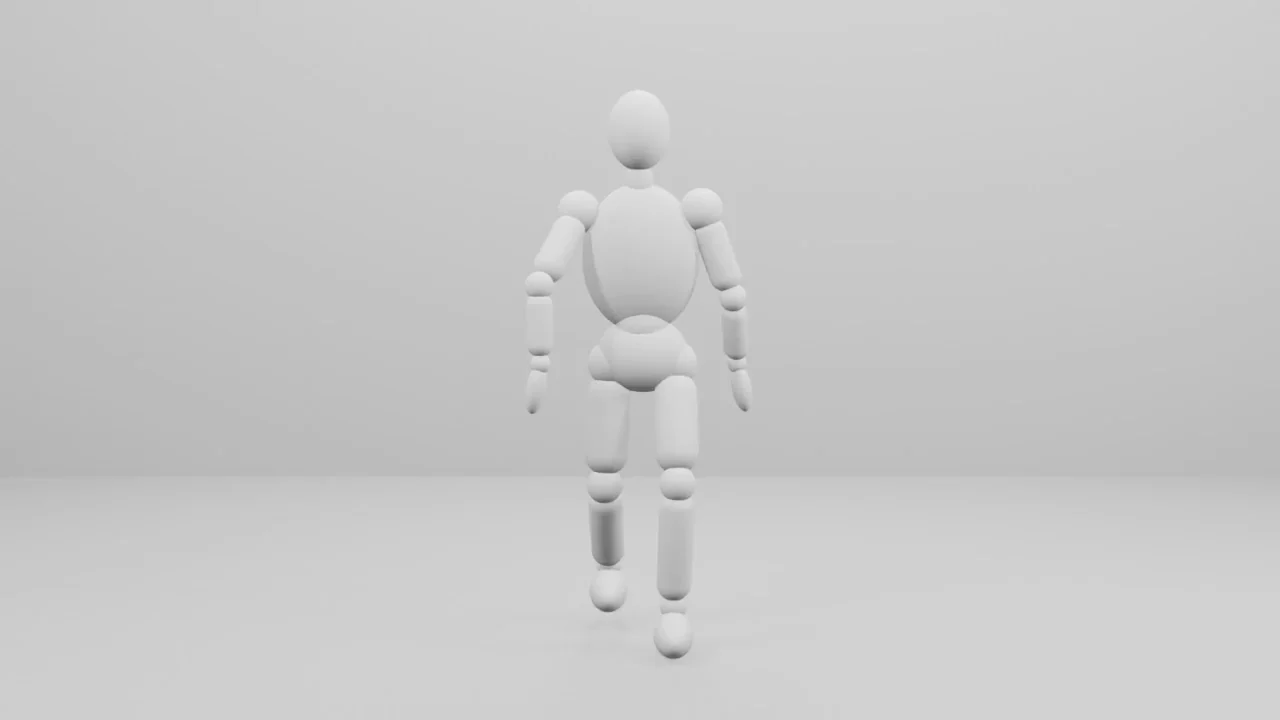
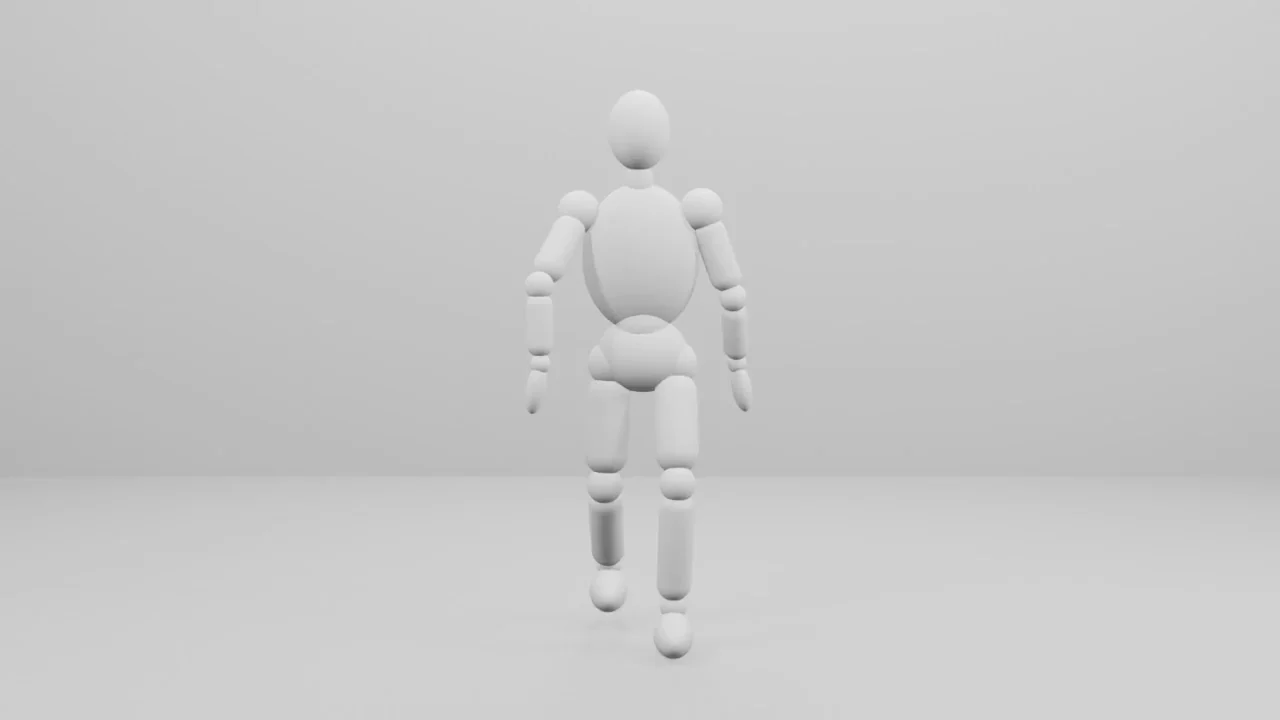
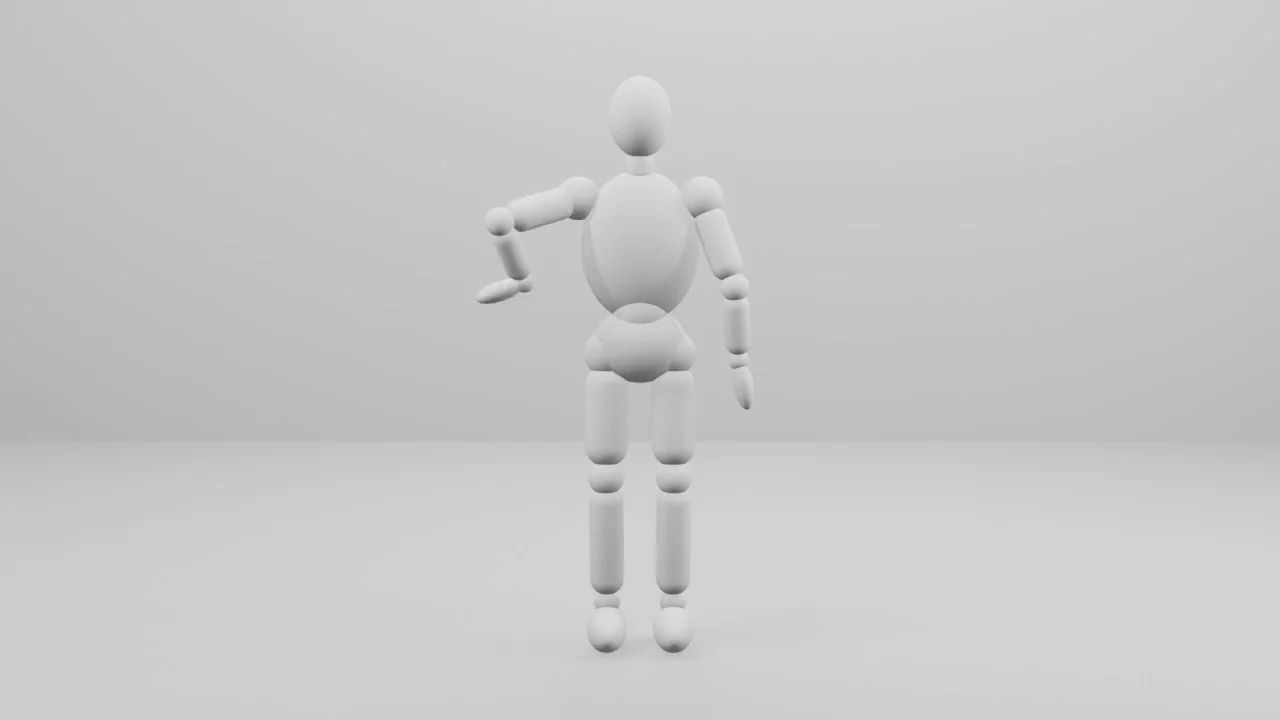
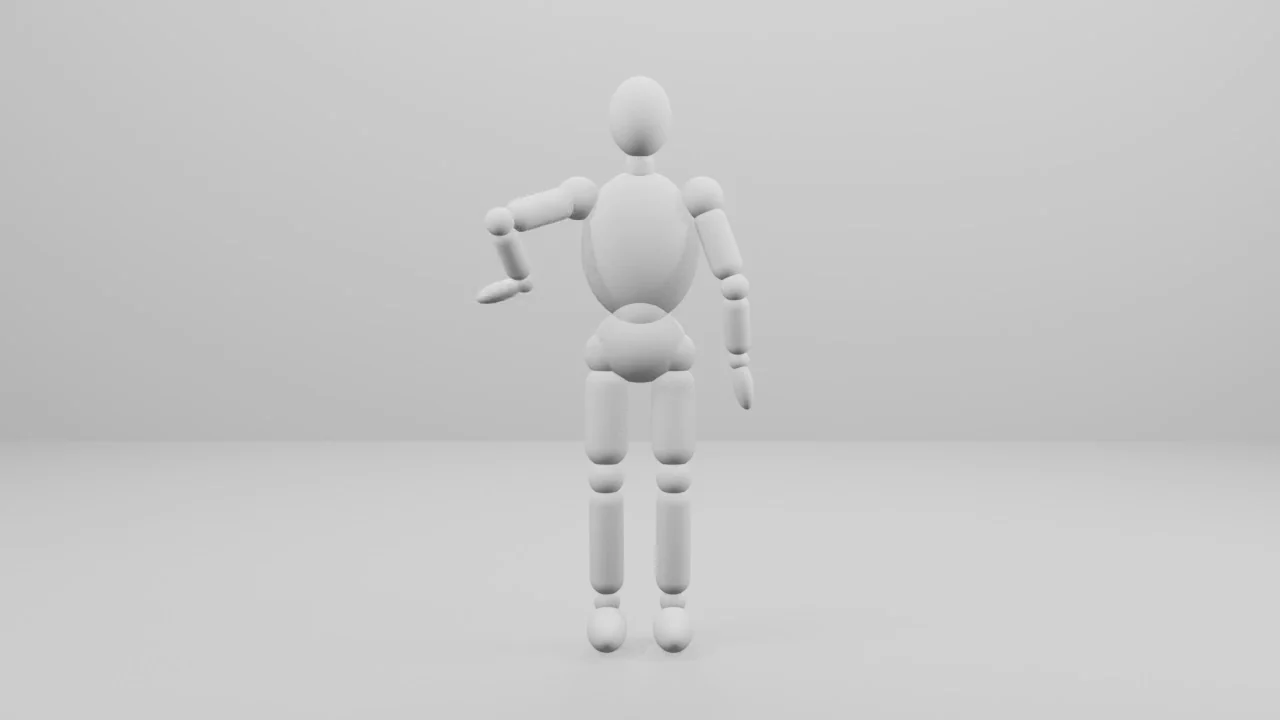
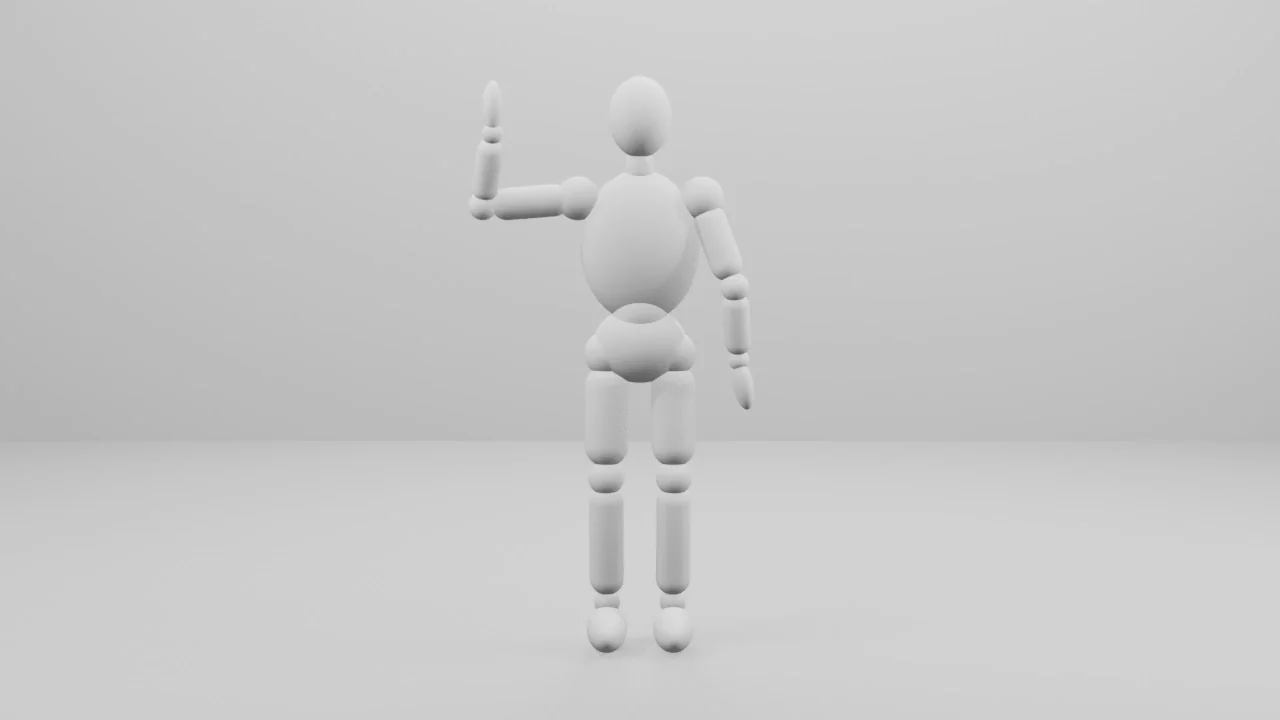
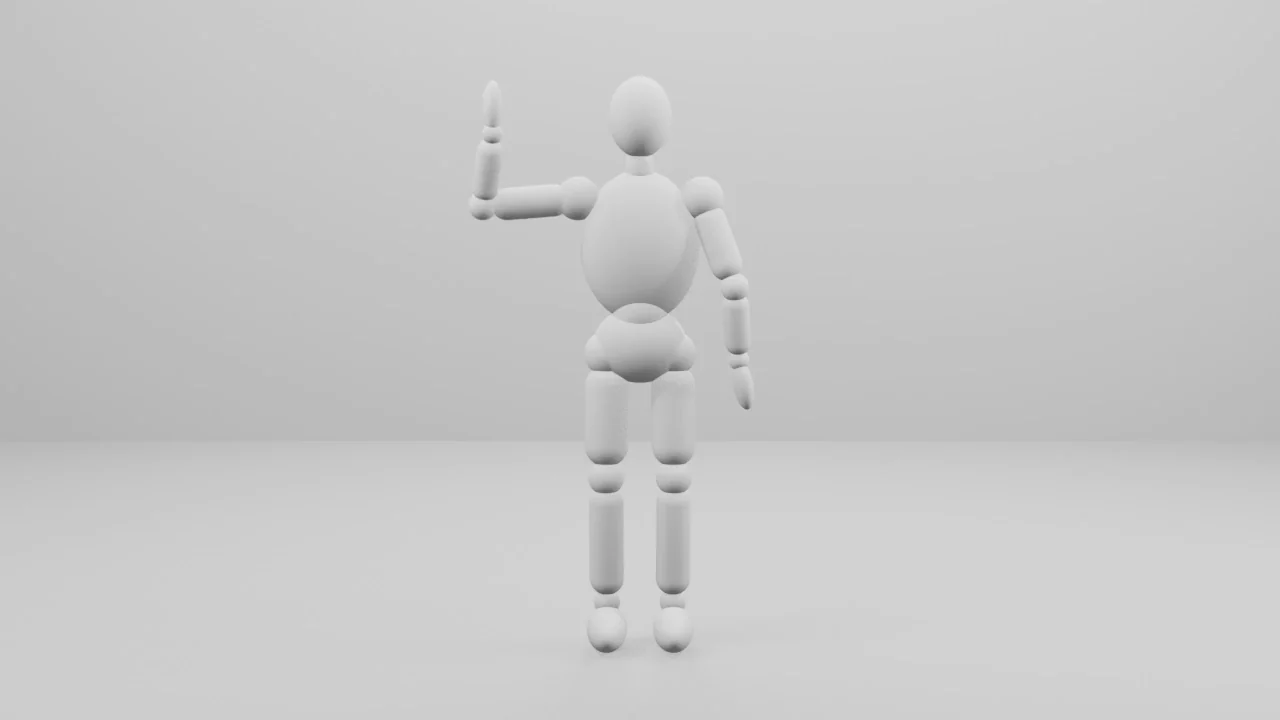
To change the movement, ask for one change per prompt, like Make the walk slower or Wave with the left hand instead. Each change gets its own checkpoint.
Render it as a video
Render the whole animation (frames 1 to 120) from the camera as an MP4 video (H.264), 1280×720 at 24 fps, using EEVEE so it renders quickly. Save it as “motion-reference.mp4” next to the .blend file.
In our run, the clip came out 5 seconds long at 1280×720 and 0.22 MB.
Use it as a motion reference
In a
@videomessage, pick References under Method, addmotion-reference.mp4under Motion, and set Duration to match the clip. See Generate videos.
What makes a good motion reference?
- Keep it short. The clip’s length counts toward what a video costs, and on Basic a motion clip can be up to 5 seconds.
- Keep the whole movement in frame. Move the camera with the subject, like the dolly in this tutorial.
- Use plain shapes and even light. A grey mannequin shows the movement without anything else in the way.
- Leave out real people. Seedance refuses clips that show a real person.
- Save it as MP4, MOV or WebM, up to 50 MB.