Getting started
Install Blender on Windows and Mac
3D-Agent (3d-agent.com ) works with Blender 4.2 or later. This page shows how to install Blender from blender.org on Windows and on a Mac, one screen at a time.
Which Blender version should I install?
- Windows and Apple Silicon Macs: the latest Blender from blender.org/download .
- Intel Macs: Blender 4.5 LTS. Blender 5.0 and later run only on Apple Silicon Macs. Download the macOS Intel version from blender.org’s Blender 4.5 LTS page .
The Steam version of Blender works too. The Microsoft Store version isn’t supported.
How do I install Blender?
Open the section for your system.
Install Blender on Windows
Download Blender
- Go to blender.org/download and click Download Blender. On Windows, the page offers the Windows installer, a
.msifile.
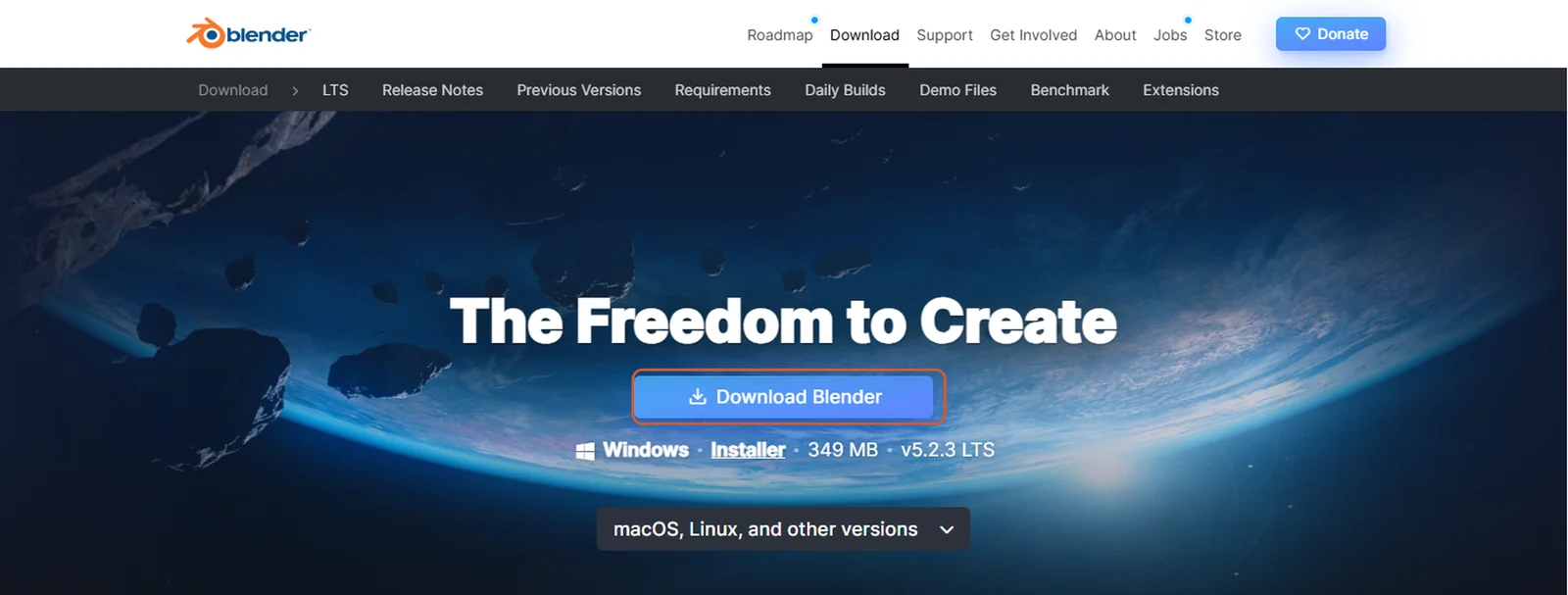
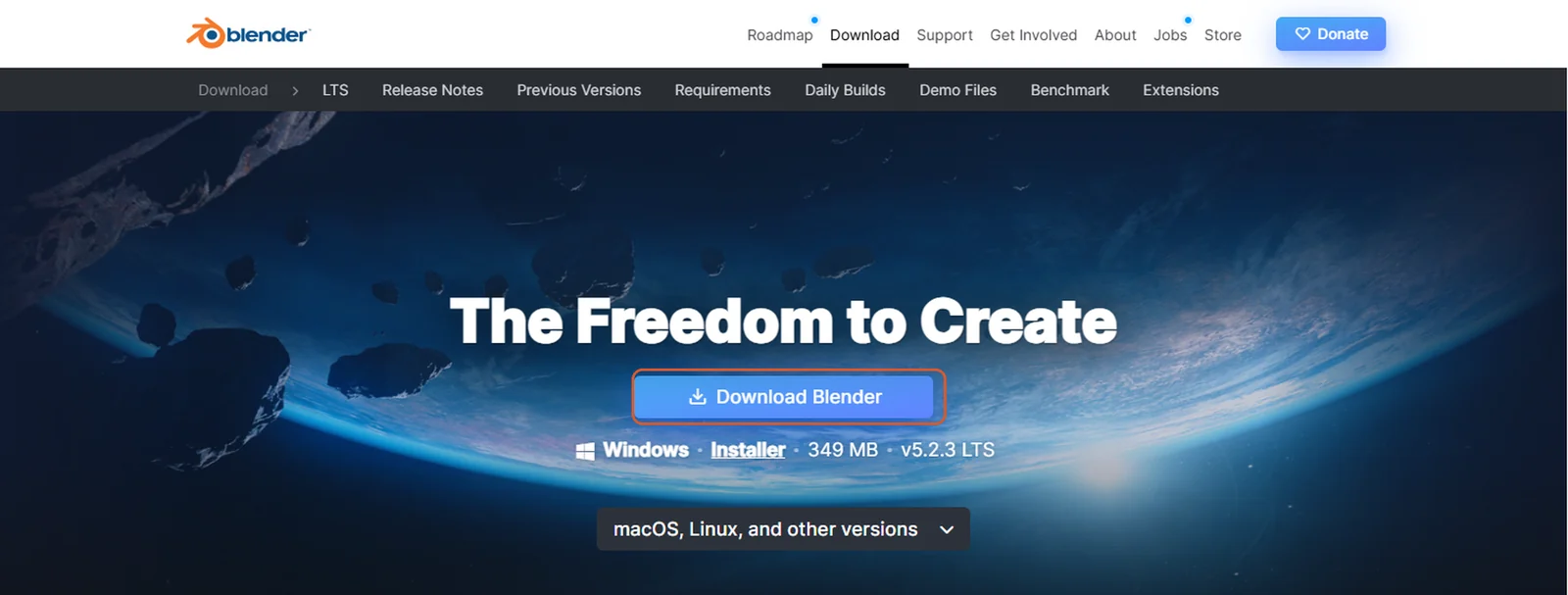
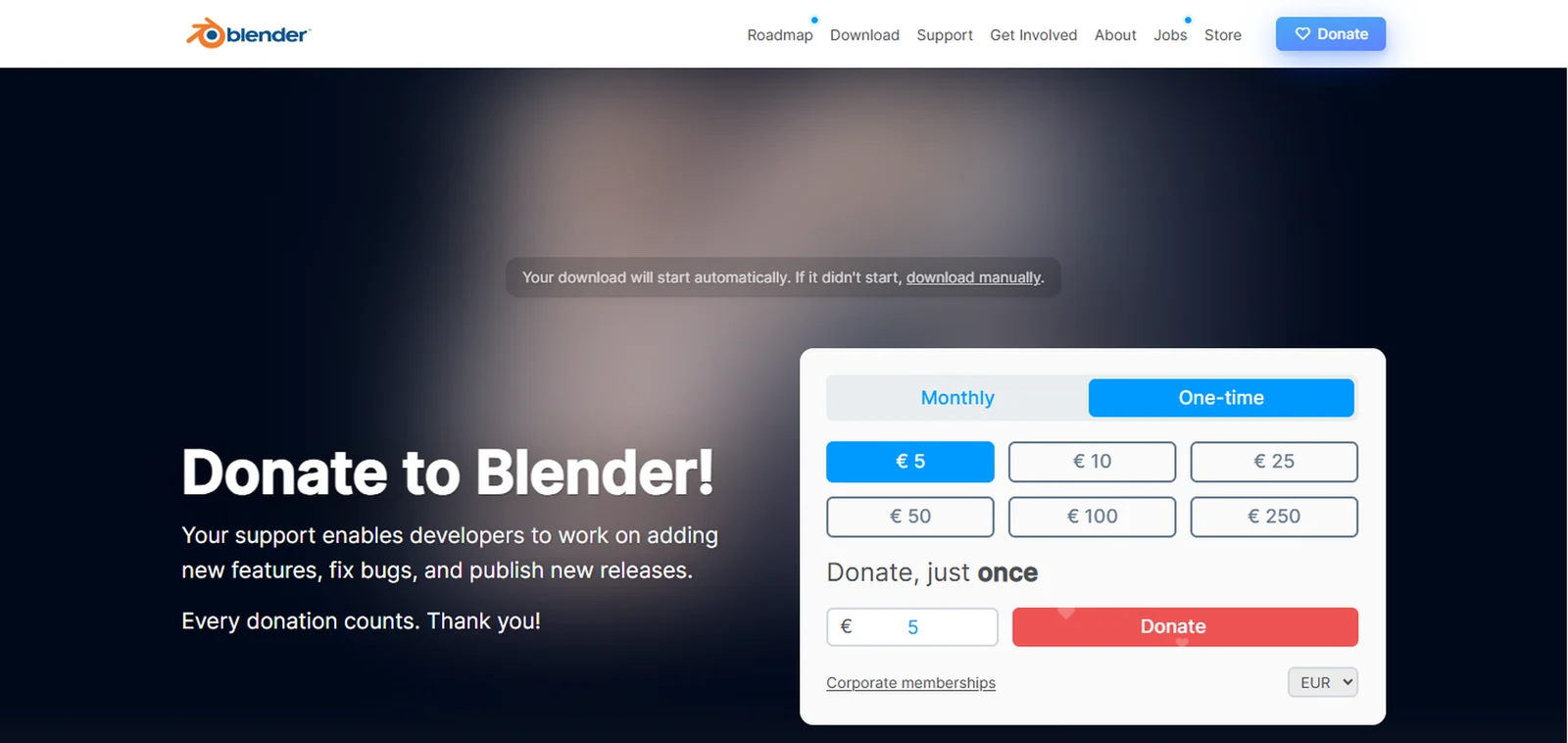
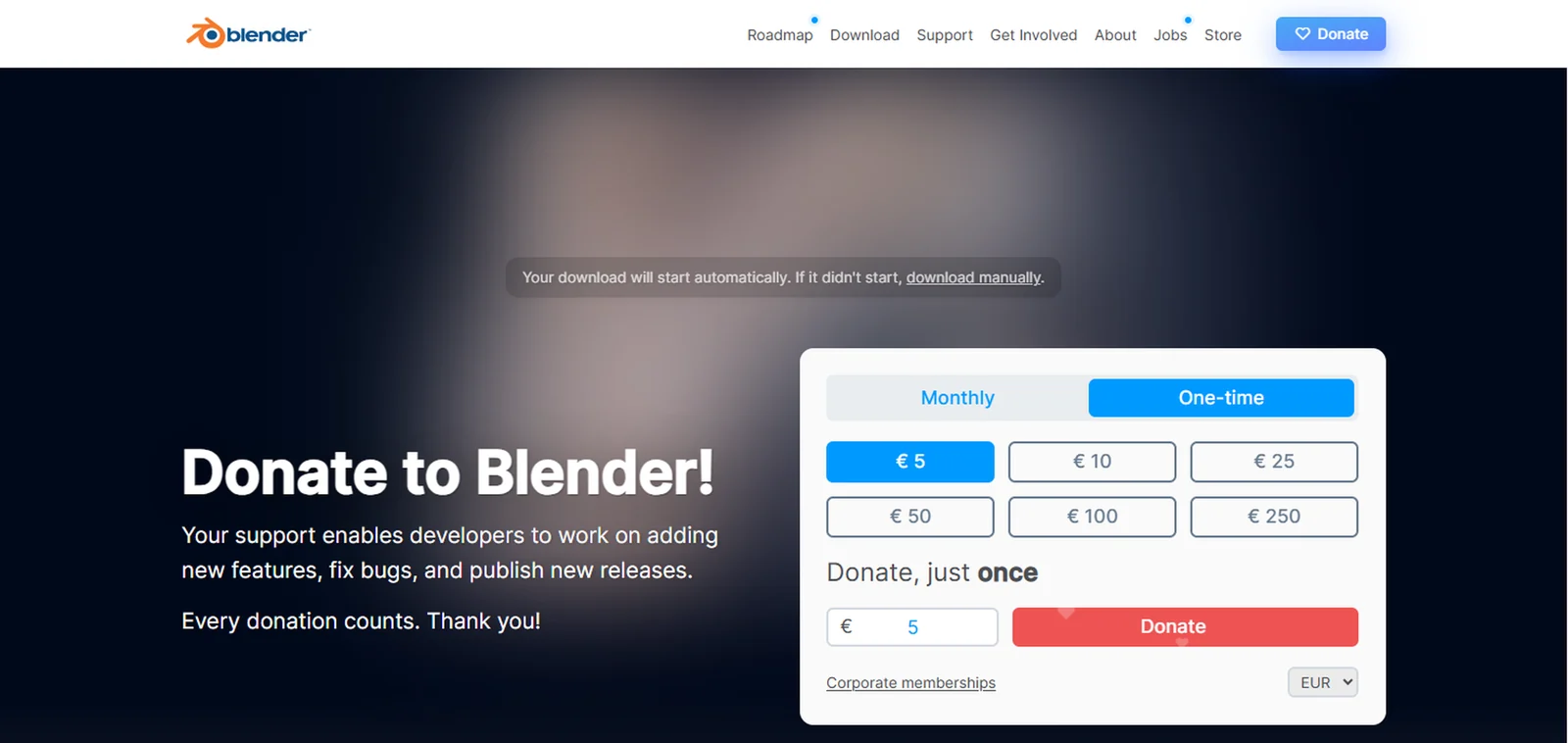
- The Thanks page opens and the download starts on its own. You don’t have to donate to download Blender. If the download doesn’t start, click download manually on that page.
If your browser reports
Couldn't download - Network issue, open its downloads list and click Resume, or start the download again.- Go to blender.org/download and click Download Blender. On Windows, the page offers the Windows installer, a
Run the installer
- Open the downloaded file,
blender-<version>-windows-x64.msi, from your browser’s downloads or from your Downloads folder.


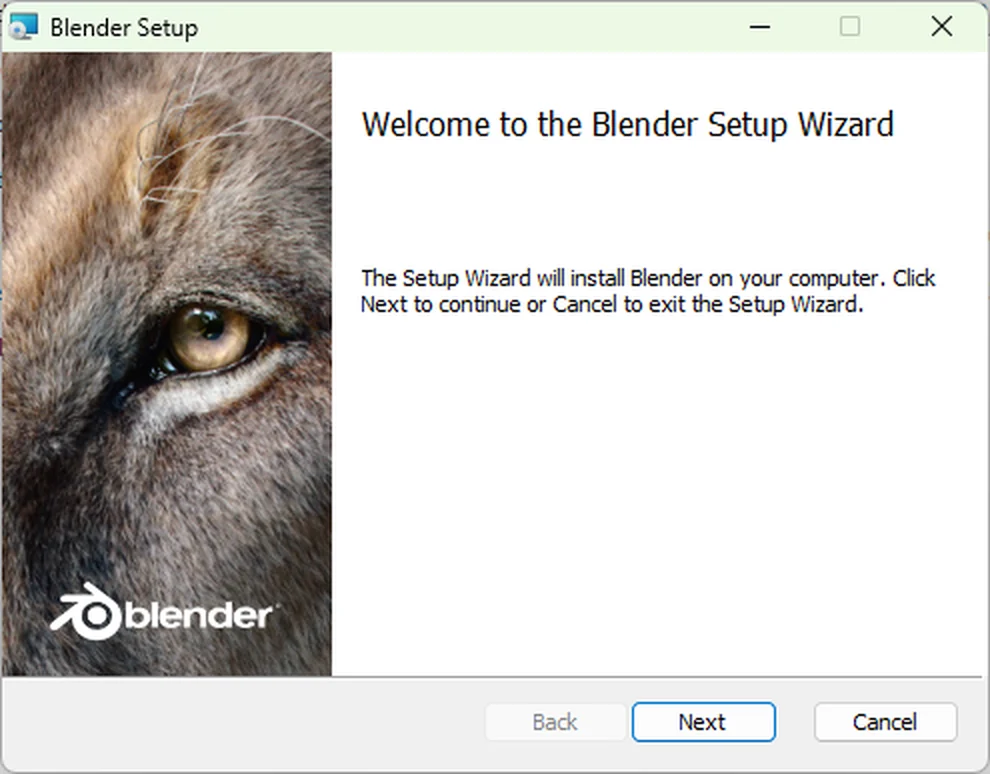
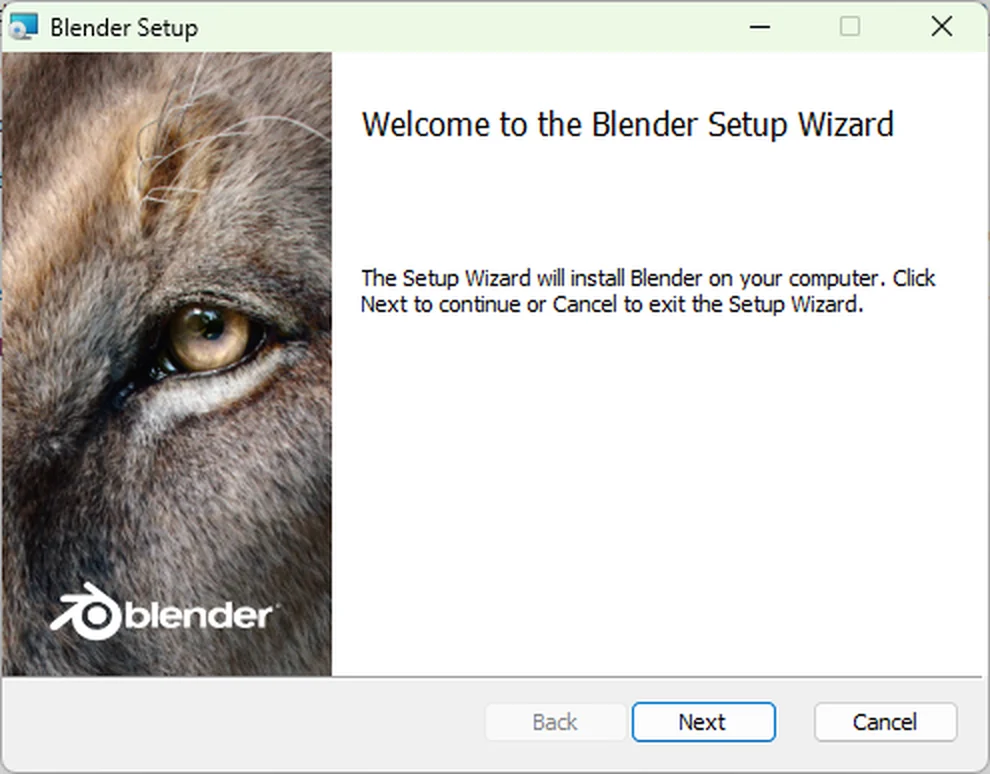
- On Welcome to the Blender Setup Wizard, click Next.
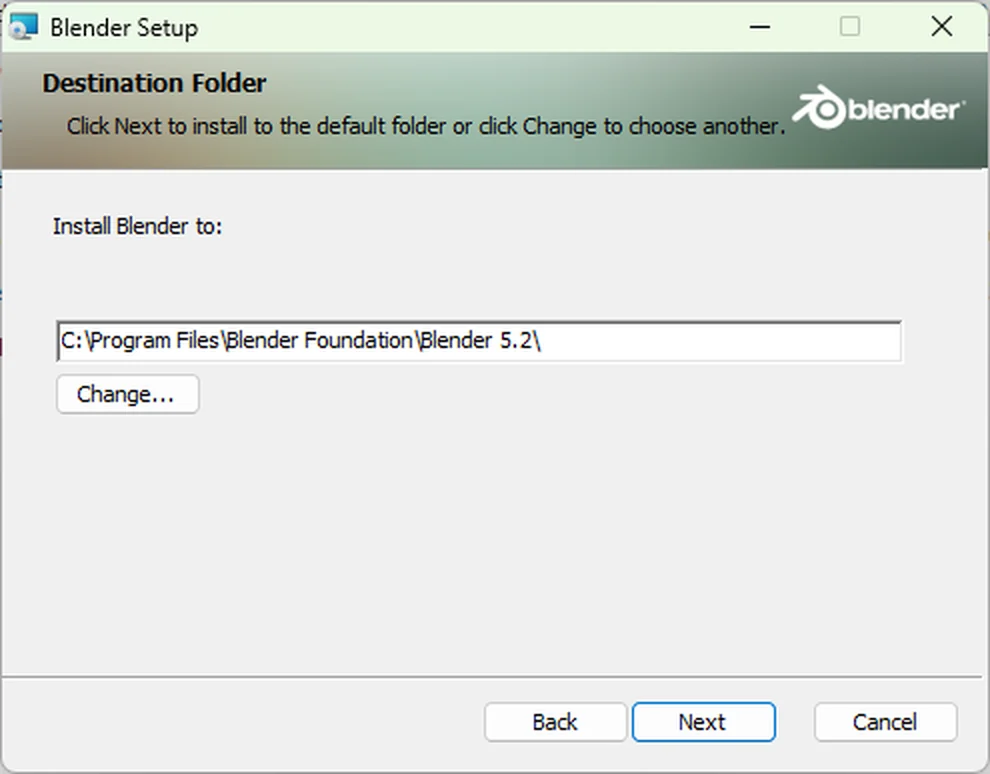
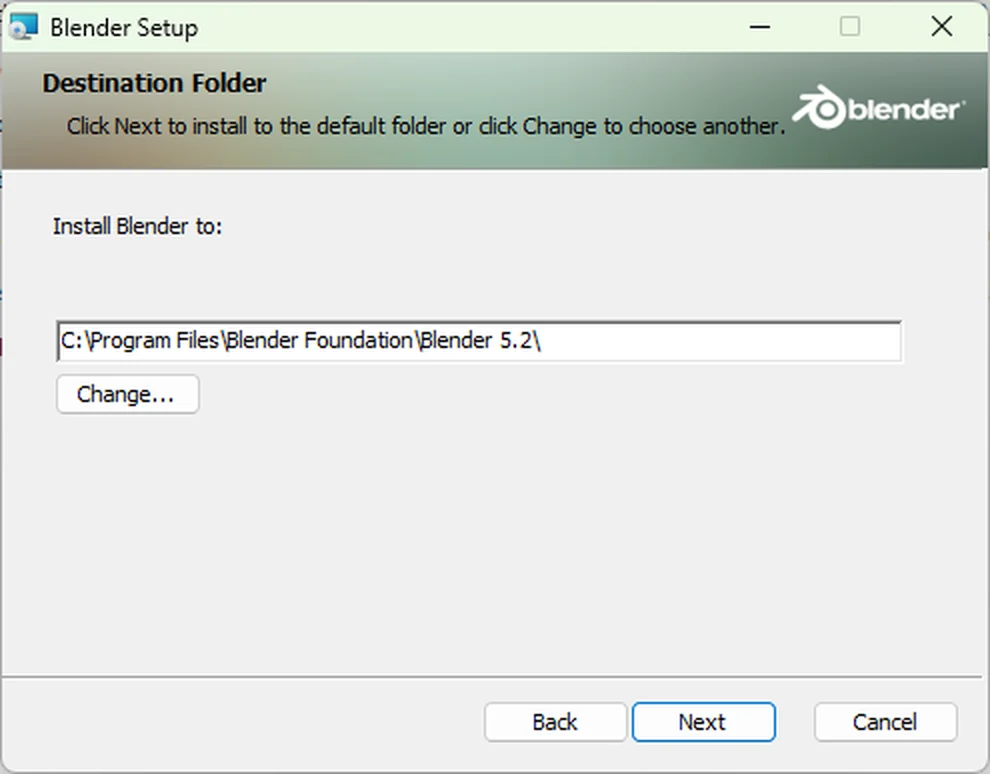
- On Destination Folder, click Next to install in
C:\Program Files\Blender Foundation\. 3D-Agent looks for Blender in this folder.
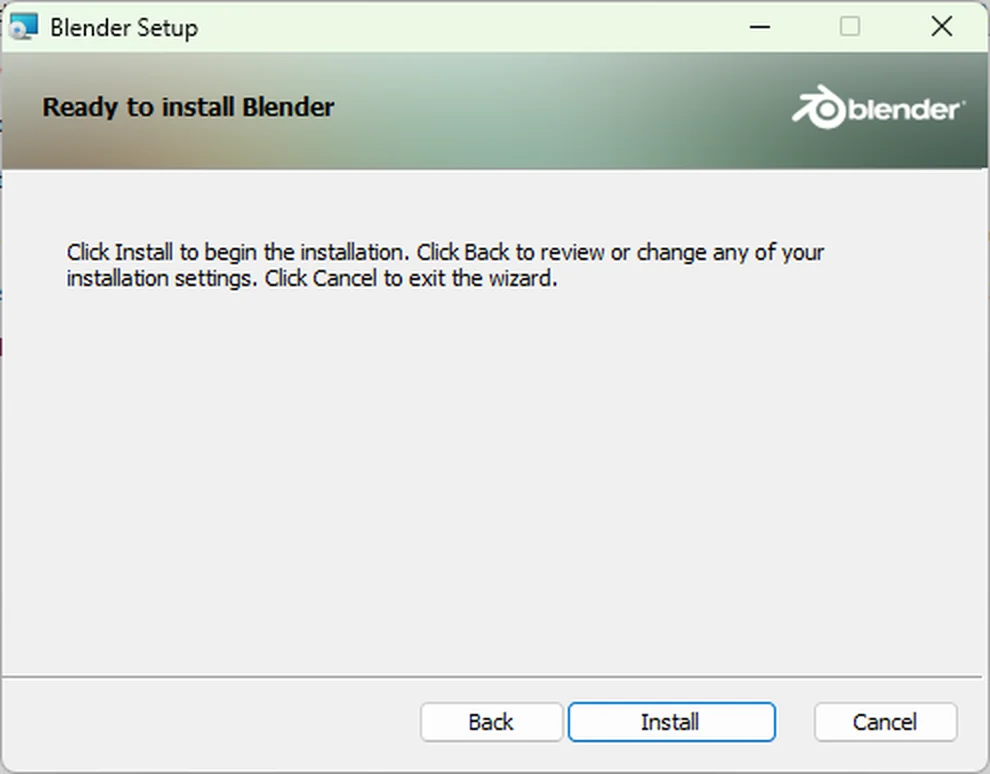
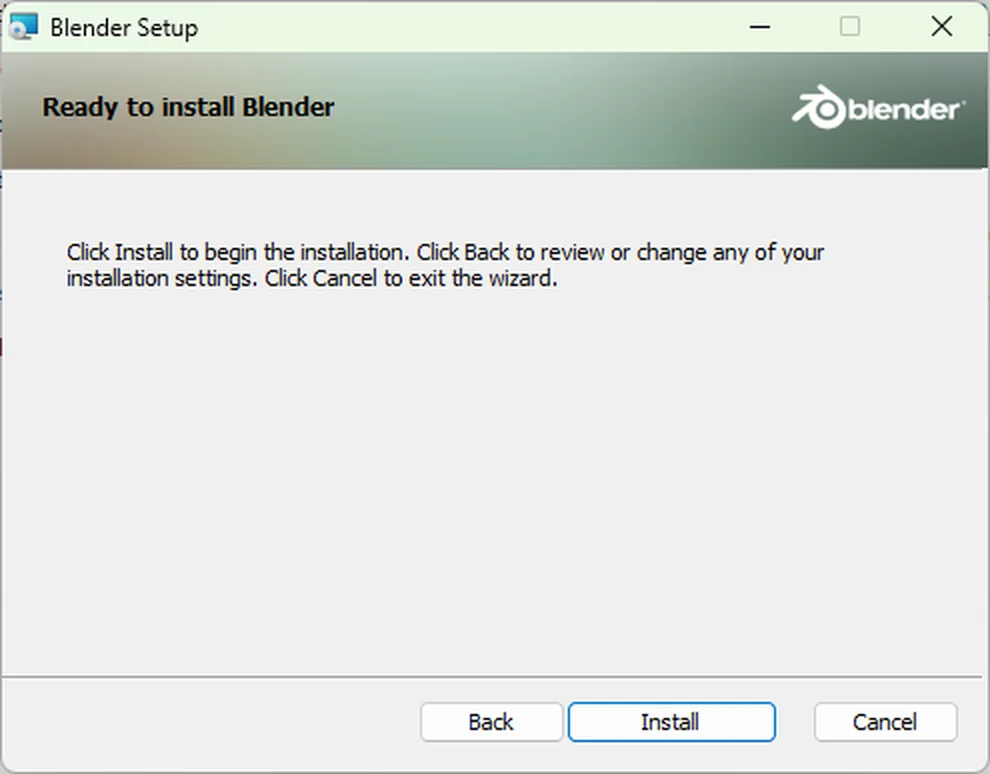
- On Ready to install Blender, click Install.
- When User Account Control asks to let the installer make changes to your device, click Yes.
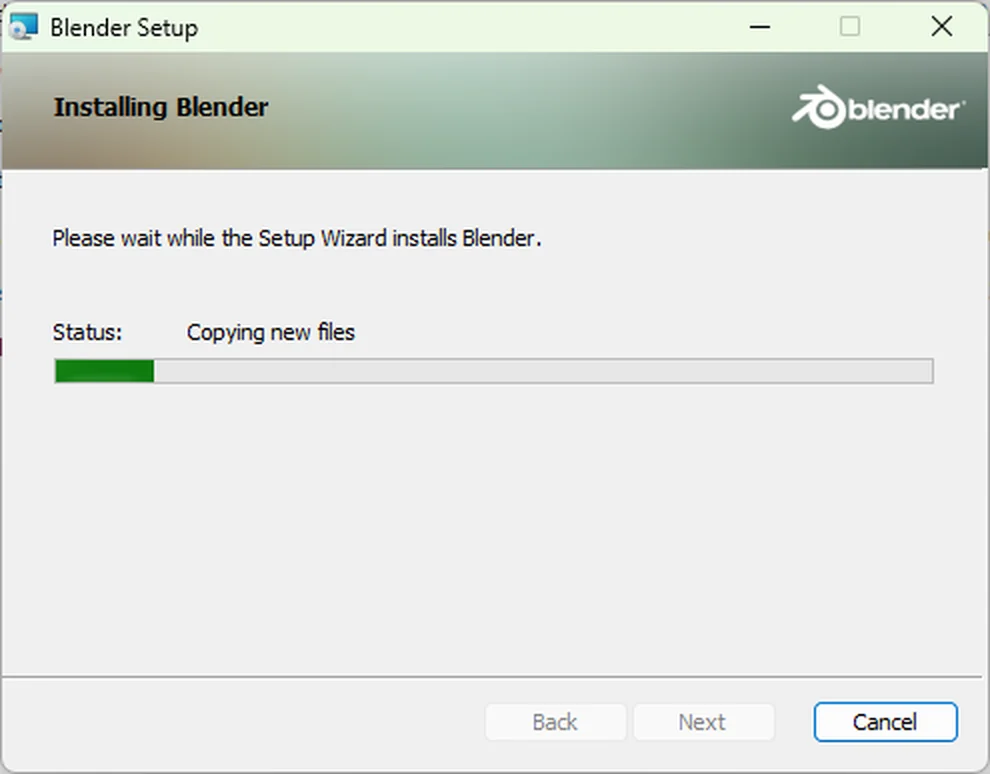
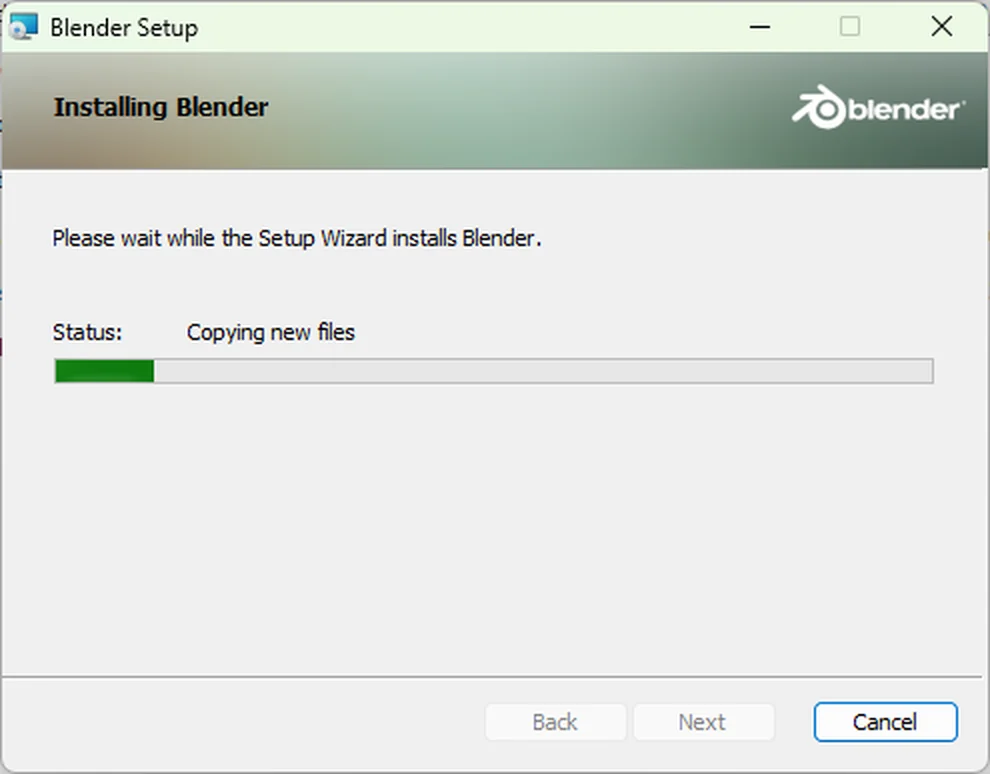
- Wait while Setup copies the files. It takes less than a minute.
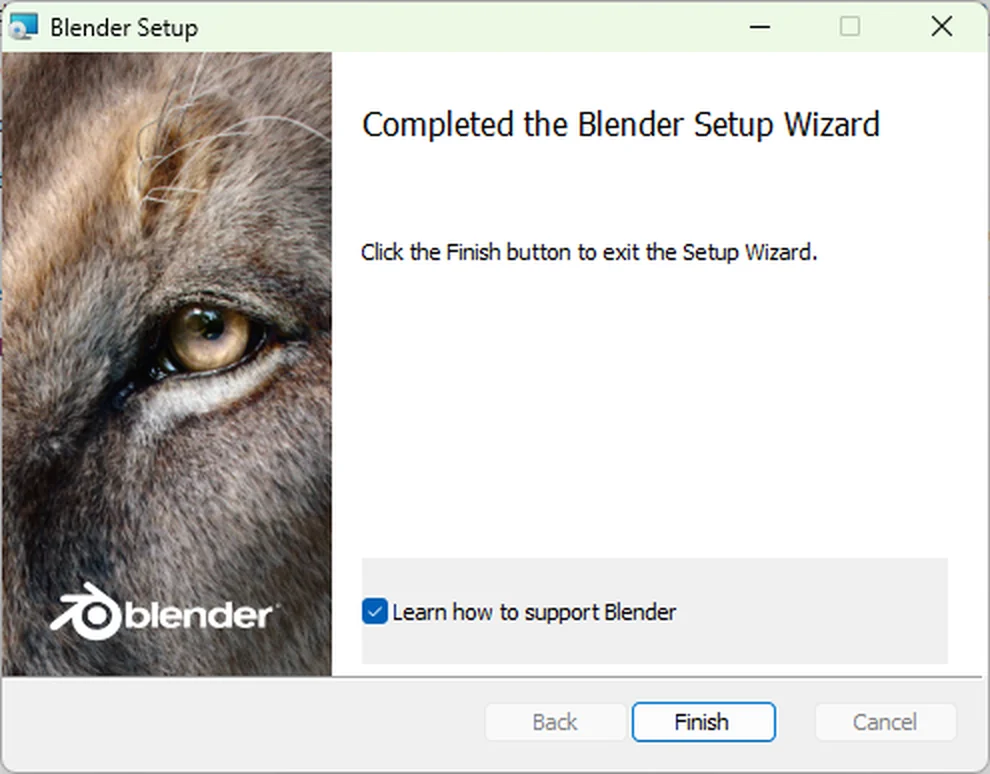
- On Completed the Blender Setup Wizard, click Finish. Learn how to support Blender is optional; clear it to skip it.
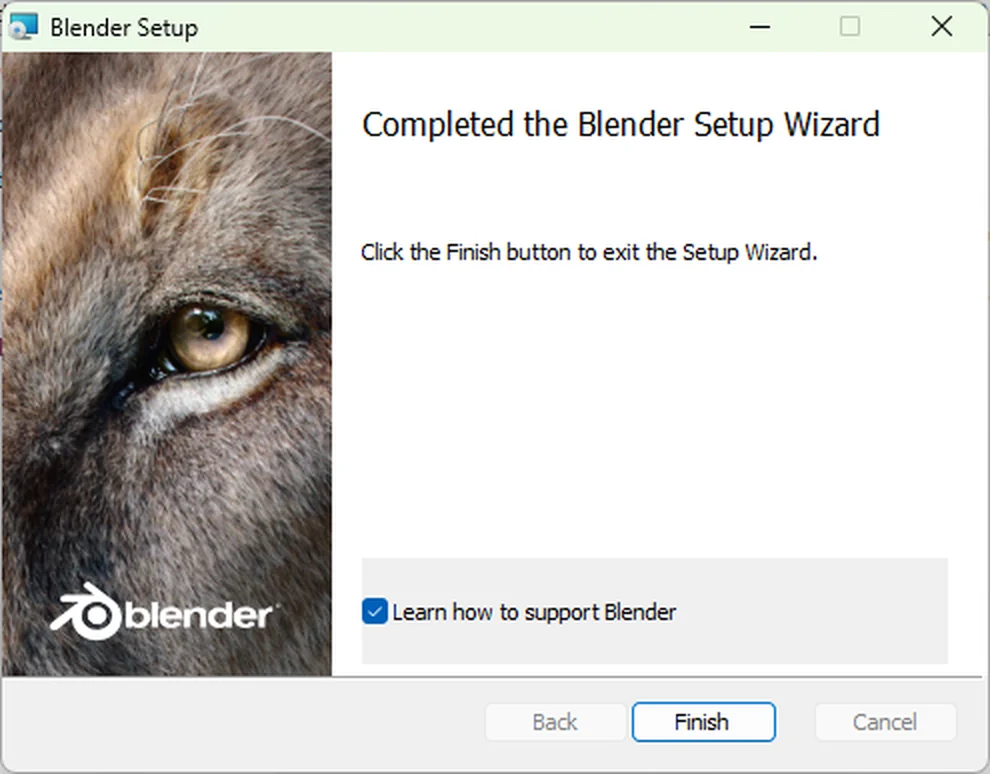
If you install Blender in another folder, set its path in 3D-Agent. See Use a Blender in another folder.
- Open the downloaded file,
Open Blender for the first time
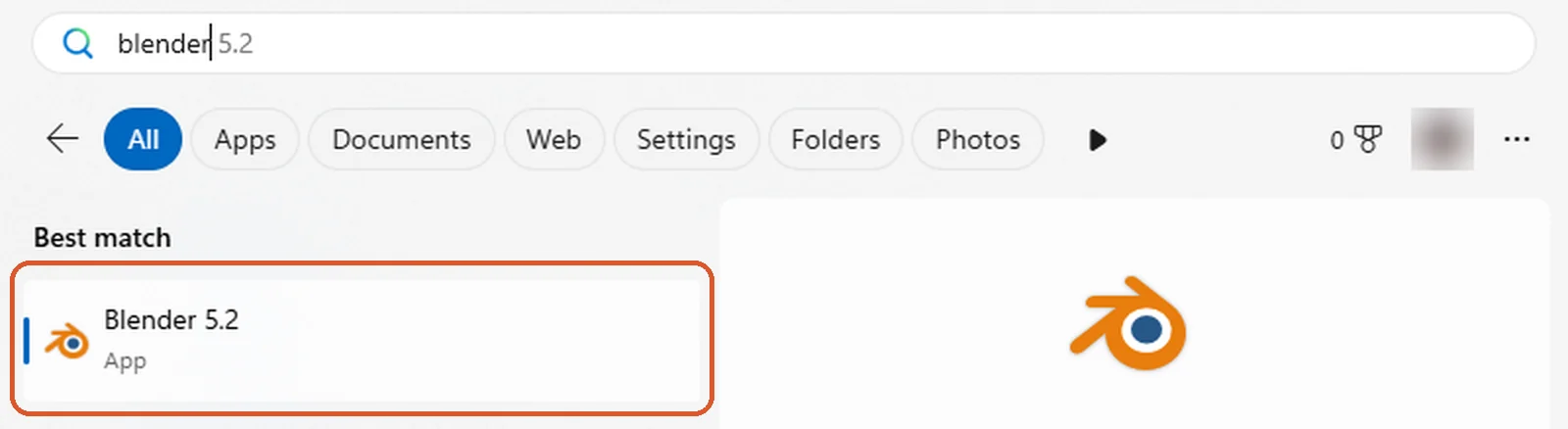
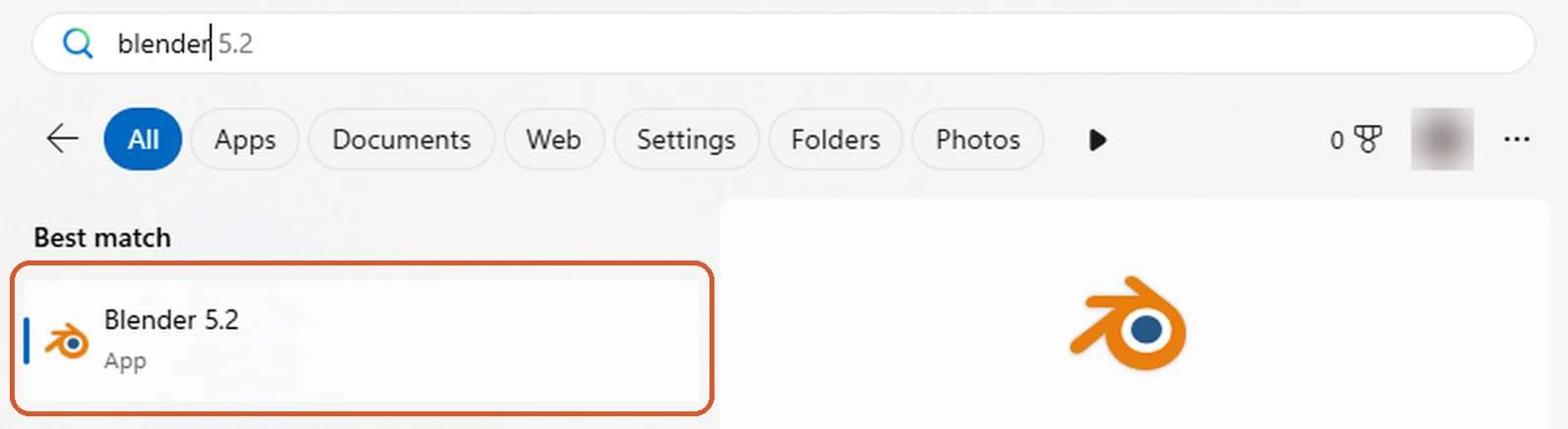
- Open the Start menu, type Blender, and click Blender. Setup also adds a Blender shortcut to your desktop.
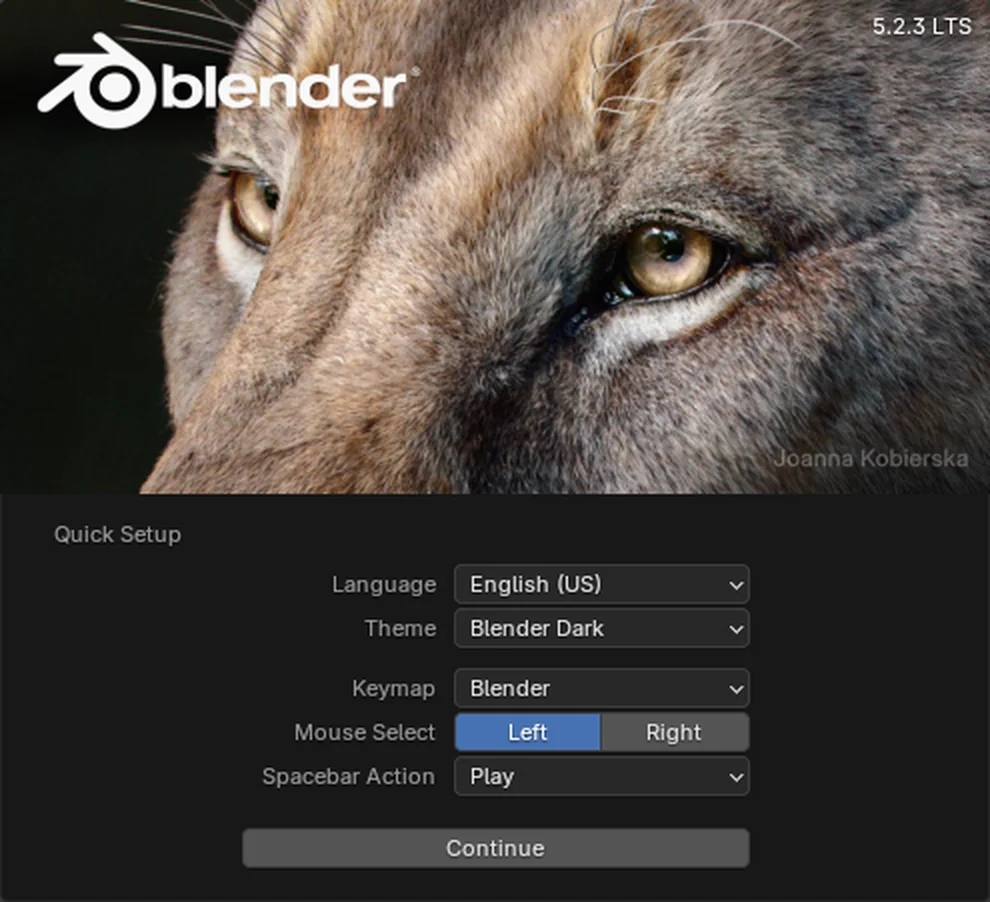
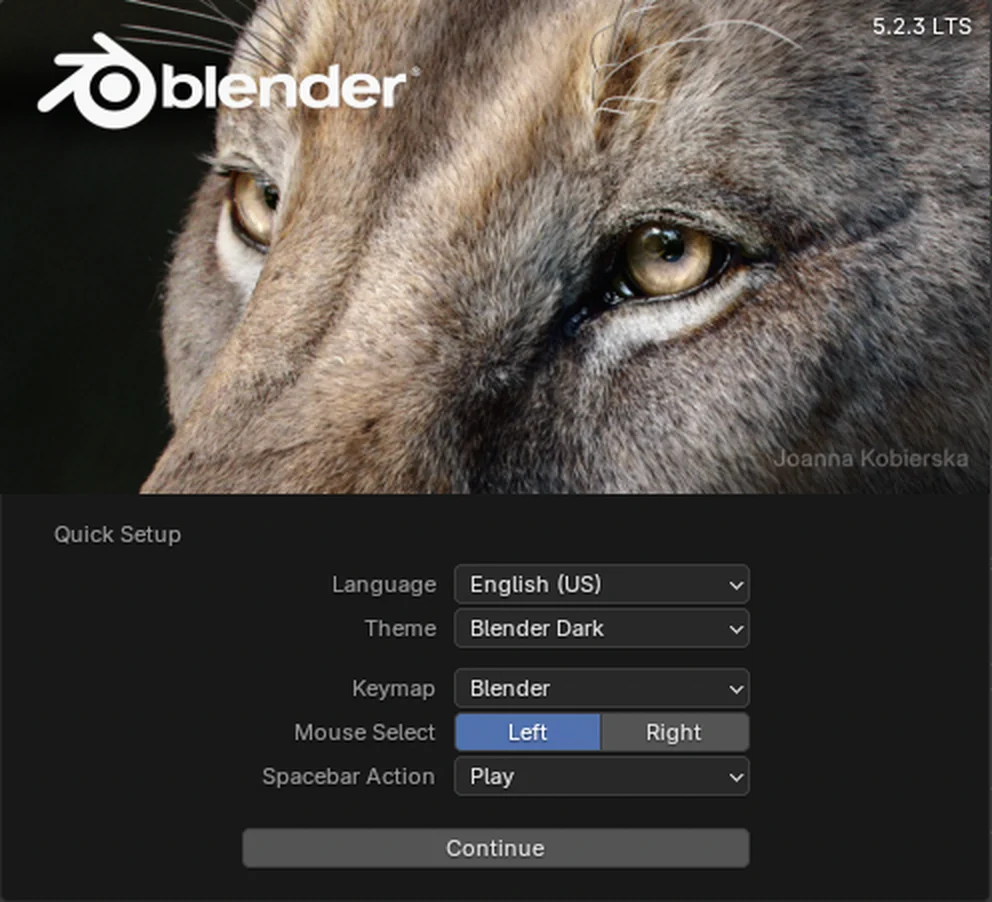
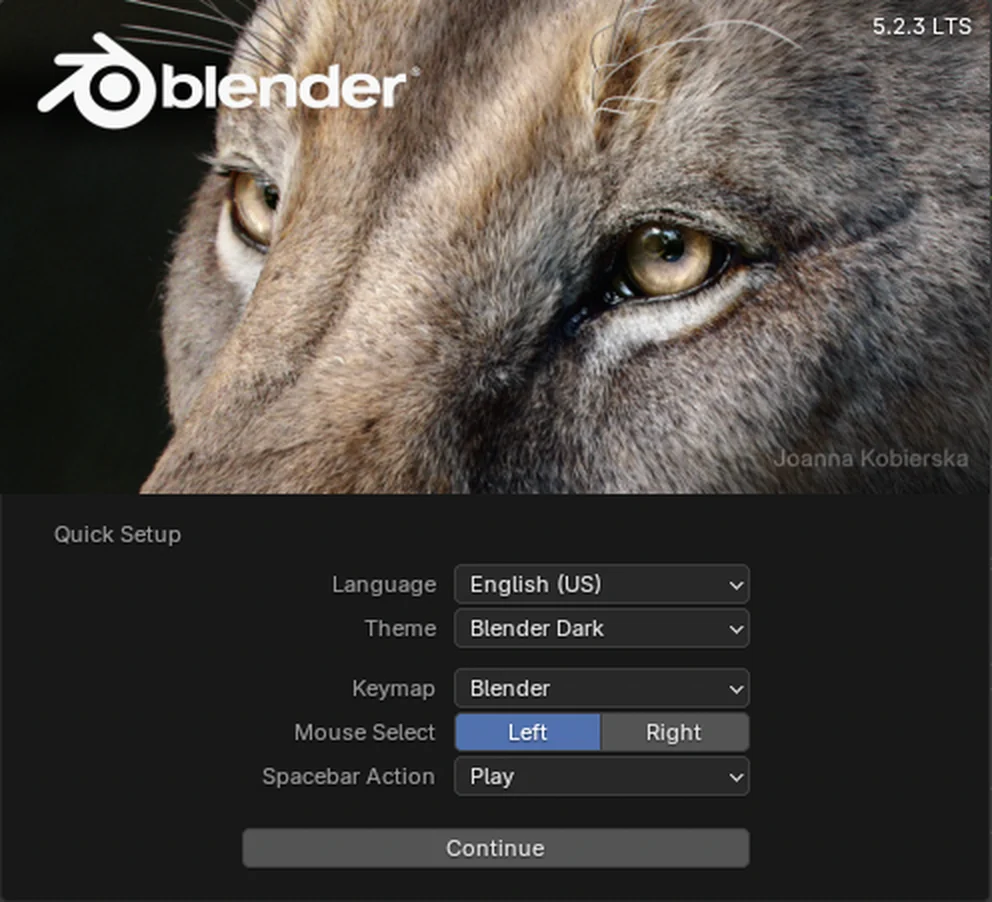
- On Quick Setup, choose your language, theme and keymap, then click Continue. The defaults work with 3D-Agent.
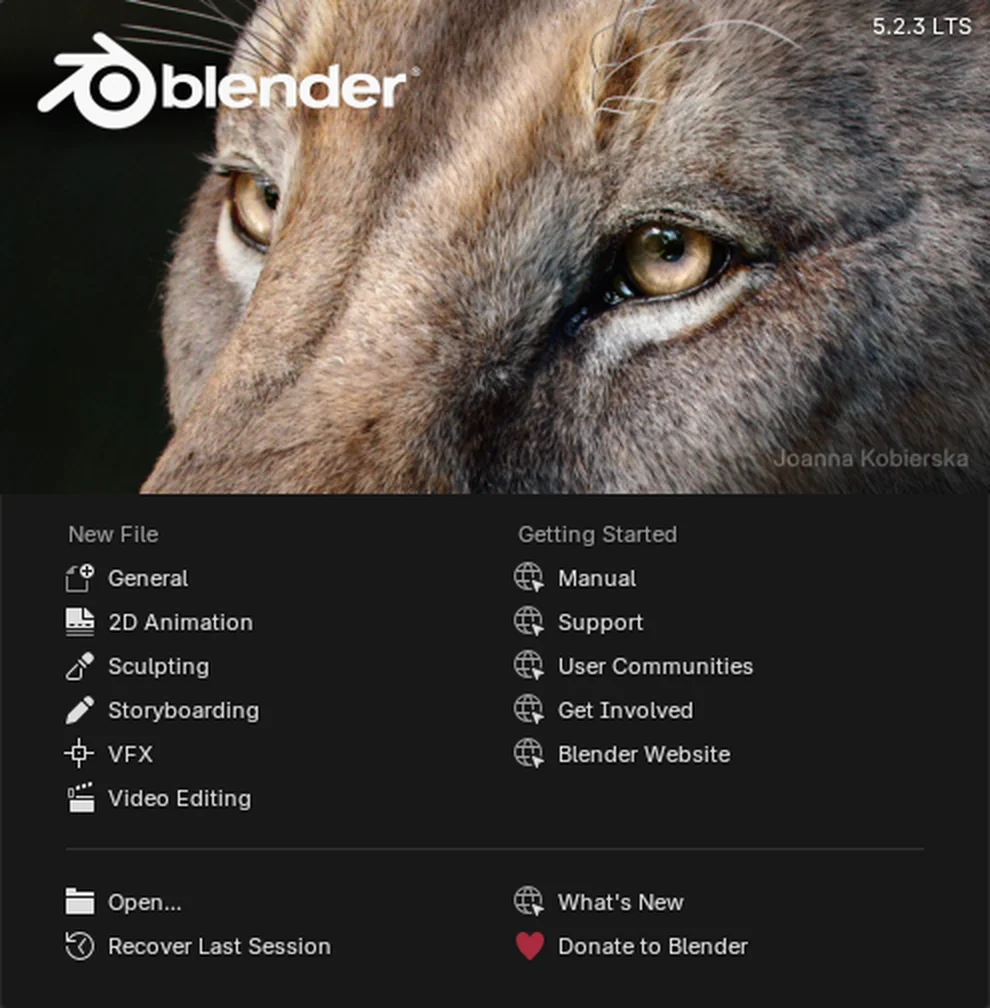
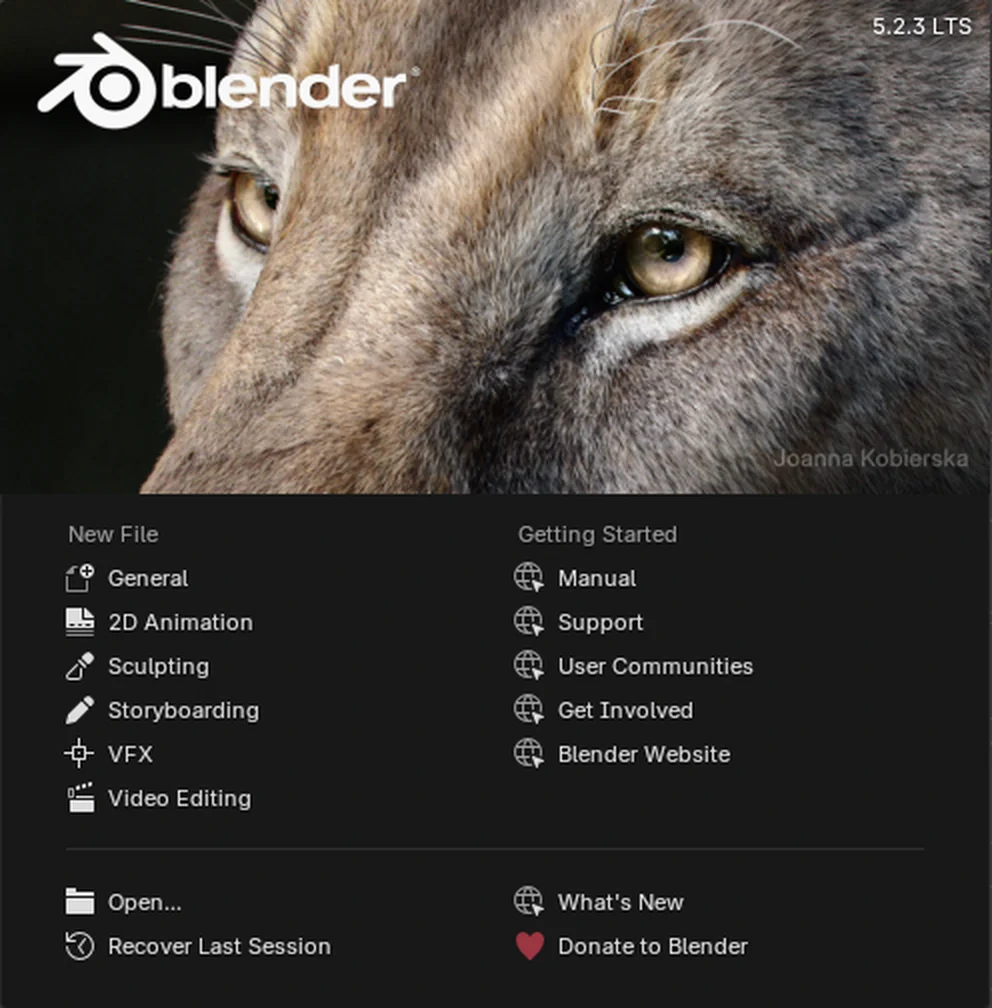
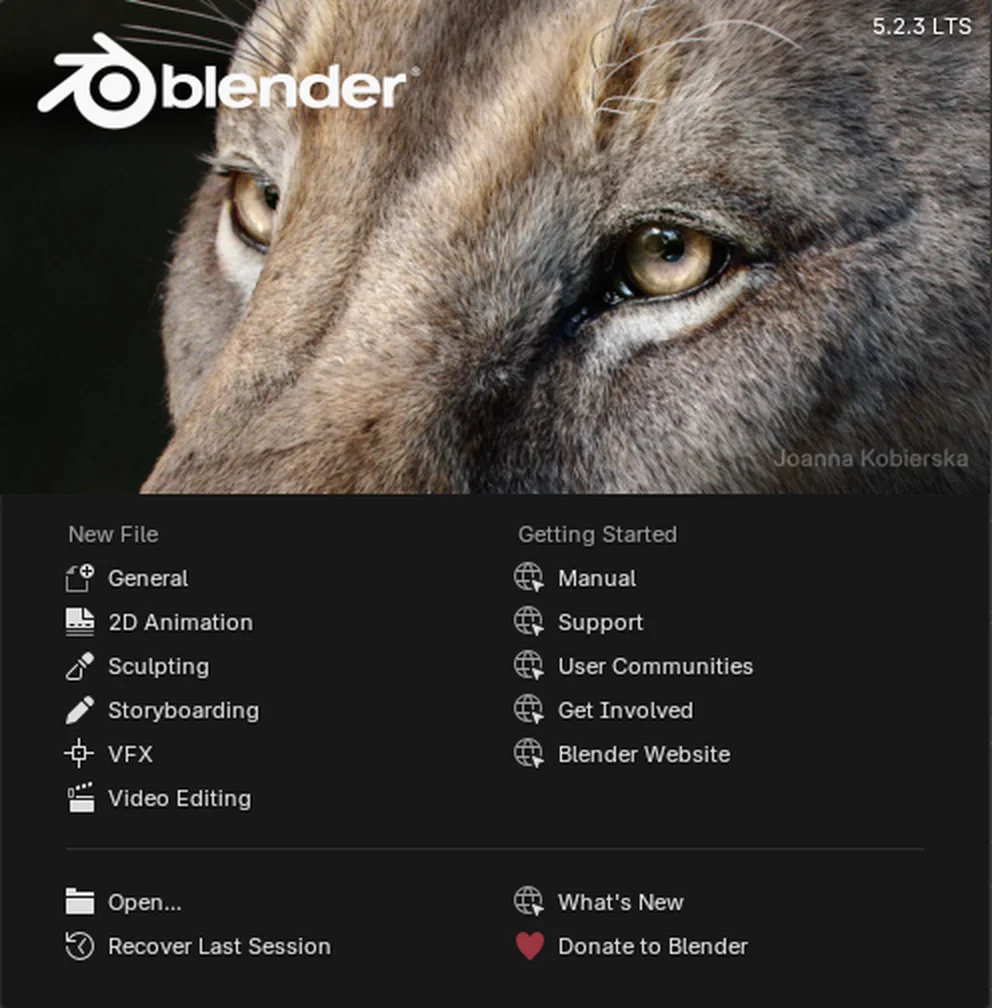
- On the splash screen, under New File, click General to start with an empty scene.
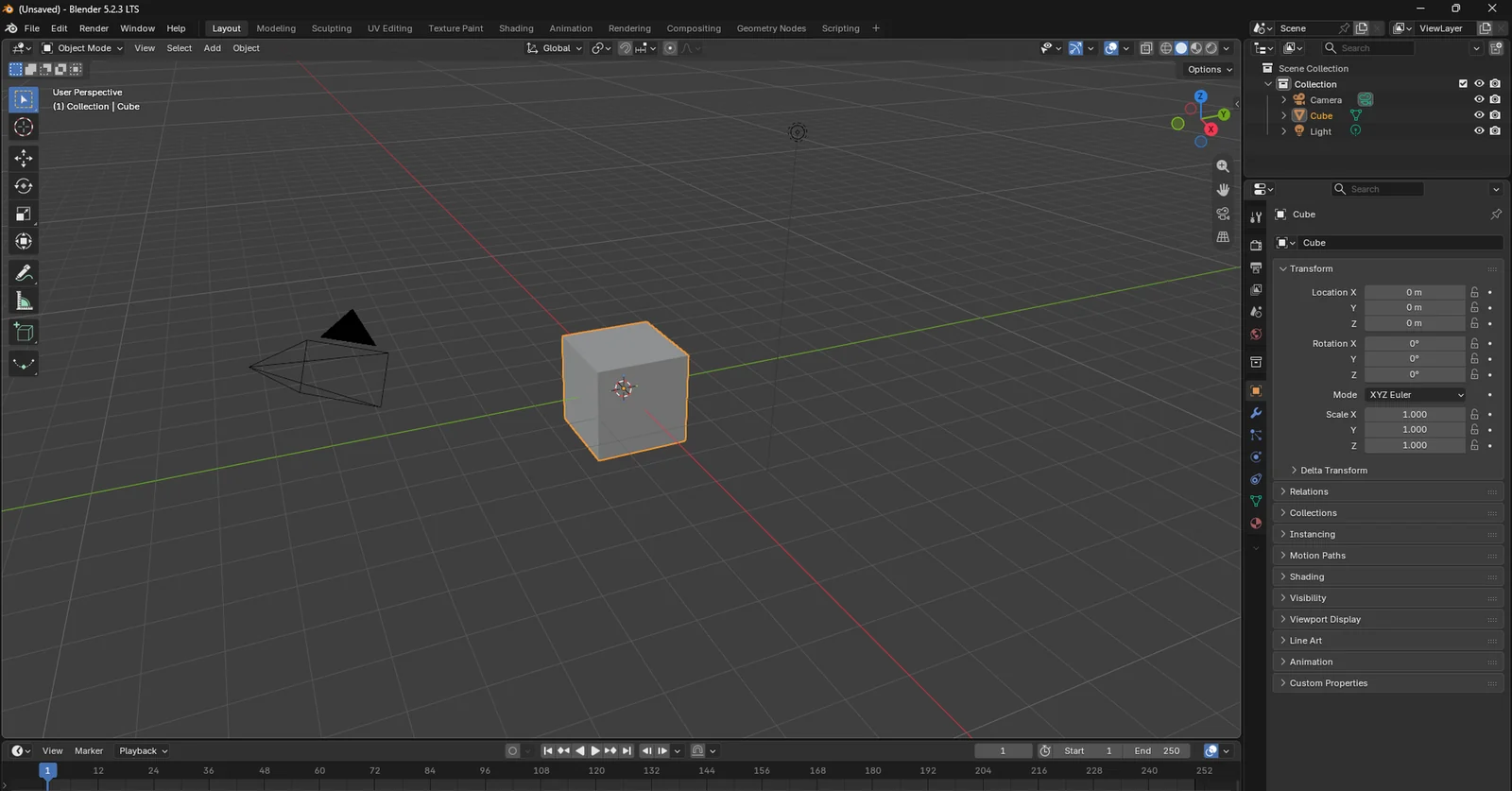
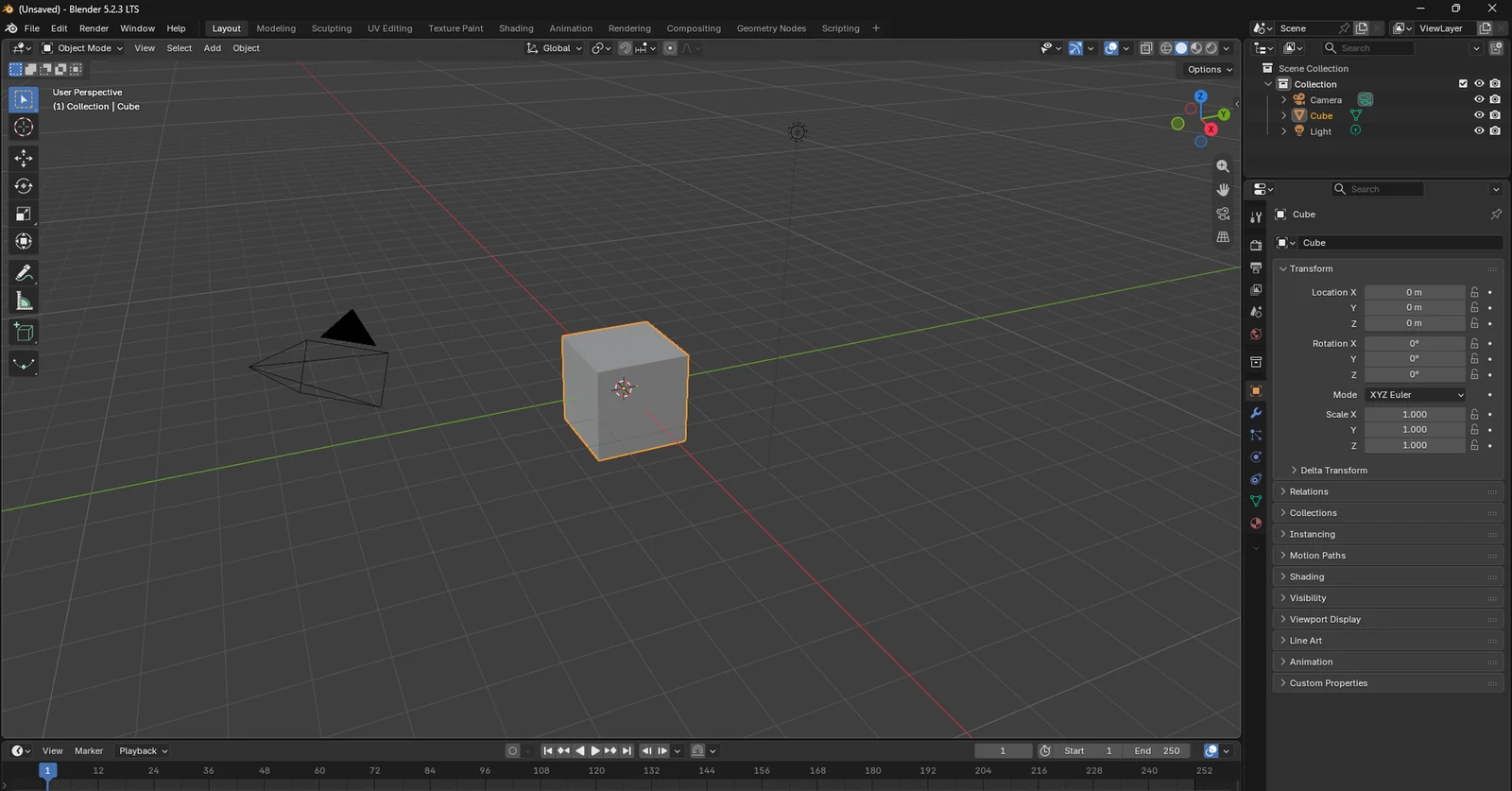
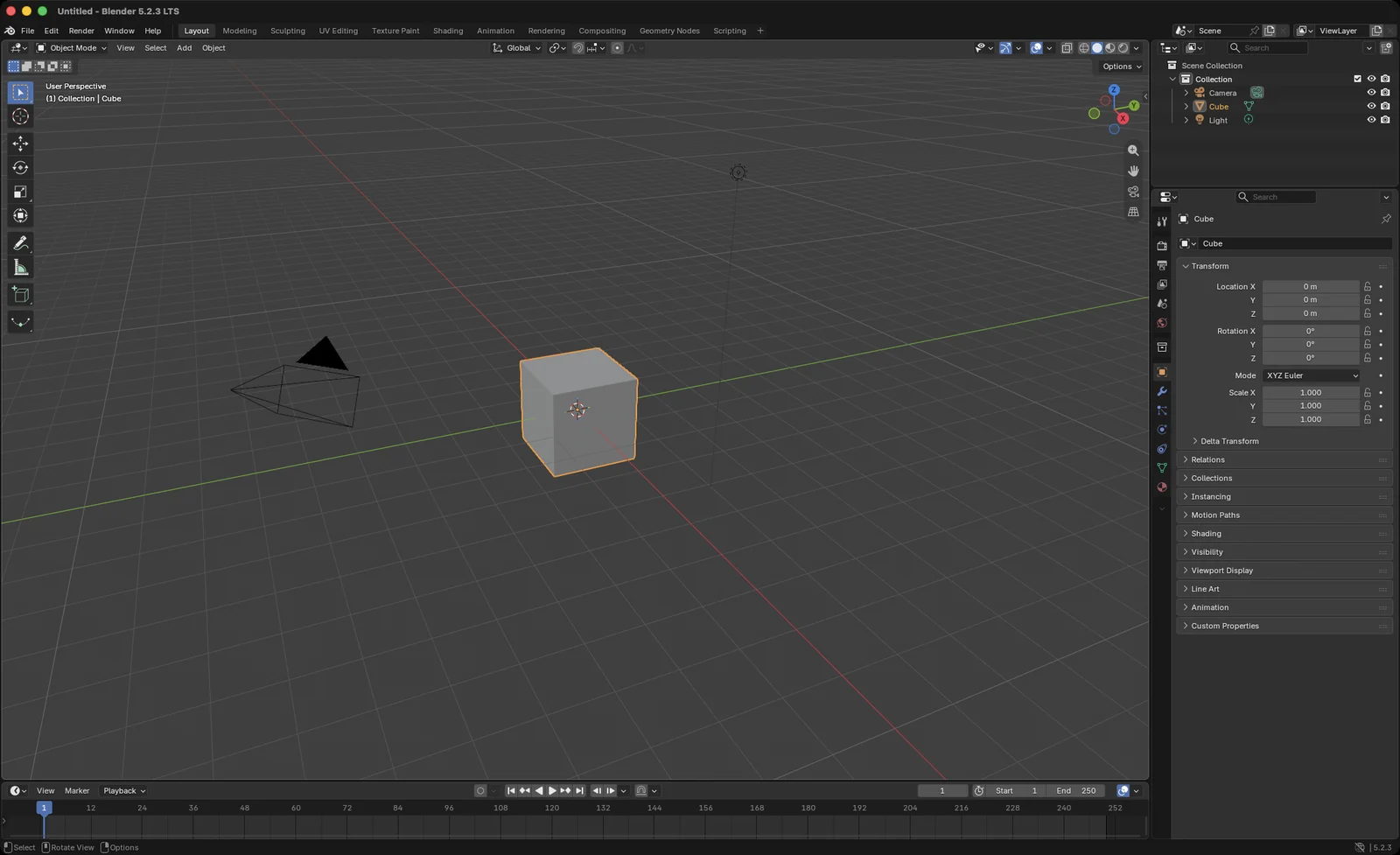
Blender opens with its default scene: a cube, a camera and a light.
Install Blender on a Mac
Download Blender
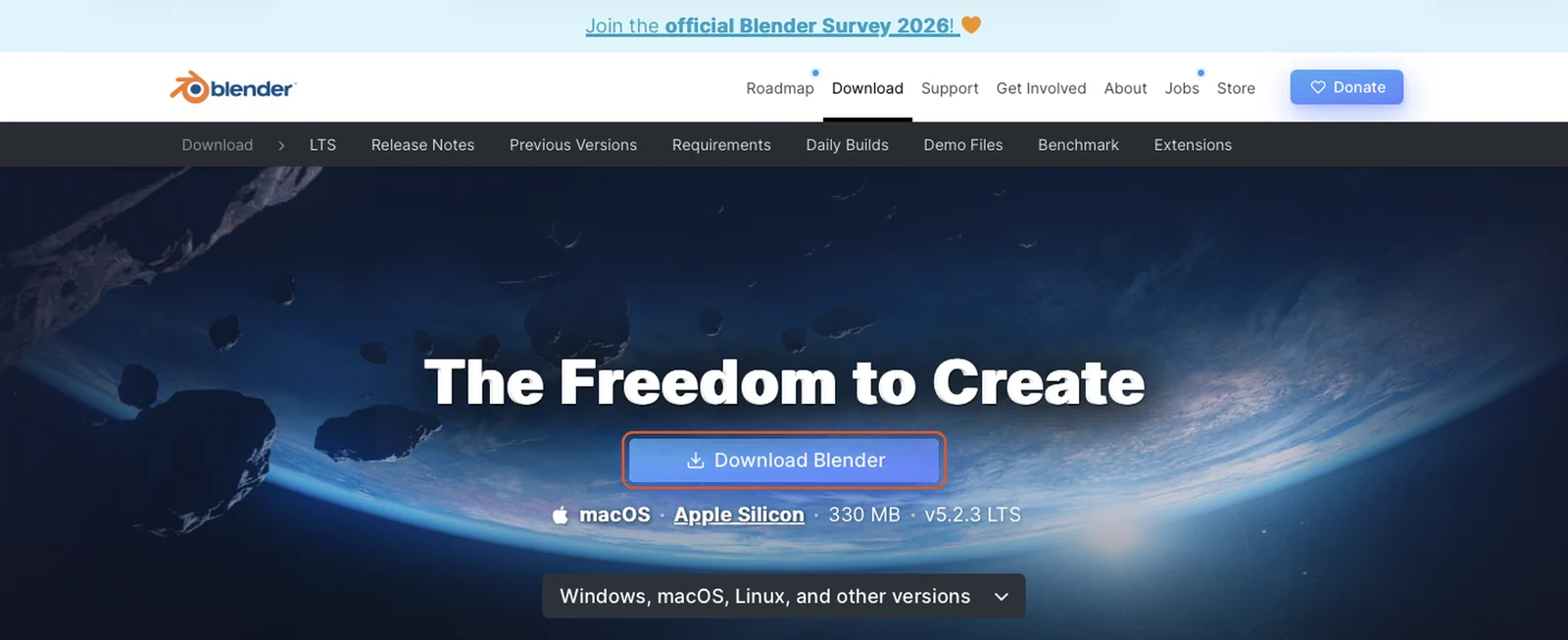
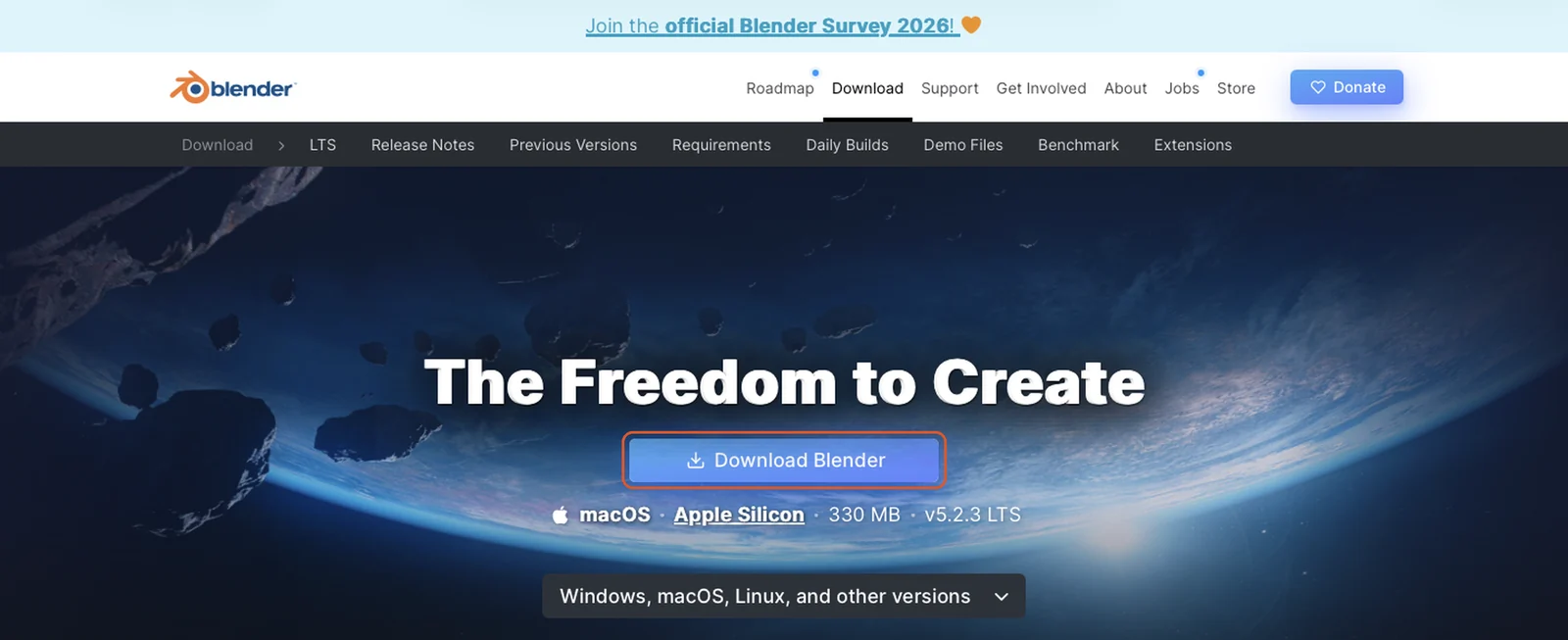
- On an Apple Silicon Mac, go to blender.org/download and click Download Blender. The page offers the macOS Apple Silicon
.dmgfile. On an Intel Mac, download the macOS Intel.dmgfrom blender.org’s Blender 4.5 LTS page instead.
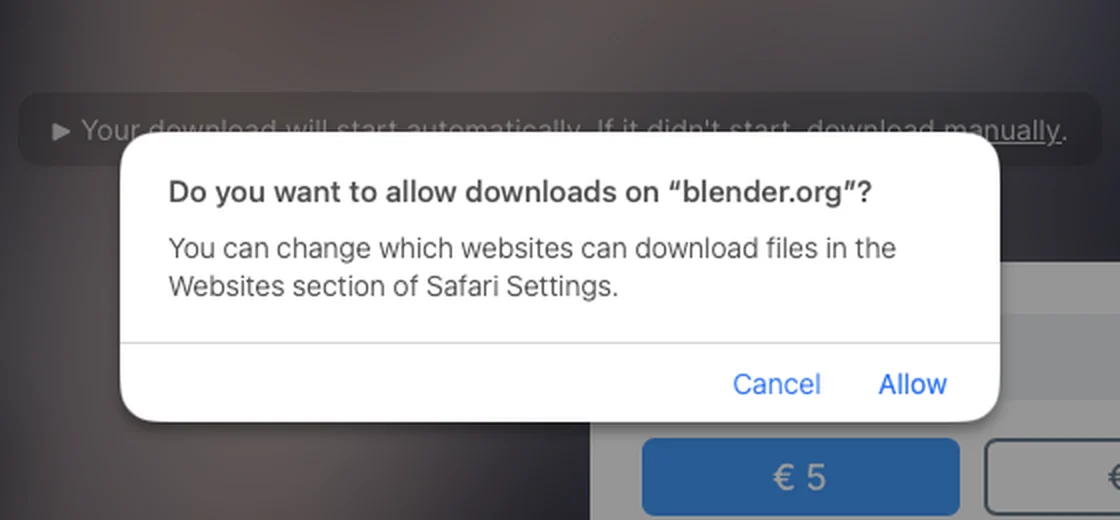
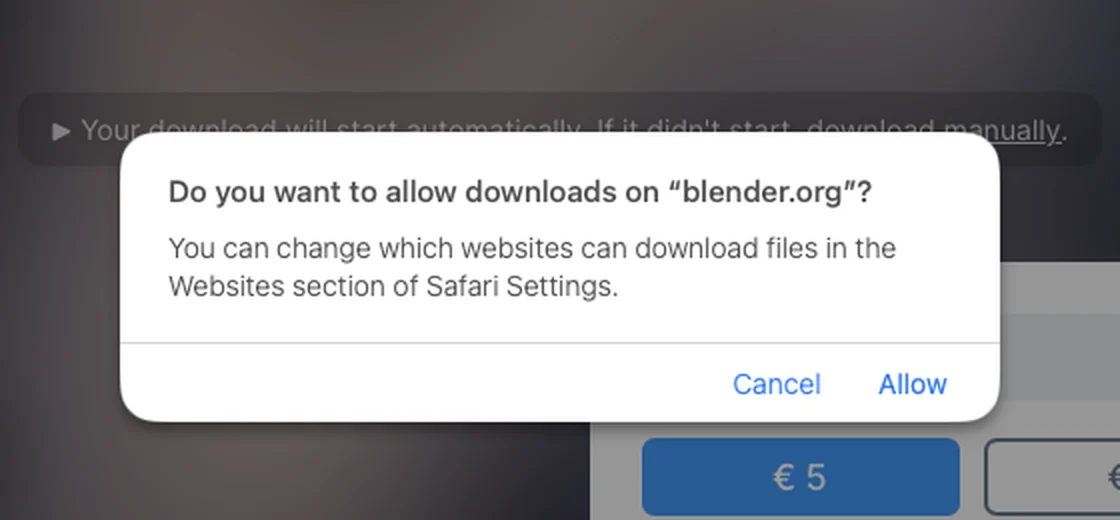
- The Thanks page opens and the download starts on its own. If Safari asks
Do you want to allow downloads on "blender.org"?, click Allow.
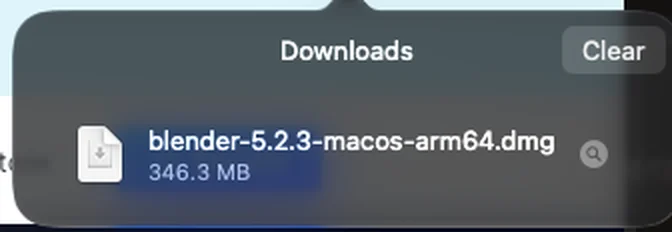
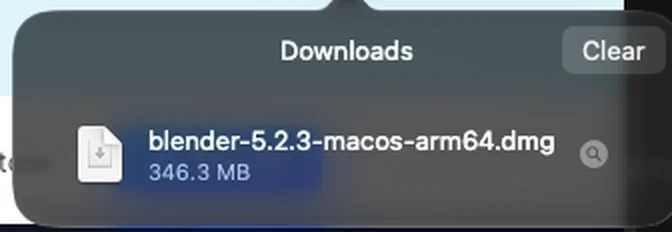
- When the download finishes, open the disk image from Safari’s Downloads list or from your Downloads folder:
blender-<version>-macos-arm64.dmgon an Apple Silicon Mac,blender-<version>-macos-x64.dmgon an Intel Mac.
- On an Apple Silicon Mac, go to blender.org/download and click Download Blender. The page offers the macOS Apple Silicon
Copy Blender to Applications
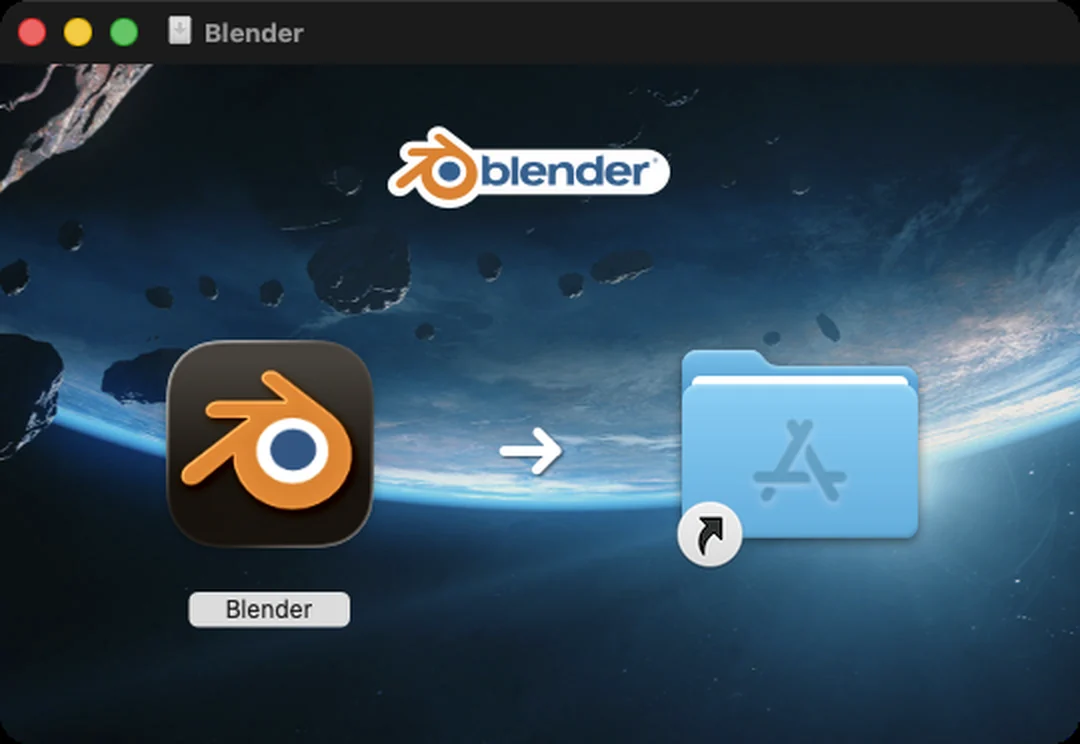
- In the Blender window that opens, drag the Blender icon onto the Applications folder. 3D-Agent looks for Blender in Applications.
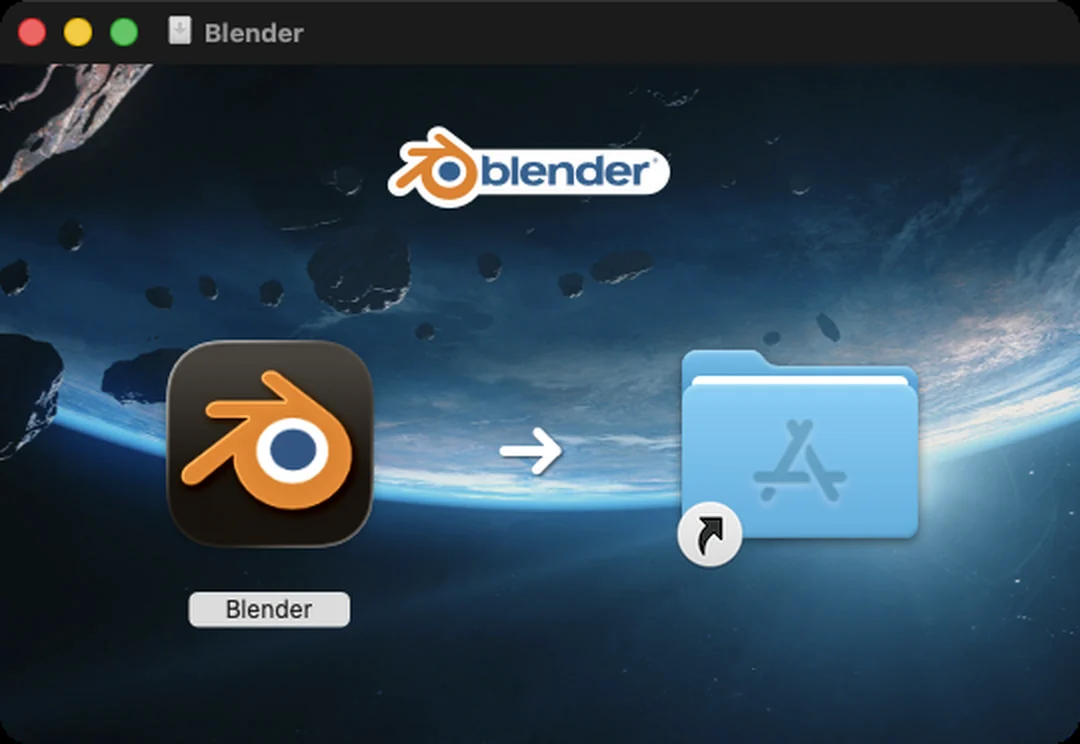
- Wait while Finder copies Blender, then eject the Blender disk image in the Finder sidebar.
If Applications already has a Blender, Finder asks whether to replace it. To keep both, rename the old one first, for example to
Blender 4.5.app. Unless you set a Blender path in 3D-Agent or another Blender is already running, 3D-Agent uses the newest one in Applications. See Which Blender it uses.Open Blender for the first time
- Open Blender from Applications.
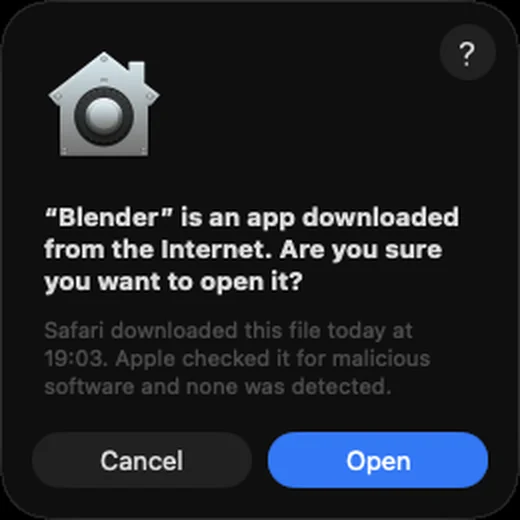
- macOS asks
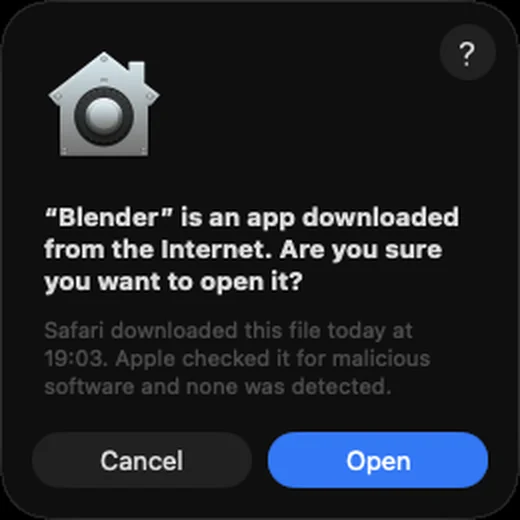
"Blender" is an app downloaded from the Internet. Are you sure you want to open it?Click Open. macOS asks this only the first time.
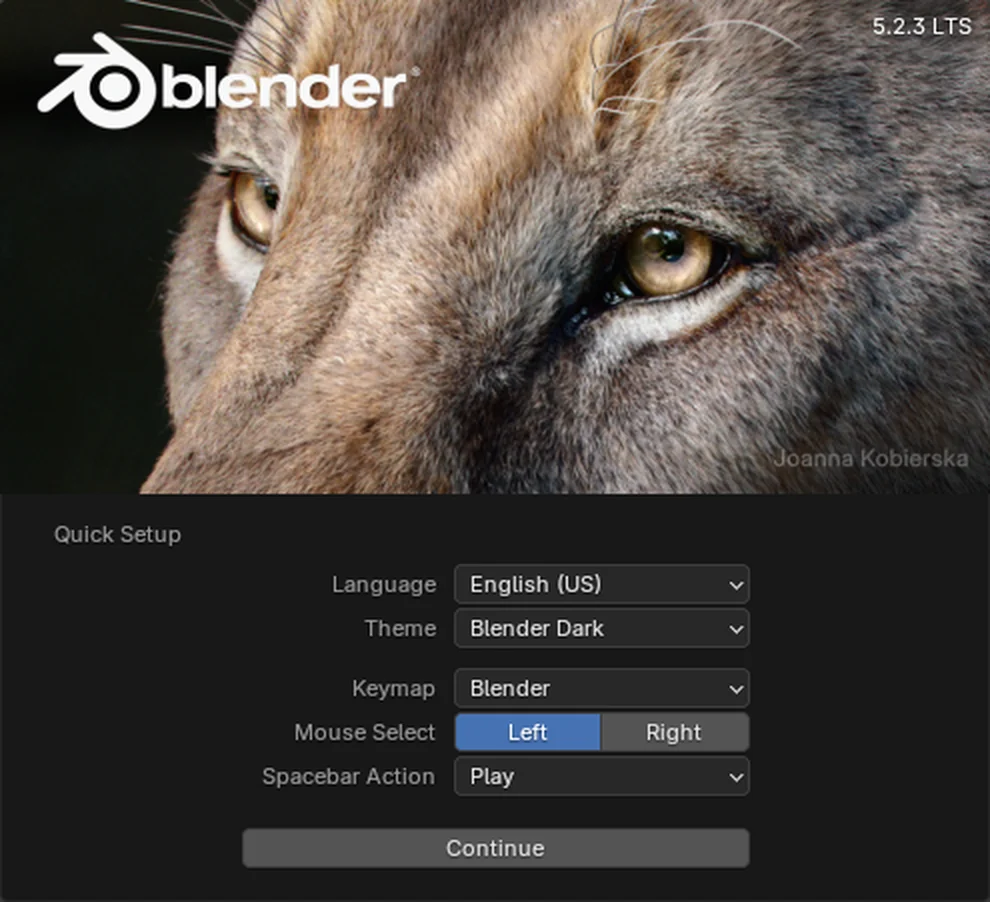
- On Quick Setup, choose your language, theme and keymap, then click Continue. The defaults work with 3D-Agent.
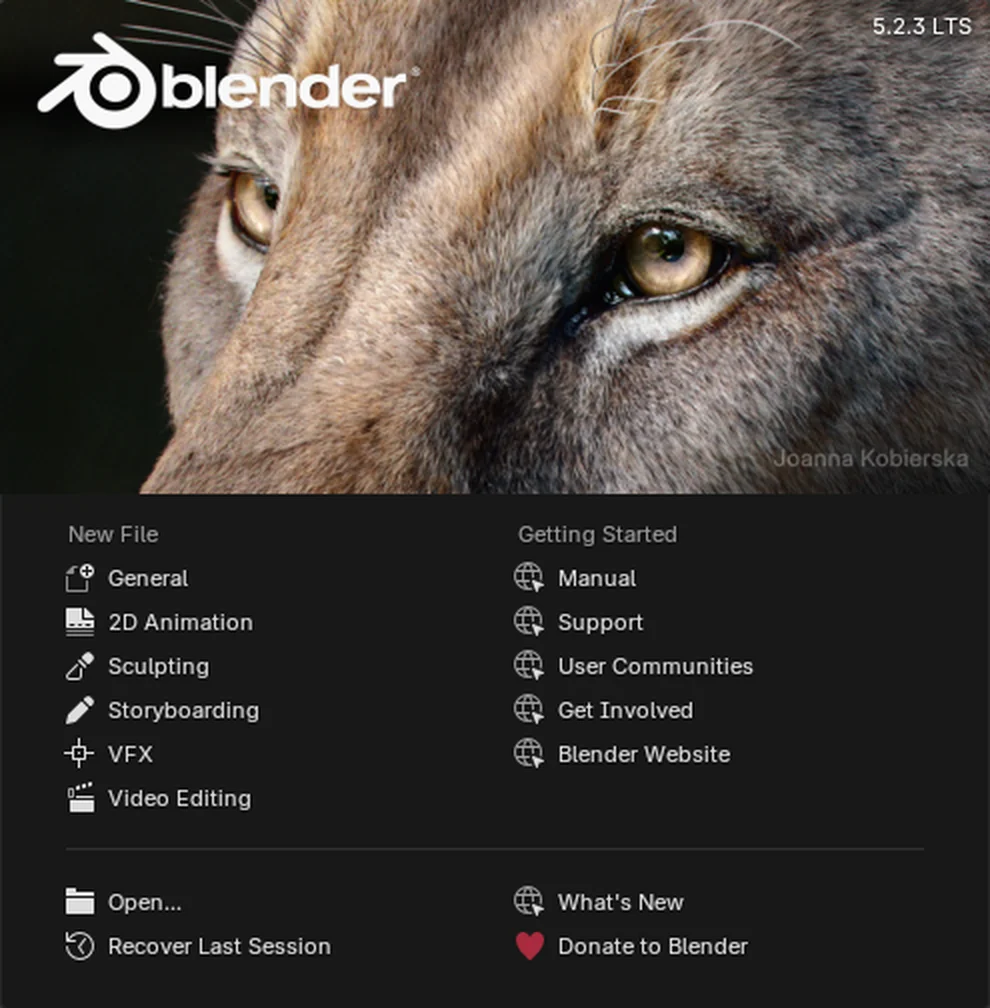
- On the splash screen, under New File, click General to start with an empty scene.
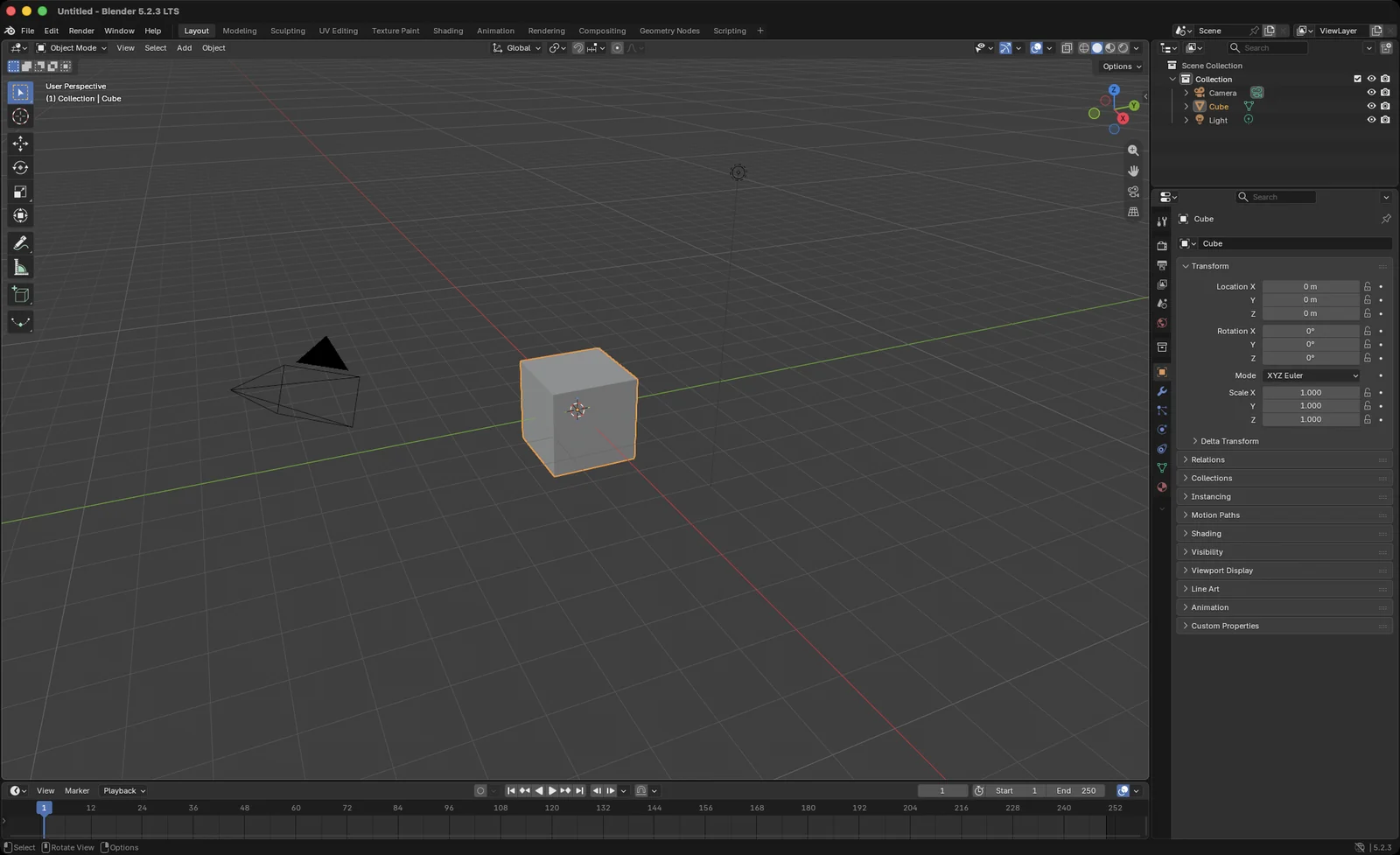
Blender opens with its default scene: a cube, a camera and a light.
Connect Blender to 3D-Agent
Keep Blender open and start 3D-Agent. The app finds Blender, installs its agent_3d extension, and connects. You don’t install anything in Blender yourself. See Connect to Blender.